think-cell Core: Presentation basics
- Home
- Resources
- User manual
- think-cell Core: Presentation basics
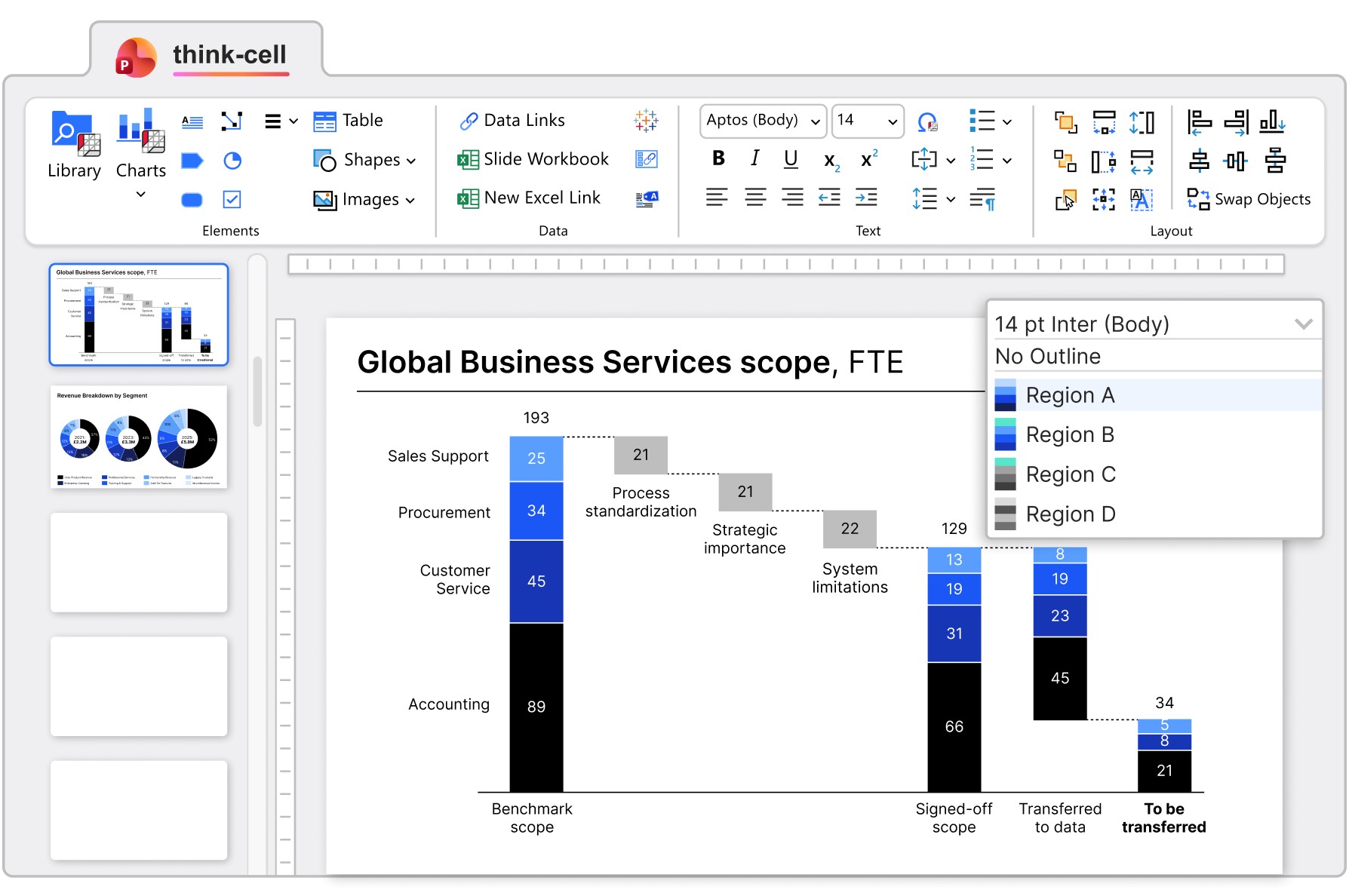
think-cell Core is a foundational feature set that helps you create presentations faster and with more precision.
Streamline your tasks with think-cell Tools
Enhance your slide layouts, ensure accuracy, and aid collaboration.
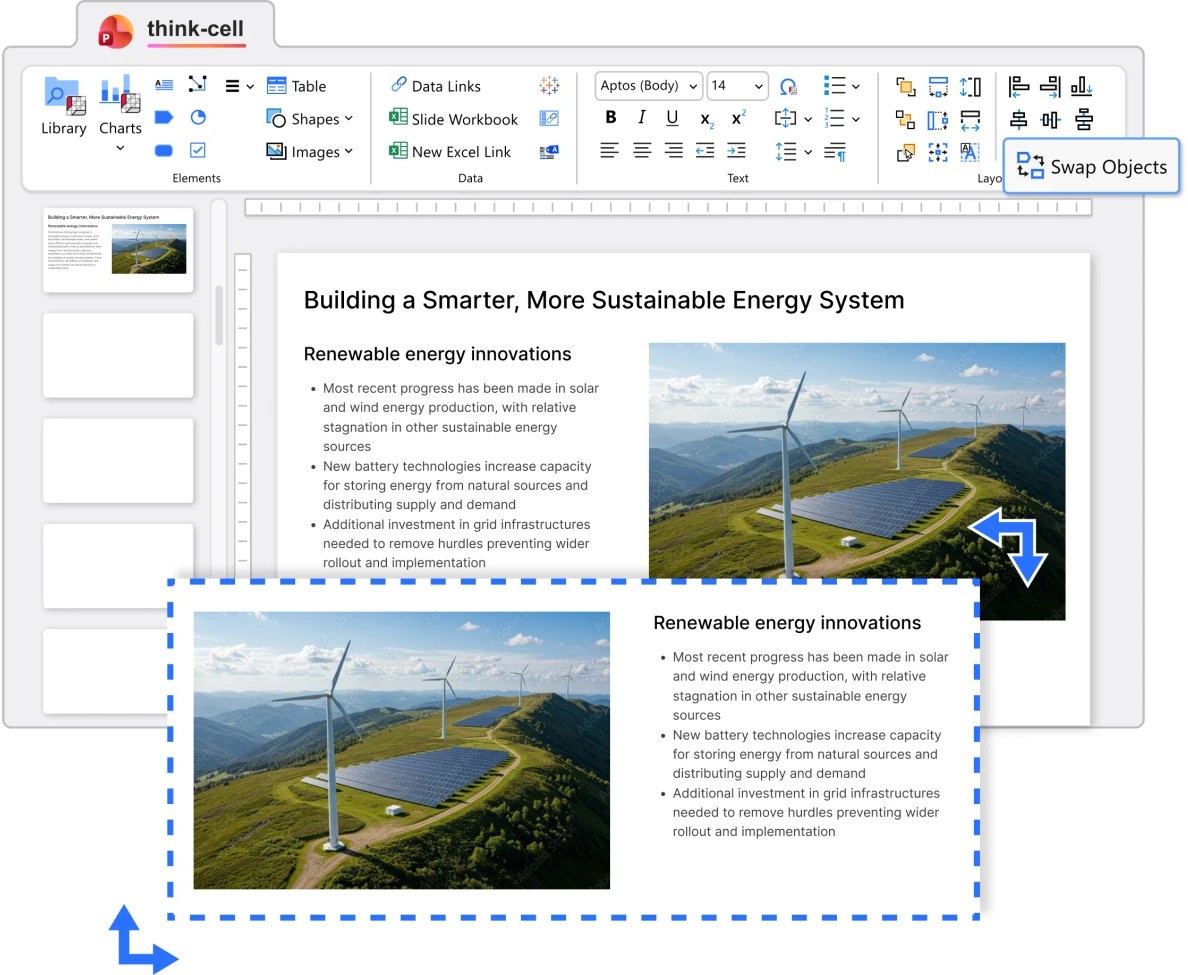
To quickly adjust and refine your slide layout, you can Align and match sizes, Swap objects, and Replace and resize fonts.
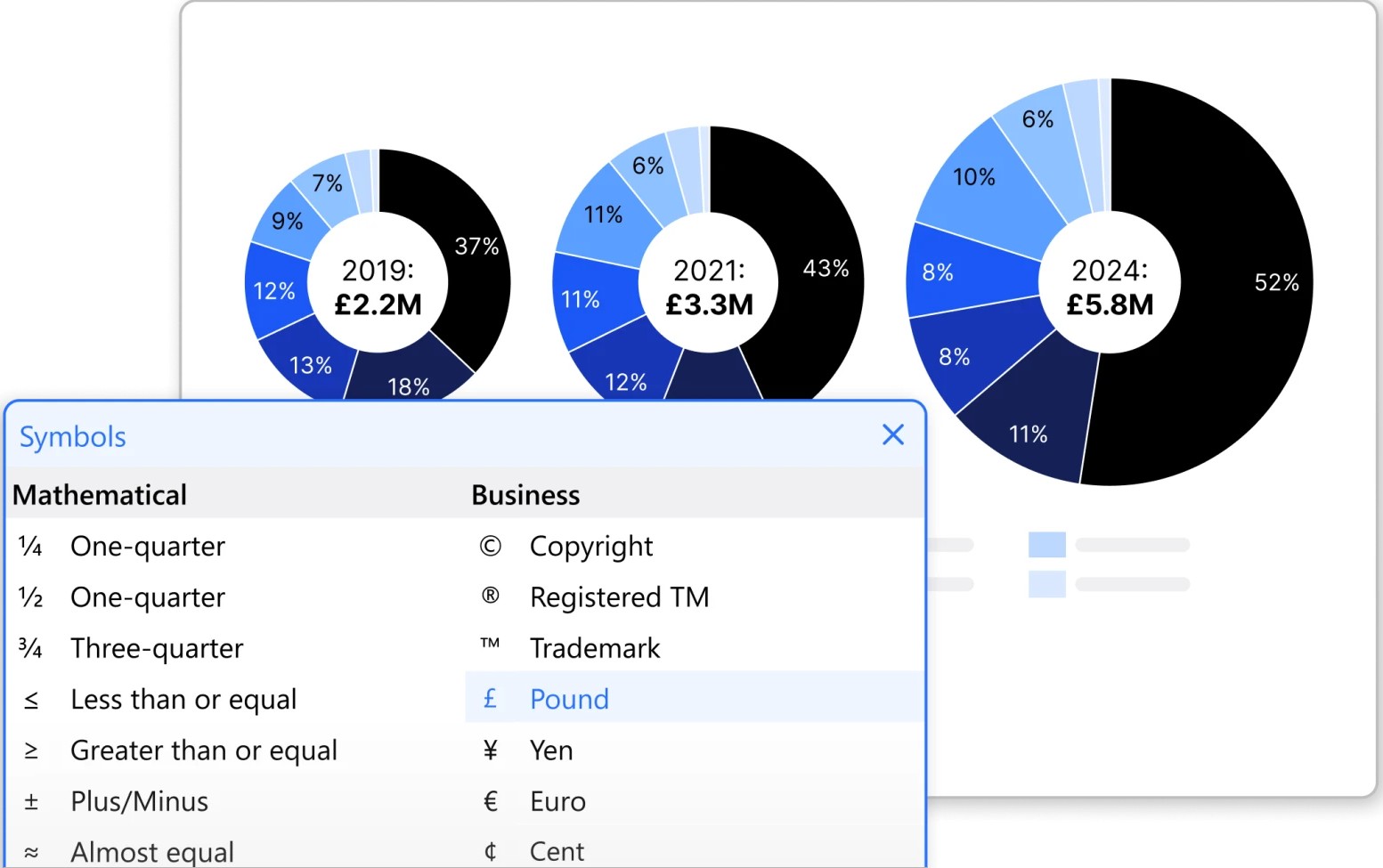
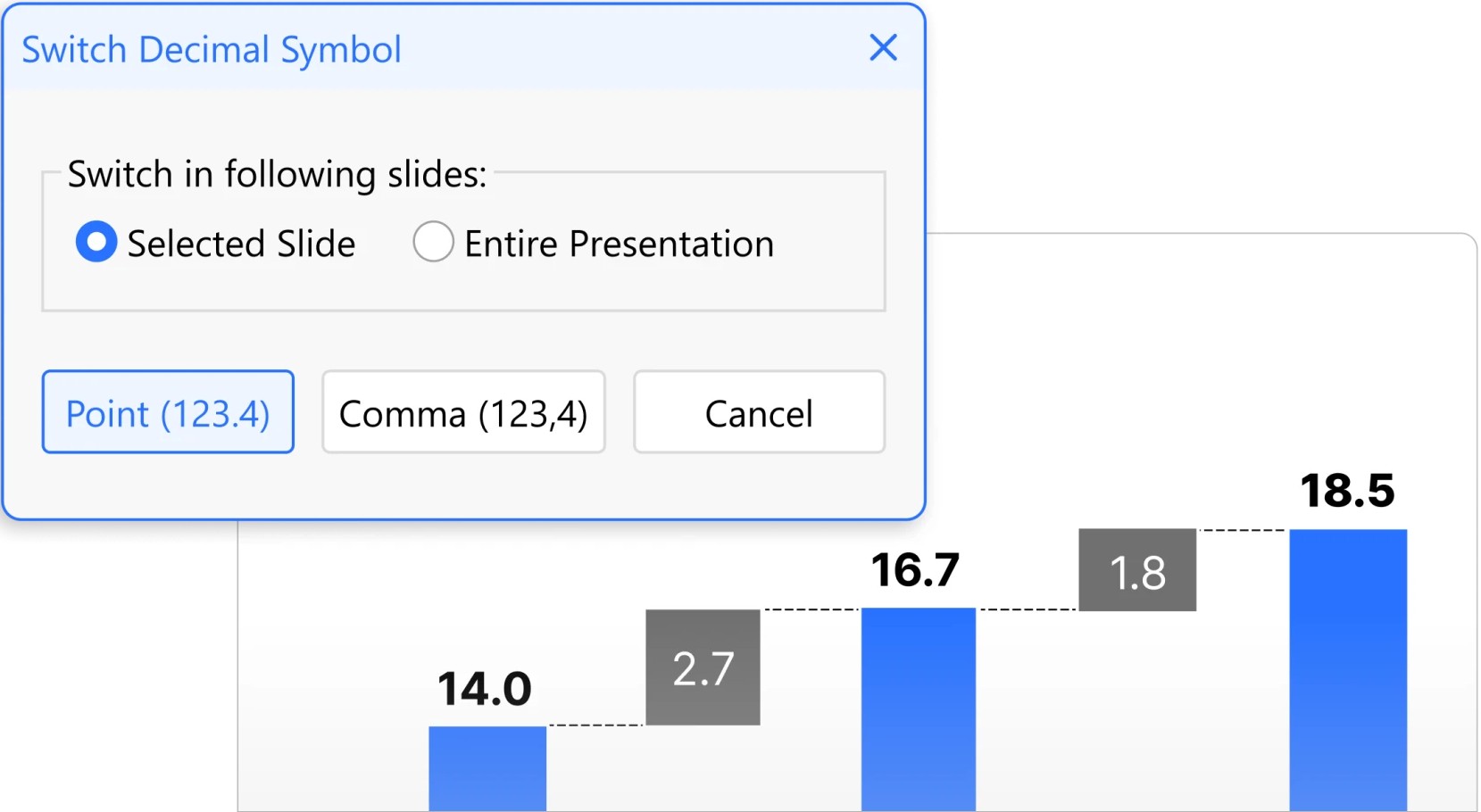
To ensure accuracy across international contexts, you can Change the proofing language and Switch decimal symbols.
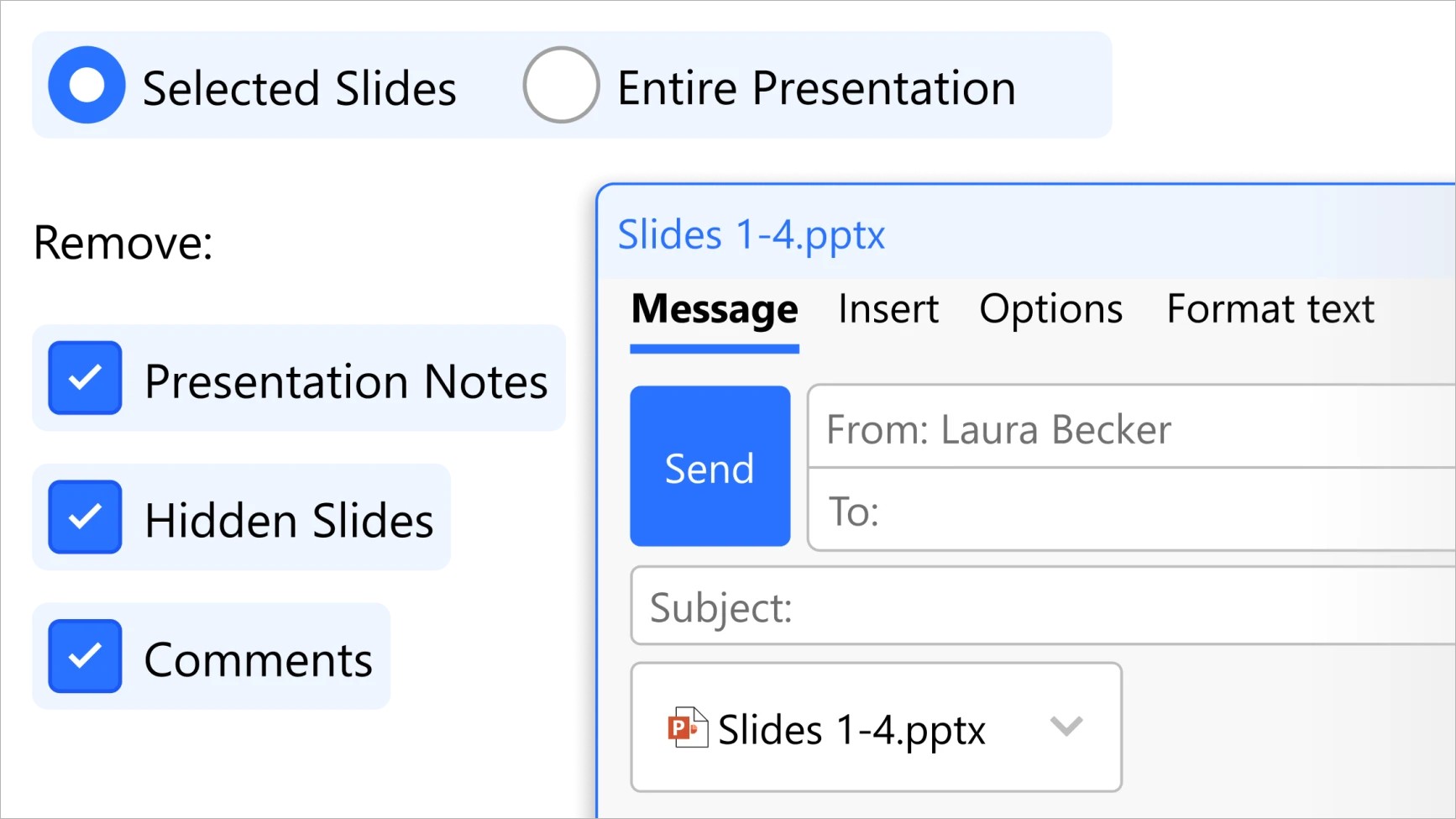
When you're ready to share your work, Clean up and sanitize your presentation before you Send and save slides, all directly from within PowerPoint.
Build professional slides with think-cell elements
think-cell's versatile text boxes and graphic elements help you create well-structured slides.
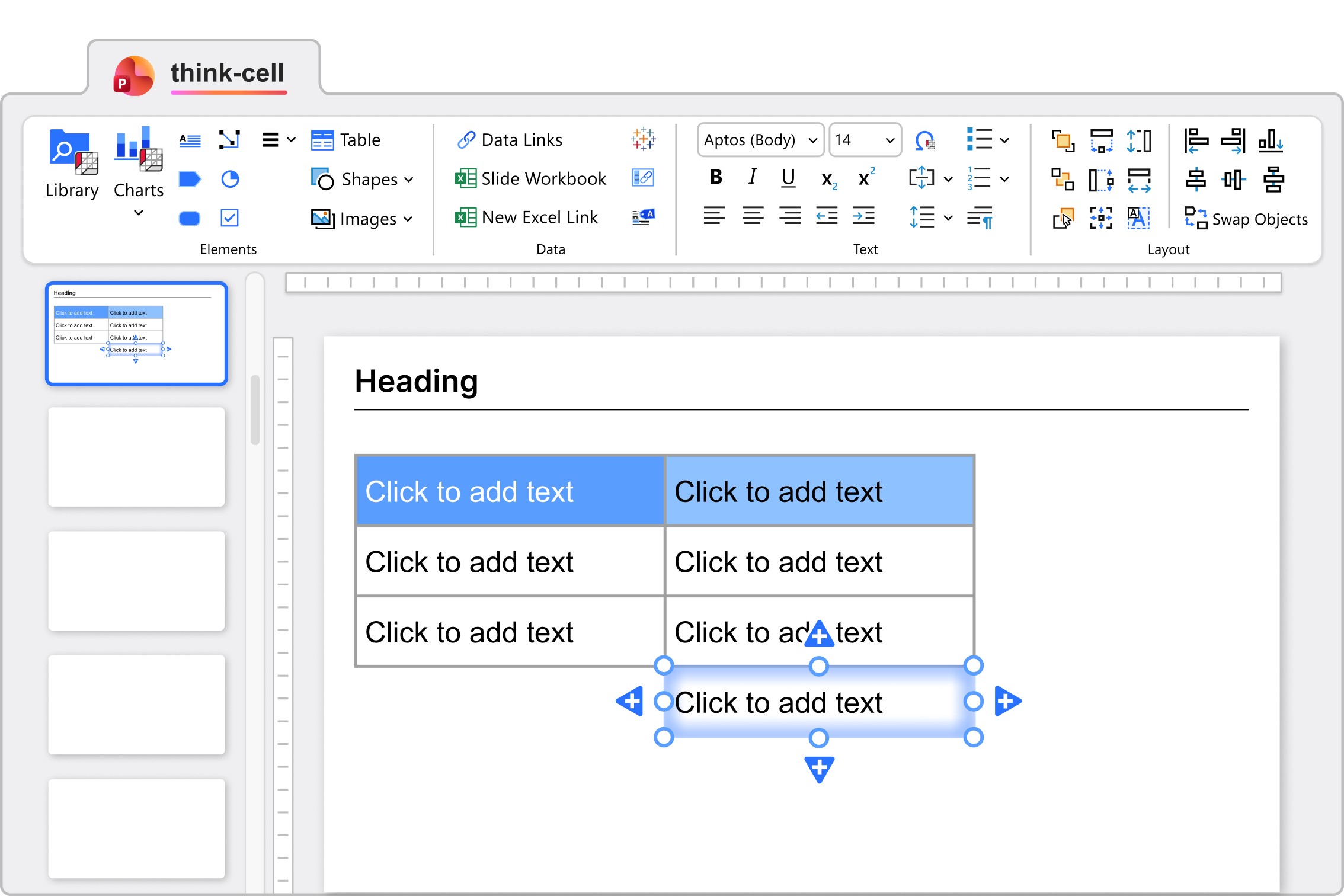
Text boxes and Tables automatically fit their size to their contents, so you don't have to constantly adjust the layout.
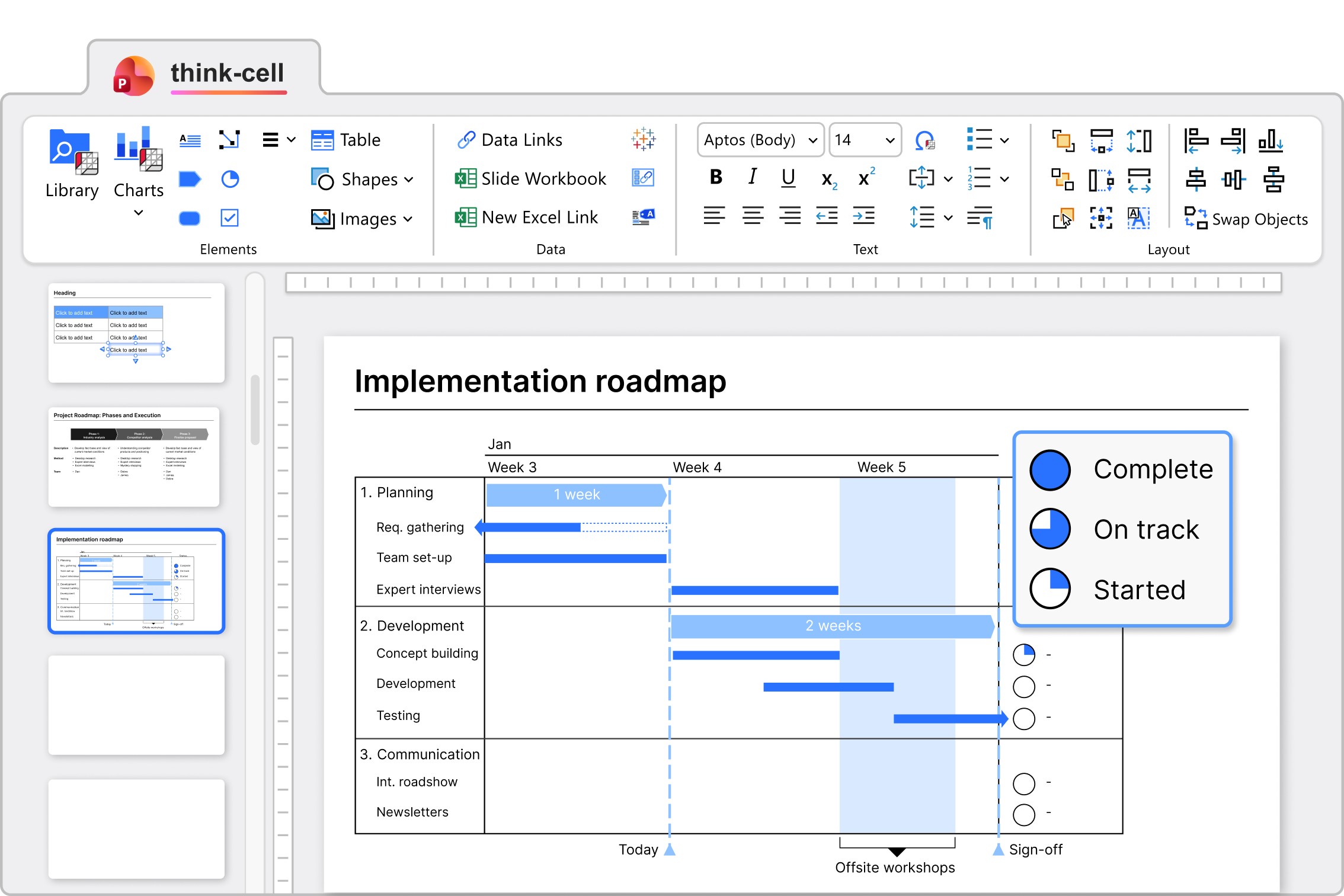
Harvey balls and checkboxes show progress, status, and on or off values. Update them with a click or keyboard shortcuts.
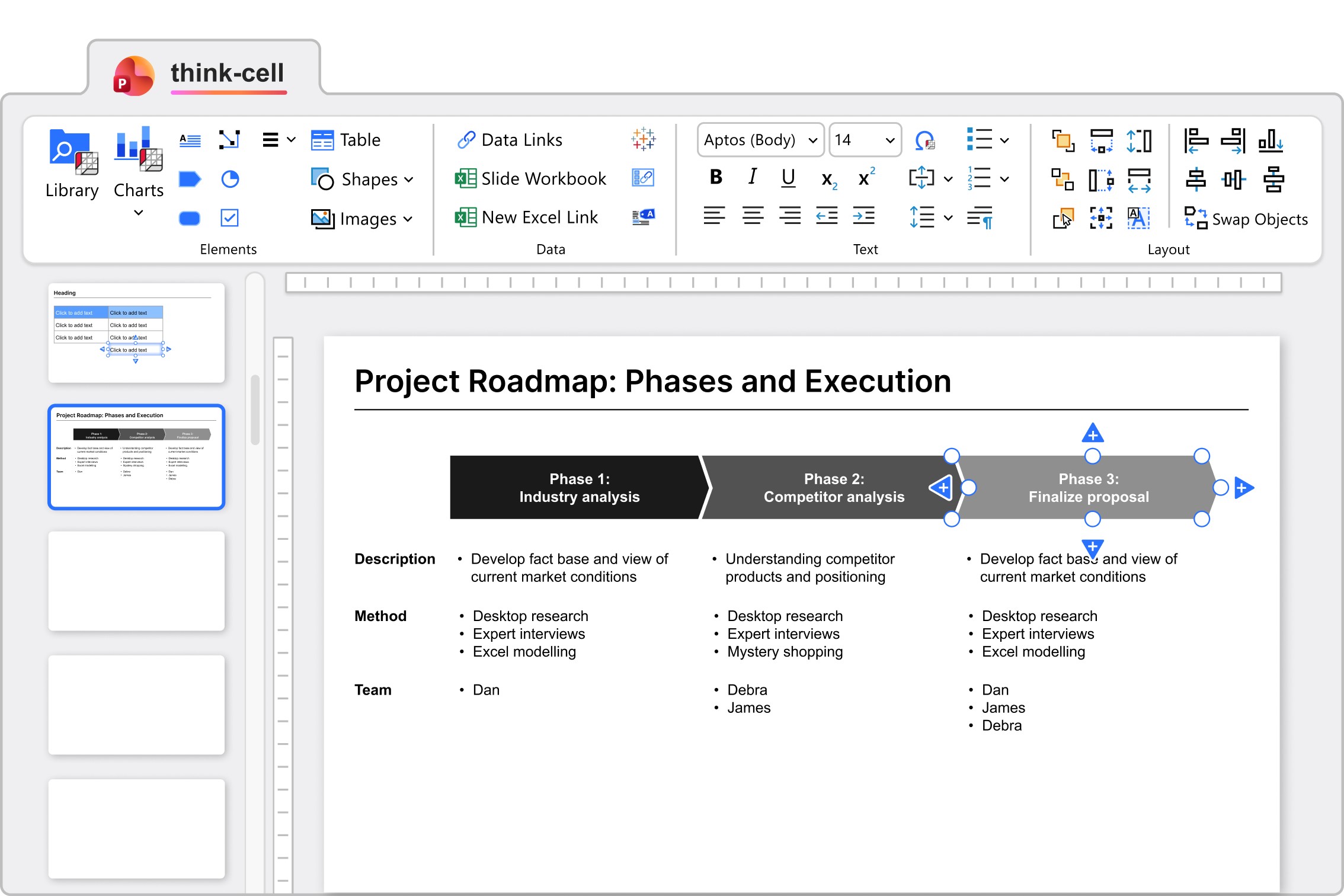
Pentagons and chevrons snap together with text boxes so that you can easily represent Process flows.
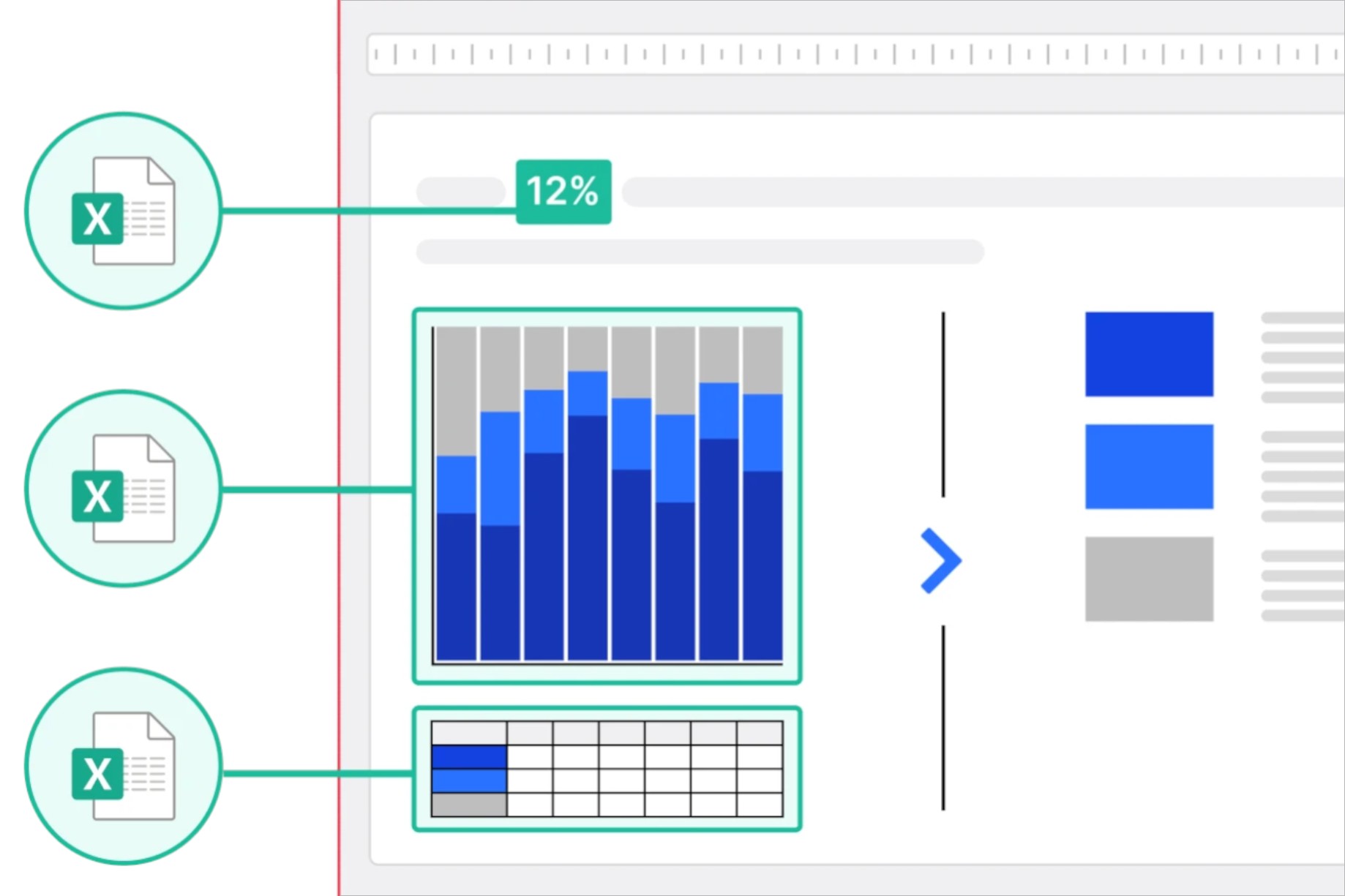
In think-cell Suite, you can maintain data consistency by linking elements to external data sources.
Maintain structure and consistency
think-cell presentations maintain their structure and branding, even through multiple rounds of edits.
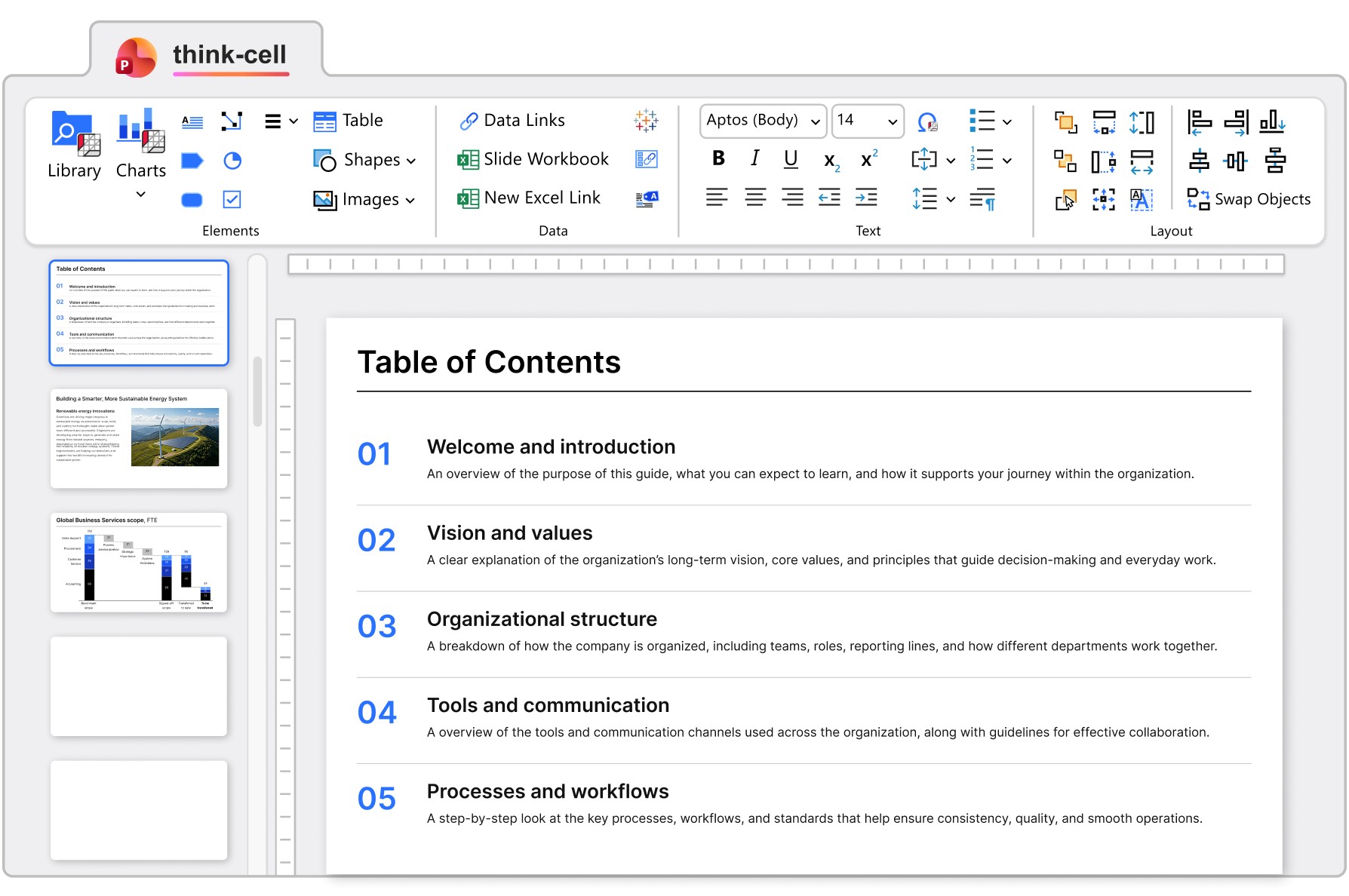
Structure your presentations with Agendas. Tables of contents and other agenda slides automatically reflect your latest structure.
To standardize color schemes and fonts across your presentations, Change default colors and fonts or create Style files.