Get to know think-cell
- Home
- Resources
- User manual
- Get to know think-cell
The think-cell user interface integrates seamlessly into PowerPoint and Excel to help you build presentations more efficiently. Here's an overview of the think-cell UI.
think-cell ribbon controls
think-cell adds tabs, groups, and commands to the PowerPoint and Excel ribbons. The think-cell tab includes popular commands from think-cell and Microsoft Office to help streamline your workflow.


think-cell elements
think-cell elements are feature-rich slide objects such as text boxes, images, icons, agendas, and more. If you have think-cell Suite, you can also use think-cell charts, and you can link charts and other elements to external data sources.
Context menu
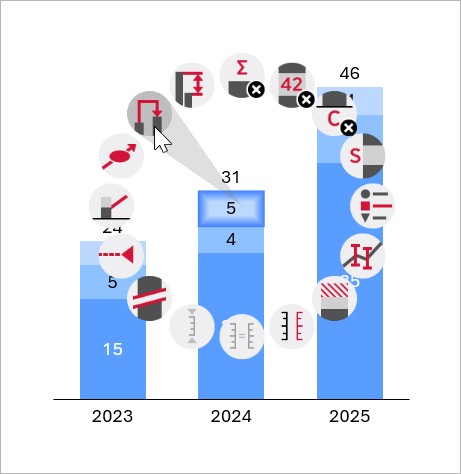
Add, remove, and adjust think-cell elements and chart features using the context menu. The context menu adapts to the elements or features that you select.
Mini toolbar
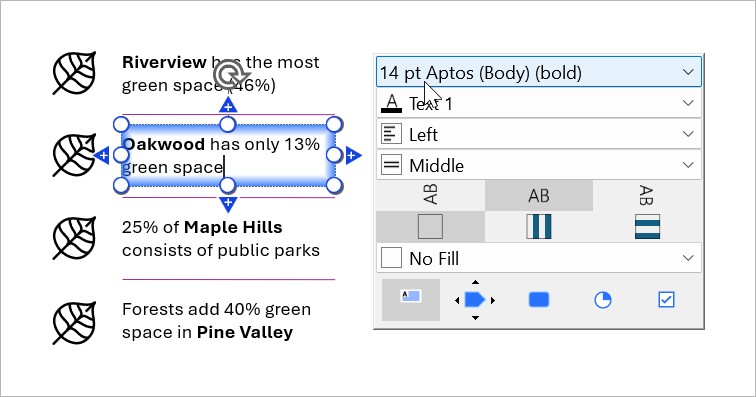
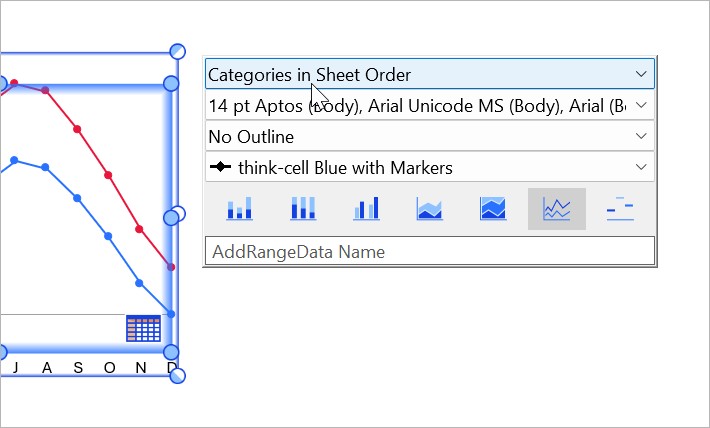
Format think-cell elements and chart features using the mini toolbar. You can change fonts, fills, number formats, data markers, and more.
Keyboard and mouse shortcuts
Boost your productivity by using keyboard and mouse shortcuts.
Need to troubleshoot?
Read our knowledge base