Looking for more than the essentials?
Upgrade today and create impactful presentations supported by data-driven charts and advanced automations.
- Keep the full functionality of think-cell Essentials, and use more powerful features.
- Tell engaging stories with data-driven tables and 40+ professional chart types.
- Automate your reports and stay in control with flexible, robust Excel links.

Discover the smartest way of working with PowerPoint
Every business presentation can benefit from the think-cell Suite.
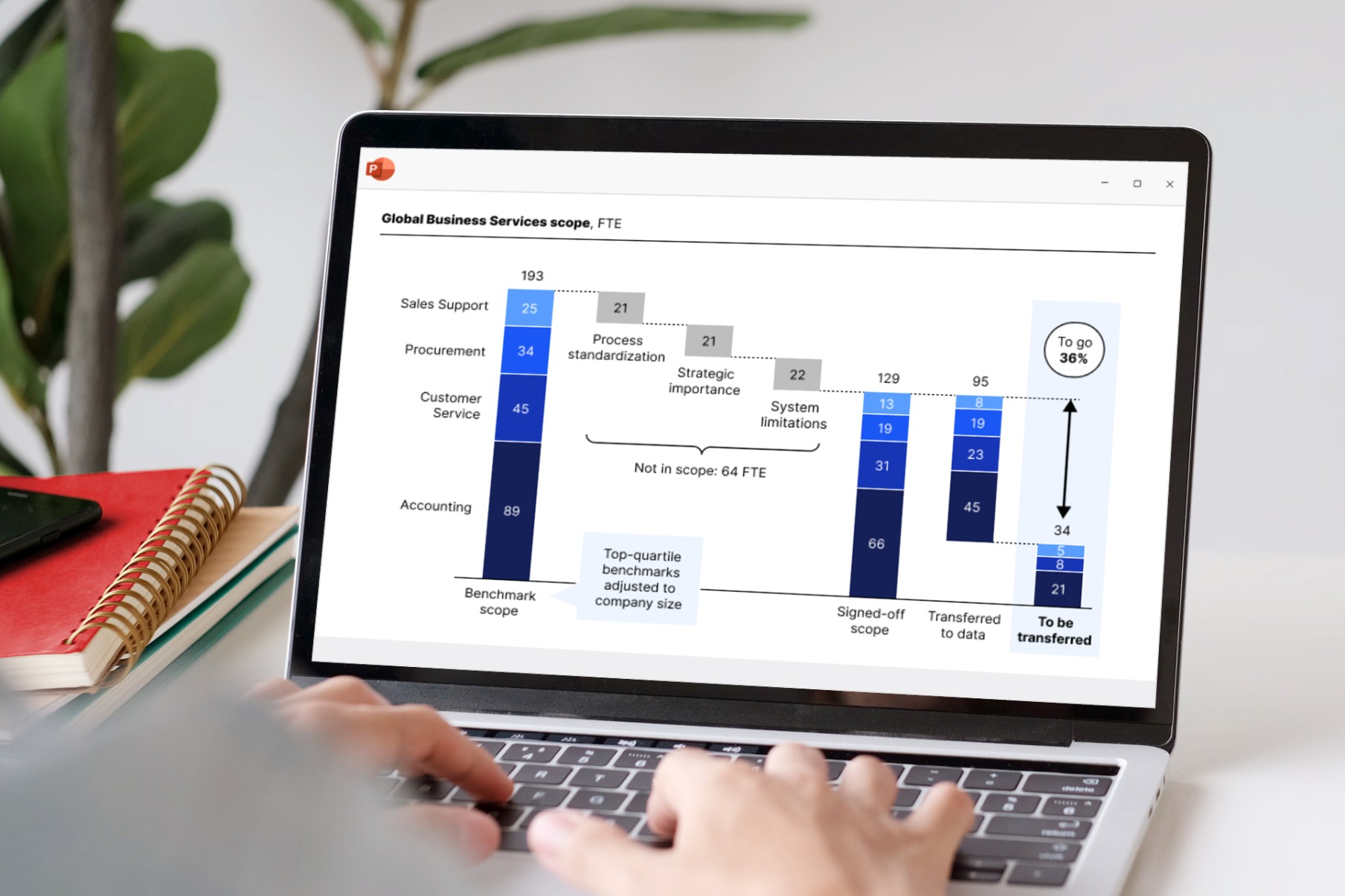
Create charts and presentations
Smart automations make slide-building easier.
- Enhance your storytelling with powerful data-driven charts.
- Use precision tools for slick layouts and error-free slides.
- Work faster with a user interface built for maximum productivity.
Power tables with your data
Include formula-based data in your presentation without needing a separate Excel spreadsheet. No need to manually adjust values.
- Use familiar Excel formulas to automate calculations.
- Easily apply styles like row and column striping.
- Add Harvey balls and checkboxes that sync with your datasheet.
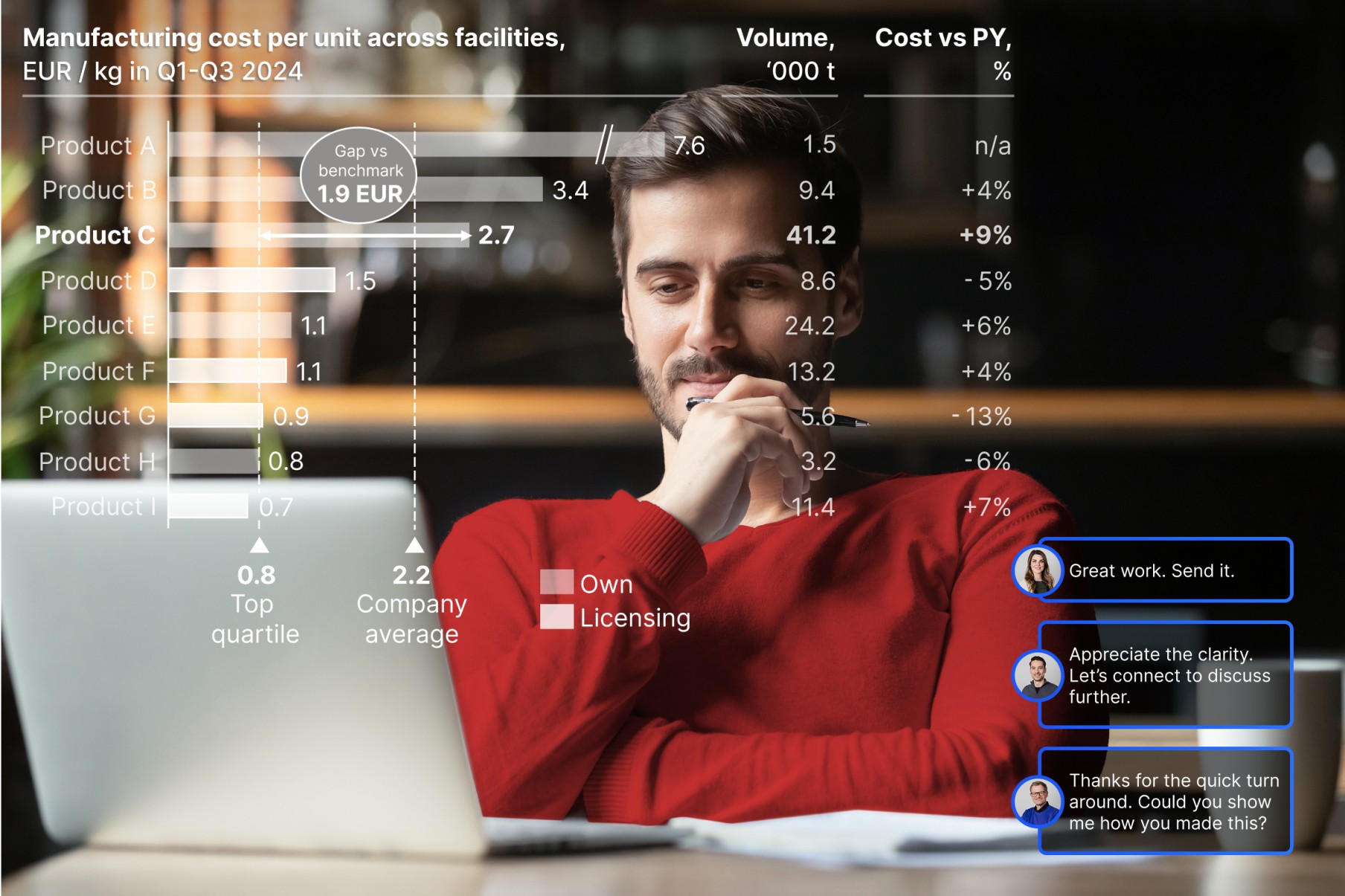
Automate your reports with Excel linking
Accurate data boosts your credibility.
- Link any PowerPoint object to your Excel data.
- Build automated dashboards that update when data refreshes.
- Stay in control by choosing automatic or on-demand updates.


think-cell is already integrated with our master file, so our charts automatically match Almirall’s brand colors without any extra work. It’s seamless.


As soon as I‘ve validated the data in Excel, I can use think-cell to update everything on my slide at once. One bulk update and all my linked charts and individual values are refreshed.


The features I rely on the most are Gantt charts, bubble charts, stacked column charts, Mekko charts, split agendas and the Save & Send Slides feature. think-cell makes using these features incredibly intelligent and intuitive.


The tool’s intuitive interface made it easy for our team to learn and use, significantly reducing the time we spent on presentation preparation.