必須アイテムを超えるものをお探しですか?
今すぐアップグレードして、データ駆動型のグラフと高度な自動化によりサポートされるインパクトのあるプレゼンテーションを作成します。
- think-cell Essentialsの全機能を維持し、より強力な機能を使用します。
- データ駆動型の表と40種類以上のプロフェッショナルグラフタイプで興味を引き付けるストーリーを語りましょう。
- 柔軟で堅牢なExcelリンクで、レポートを自動化し、管理を維持します。

PowerPointでの最も効率的な作業方法を発見しましょう
あらゆるビジネスプレゼンテーションが、think-cell Suiteのメリットを受けることができます。
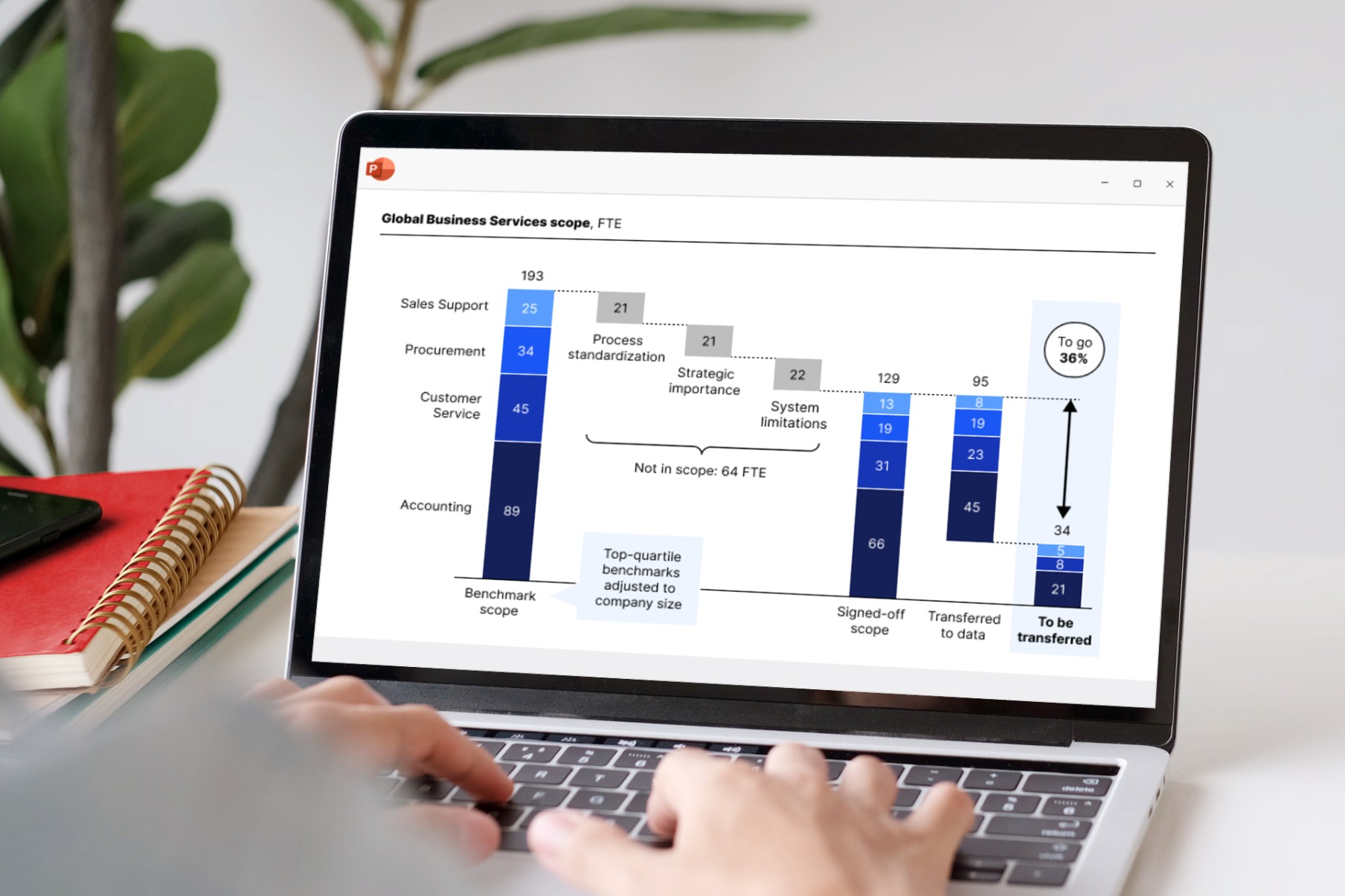
グラフやプレゼンテーションの作成
スマートな自動化により、スライドの作成が簡単になります。
- 強力なデータ駆動型のグラフを使用して、ストーリーを強化します。
- 精密なツールを使用して、洗練されたレイアウトと完璧なスライドを作成します。
- 生産性を最大限に高めるために構築されたユーザーインターフェイスを使用して、作業を高速化します。
データでテーブルをパワーアップ
別のExcelスプレッドシートを必要とせずに、プレゼンテーションに数式に基づいたデータを含めることができます。値を手動で調整する必要はありません。
- 使い慣れたExcel数式を使用して、計算を自動化します。
- 行や列のストライプなどのスタイルを簡単に適用できます。
- データシートと同期するハーベイ・ボール/チェックボックスを追加します。

Excelリンクでレポートを自動化
正確なデータは信頼性を高めます。
- 任意のPowerPointオブジェクトをExcelデータにリンクします。
- データが更新されると自動的に更新されるダッシュボードを構築します。
- 自動更新またはオンデマンド更新を選択して、制御を維持します。



think-cell is already integrated with our master file, so our charts automatically match Almirall’s brand colors without any extra work. It’s seamless.


As soon as I‘ve validated the data in Excel, I can use think-cell to update everything on my slide at once. One bulk update and all my linked charts and individual values are refreshed.


The features I rely on the most are Gantt charts, bubble charts, stacked column charts, Mekko charts, split agendas and the Save & Send Slides feature. think-cell makes using these features incredibly intelligent and intuitive.


The tool’s intuitive interface made it easy for our team to learn and use, significantly reducing the time we spent on presentation preparation.