想要的不仅仅是基本功能?
立即升级,创建由数据驱动图表和高级自动化支持的出色演示文稿。
- 保留 think-cell Essentials 的全部功能,并拥有更加强大的特性。
- 利用数据驱动型表格和 40 多种专业图表讲述引人入胜的故事。
- 利用灵活、强大的 Excel 链接自动完成报告并保持对报告的掌控。

发现使用 PowerPoint 的智能方式
任何商业演示都能因 think-cell Suite 更出色
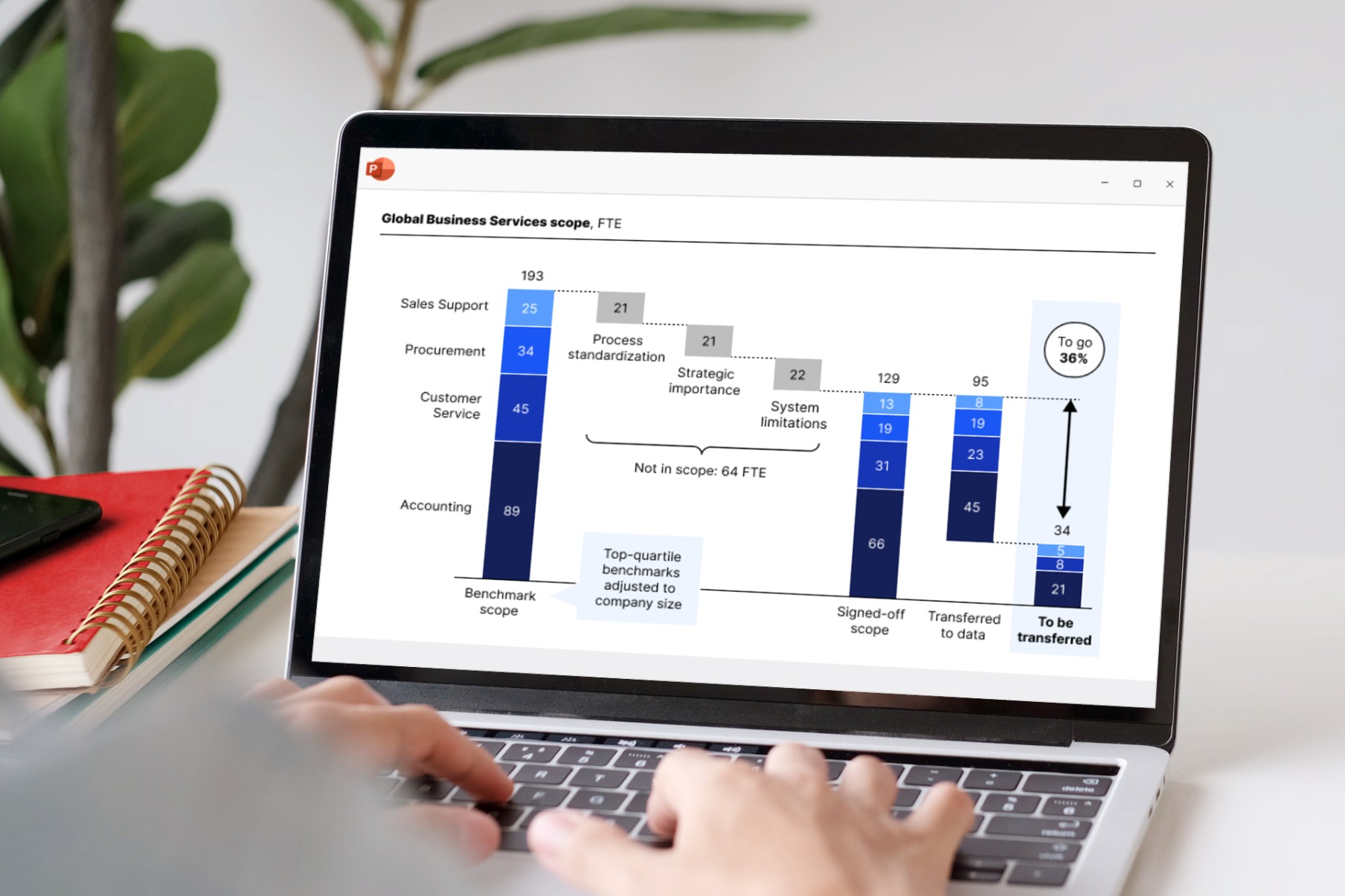
创建图表和演示文稿
智能自动化让幻灯片制作更轻松。
- 强大的数据驱动图表,增强叙事效果。
- 精准布局工具,打造精美无误的幻灯片。
- 专为最大化提升工作效率而设计的用户界面,让工作更快捷。
用您的数据增强表格表现力
在演示文稿中包含基于公式的数据,无需使用单独的 Excel 电子表格。无需手动调整数值。
- 使用熟悉的 Excel 公式自动计算。
- 轻松应用行及列条带等样式。
- 添加与数据表同步的 Harvey ball 和复选框。
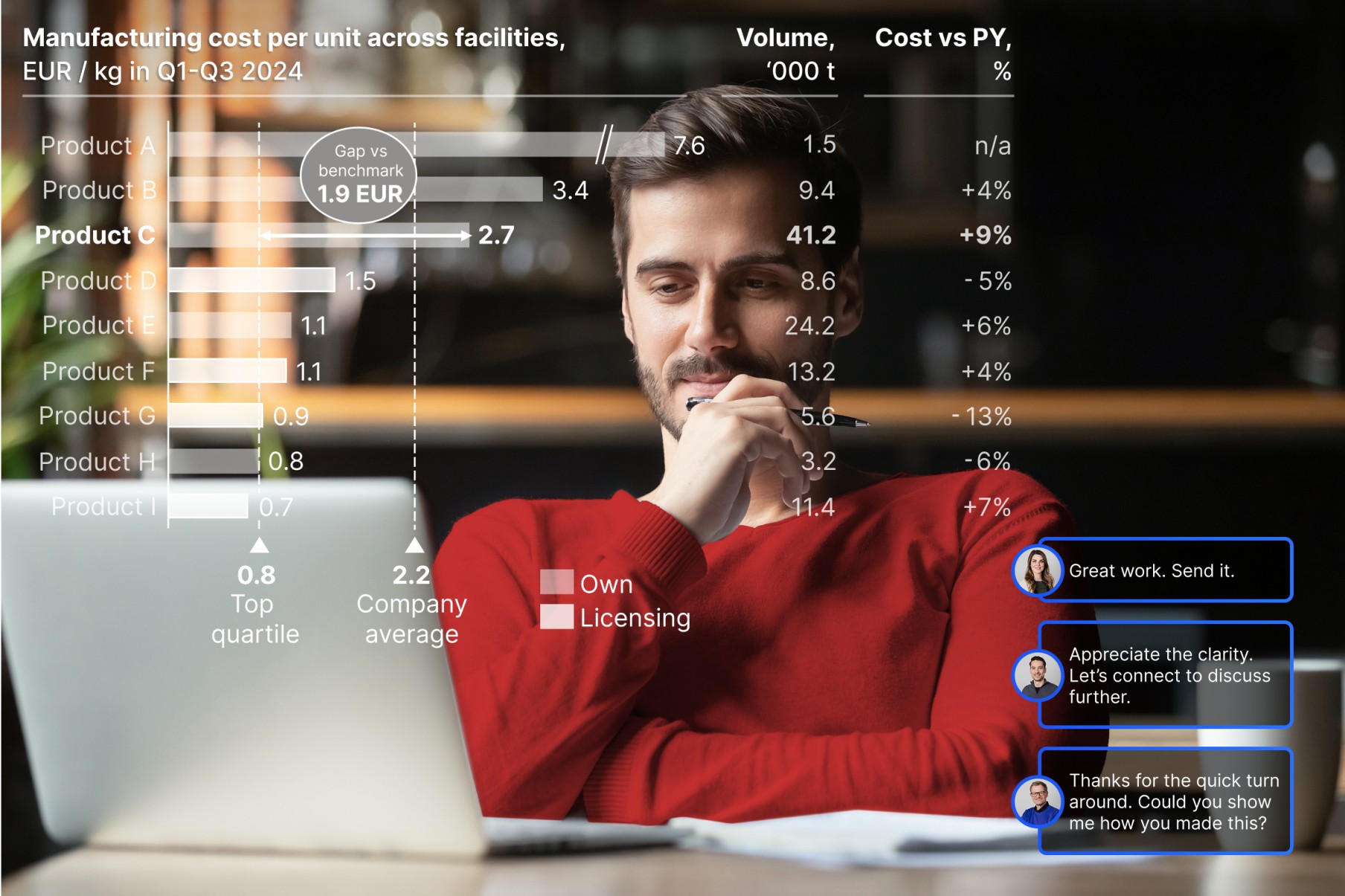
通过 Excel 链接自动化报告
准确数据提升您的可信度。
- 将 PowerPoint 对象与 Excel 数据关联。
- 创建随数据更新的自动化仪表板。
- 随心掌控,可选自动或按需更新模式。


think-cell is already integrated with our master file, so our charts automatically match Almirall’s brand colors without any extra work. It’s seamless.


As soon as I‘ve validated the data in Excel, I can use think-cell to update everything on my slide at once. One bulk update and all my linked charts and individual values are refreshed.


The features I rely on the most are Gantt charts, bubble charts, stacked column charts, Mekko charts, split agendas and the Save & Send Slides feature. think-cell makes using these features incredibly intelligent and intuitive.


The tool’s intuitive interface made it easy for our team to learn and use, significantly reducing the time we spent on presentation preparation.