Video tutorials
Introducing thinkcell Assist
Learn how thinkcell Assist's AI-powered features can help you make your best slides more effective.

Want to try thinkcell?
thinkcell Assist tutorials

Bringing AI into PowerPoint
Welcome to thinkcell 14
Whether you're a complete beginner or an advanced user, our video tutorials will help you get the most out of thinkcell.

Get started

Installation and update

Get started with thinkcell charts

Get started with thinkcell elements
Charts

Data entry

Extracting numerical data from images

Text labels

Stacked, clustered and 100% chart

Annotations and decorations, part 1

Annotations and decorations, part 2

Charts with data tables

Waterfall chart

Mekko chart

Pie chart and doughnut chart

Scatter chart and bubble chart

Line chart, profile chart, area chart, area 100% chart, combination chart

Gantt chart

Excel-based Gantt chart

Excel data links

Tableau data

Create a box and whisker chart

Create a bubble chart matrix
Agendas

Agenda: Basics

Agenda: Formatting, placement, and agenda splitters
thinkcell Library

Add your slides and image assets to the library

Images and icons

Slide templates

Insert your slide and image assets in presentations
thinkcell Tools

thinkcell Tools: Align and match sizes

thinkcell Tools: Clean up and sanitize

thinkcell Tools: Send and save slides

thinkcell Tools: Insert symbols
Slide Science by Dan Galletta
Our friend Dan Galletta from Slide Science created a series of tutorials to help you master thinkcell. Thanks Dan, and keep up the good work!
Beginner tutorials

Save individual slides

Use shortcuts to multi-select

Apply CAGR arrows to charts

Paste values in bulk

Create dynamic agendas

Add agenda sub-chapters
Advanced tutorials

Add averages and value lines

Set chart axes to same scale

Add error bars to line charts
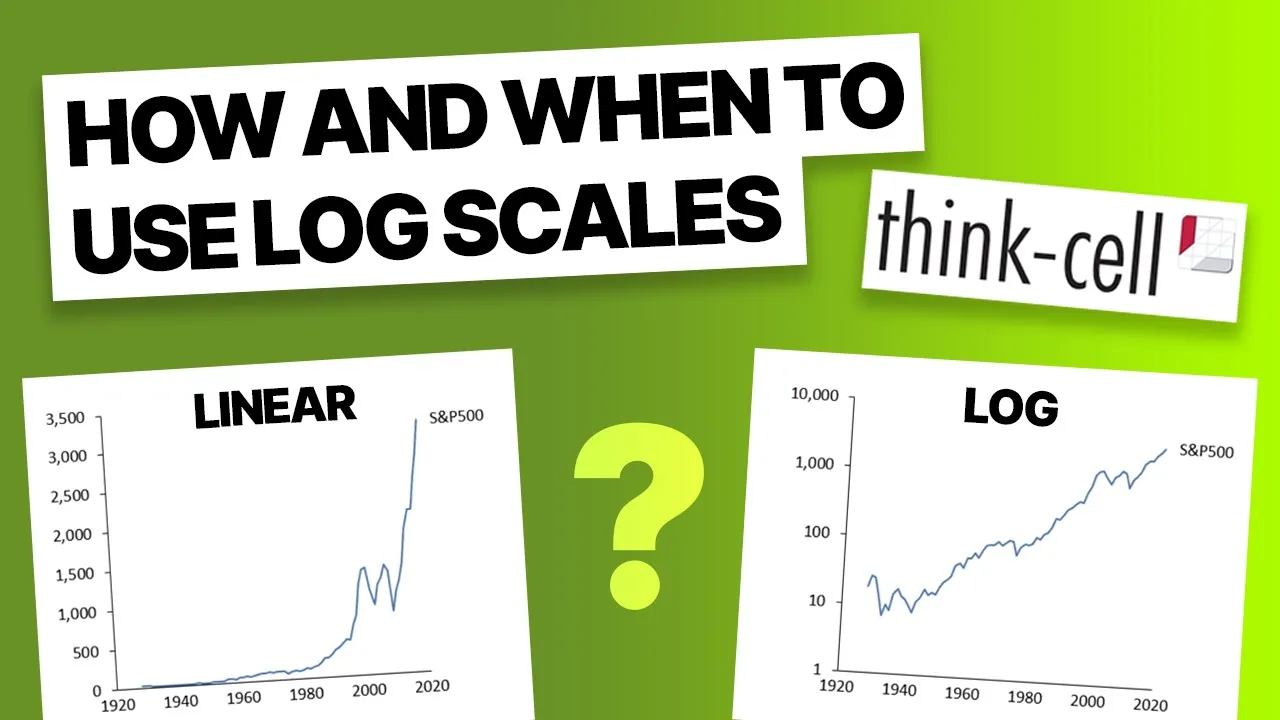
Use log scales in charts

Change fill colors dynamically

Add comparison column to waterfall charts

Add new data to Excel-linked charts automatically