Video tutorials
Welcome to think-cell 14
Whether you're a complete beginner or an advanced user, our video tutorials will help you get the most out of think-cell.

Want to try think-cell?
Get started

Installation and update

Get started with think-cell charts

Get started with think-cell elements
Charts

Data entry

Extracting numerical data from images

Text labels

Stacked, clustered and 100% chart

Annotations and decorations, part 1

Annotations and decorations, part 2

Waterfall chart

Mekko chart

Pie chart and doughnut chart

Scatter chart and bubble chart

Line chart, profile chart, area chart, area 100% chart, combination chart

Gantt chart

Excel-based Gantt chart

Excel data links

Tableau data
Agendas

Agenda: Basics

Agenda: Formatting, placement, and agenda splitters
think-cell Library

think-cell Library: Add your slides and image assets to the library

think-cell Library: Images and icons

think-cell Library: Slide templates

think-cell Library: Insert your slide and image assets in presentations
think-cell Tools

think-cell Tools: Align and match sizes

think-cell Tools: Clean up and sanitize

think-cell Tools: Send and save slides

think-cell Tools: Insert symbols
Slide Science by Dan Galletta
Our friend Dan Galletta from Slide Science created a series of tutorials to help you master think-cell. Thanks Dan, and keep up the good work!
Beginner tutorials

Save individual slides

Use shortcuts to multi-select

Apply CAGR arrows to charts

Paste values in bulk

Create dynamic agendas

Add agenda sub-chapters
Advanced tutorials

How to create a box and whisker chart

How to create a bubble chart matrix

Add averages and value lines

Set chart axes to same scale

Add error bars to line charts
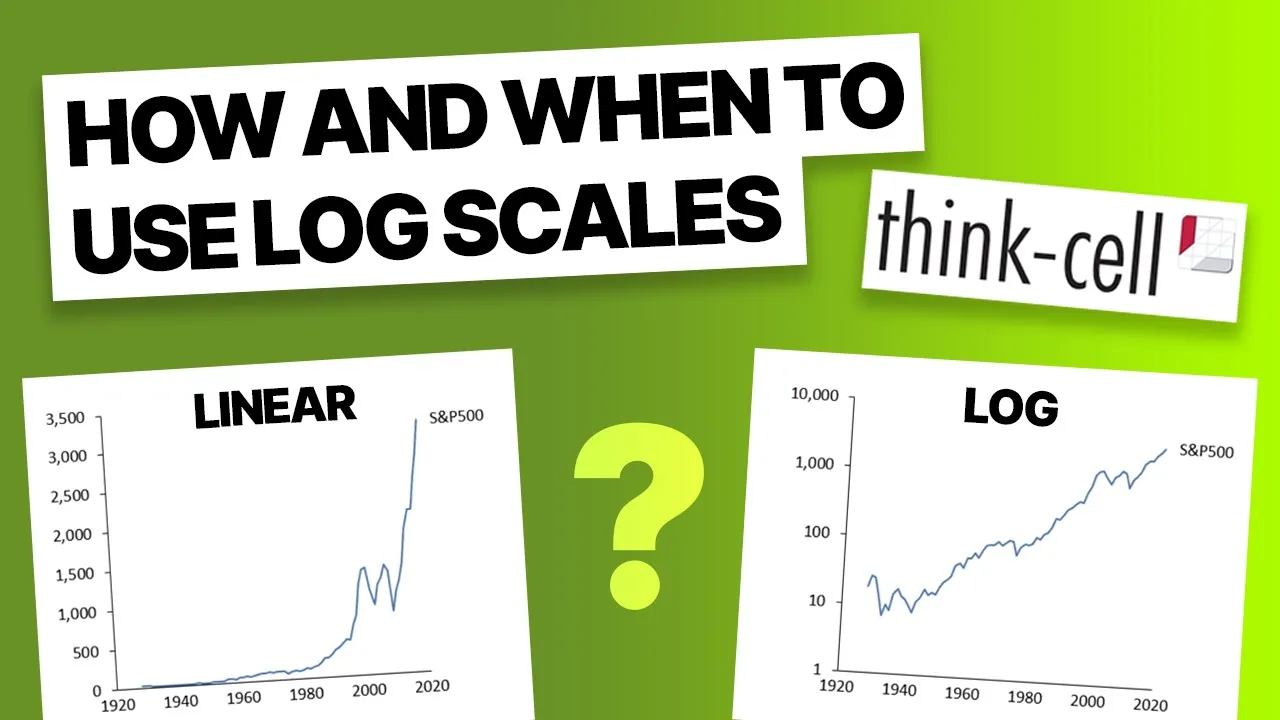
Use log scales in charts

Change fill colors dynamically

Add comparison column to waterfall charts

Add new data to Excel-linked charts automatically