Automate your slide creation
- Data automation and live Excel links
- Smart layout and automatic labeling
- Agenda and slide structure that stay in sync
think-cell in numbers
end users worldwide
customers
Fortune 100 companies
Save up to 70% time working on slides
think-cell’s smart features boost productivity by eliminating manual formatting and cutting chart creation time to minutes.
Excel links
Control how you manage updates to ensure your presentations maintain full data consistency.
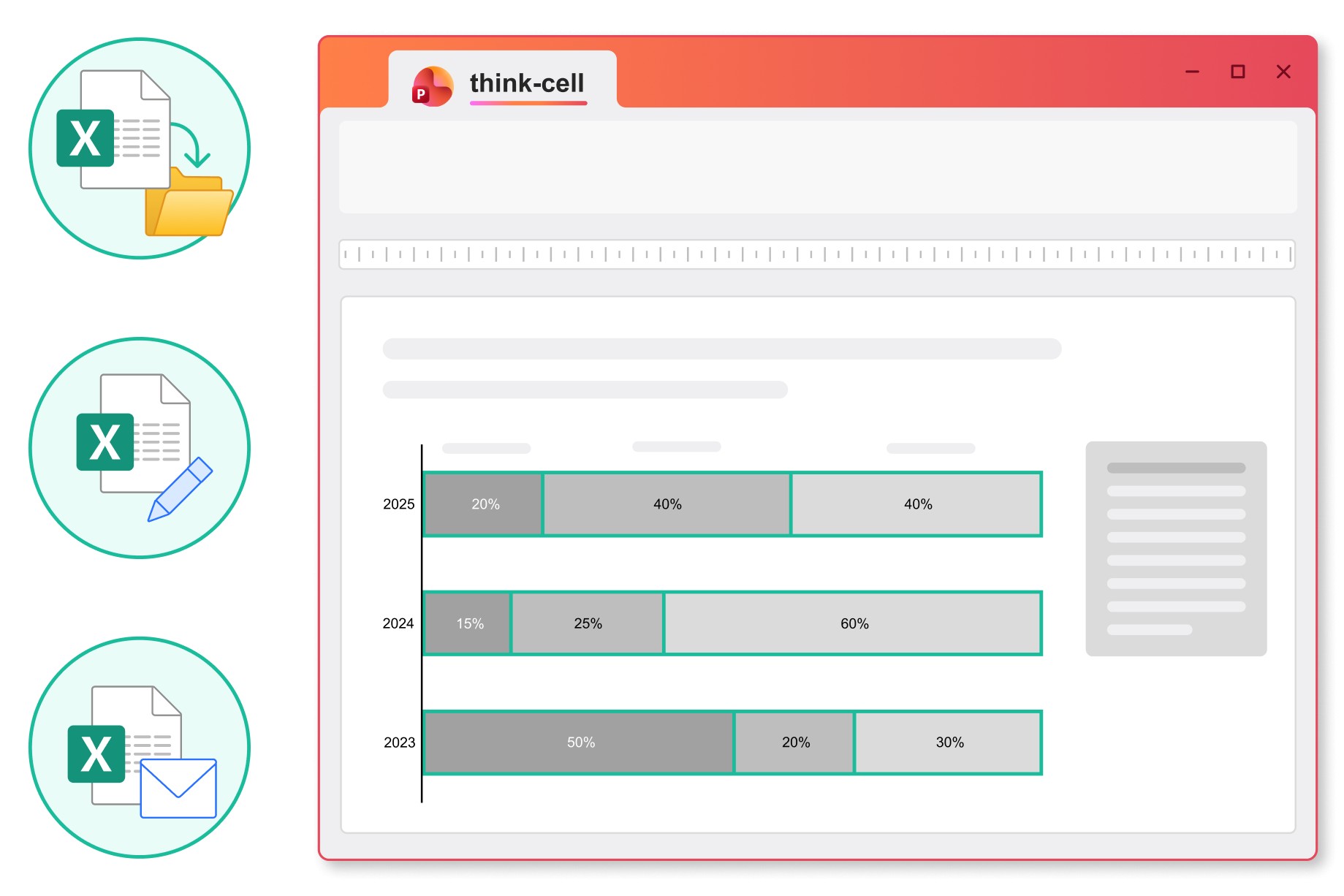
Move, rename or email your Excel files and the links to your PowerPoint presentation will stay intact.
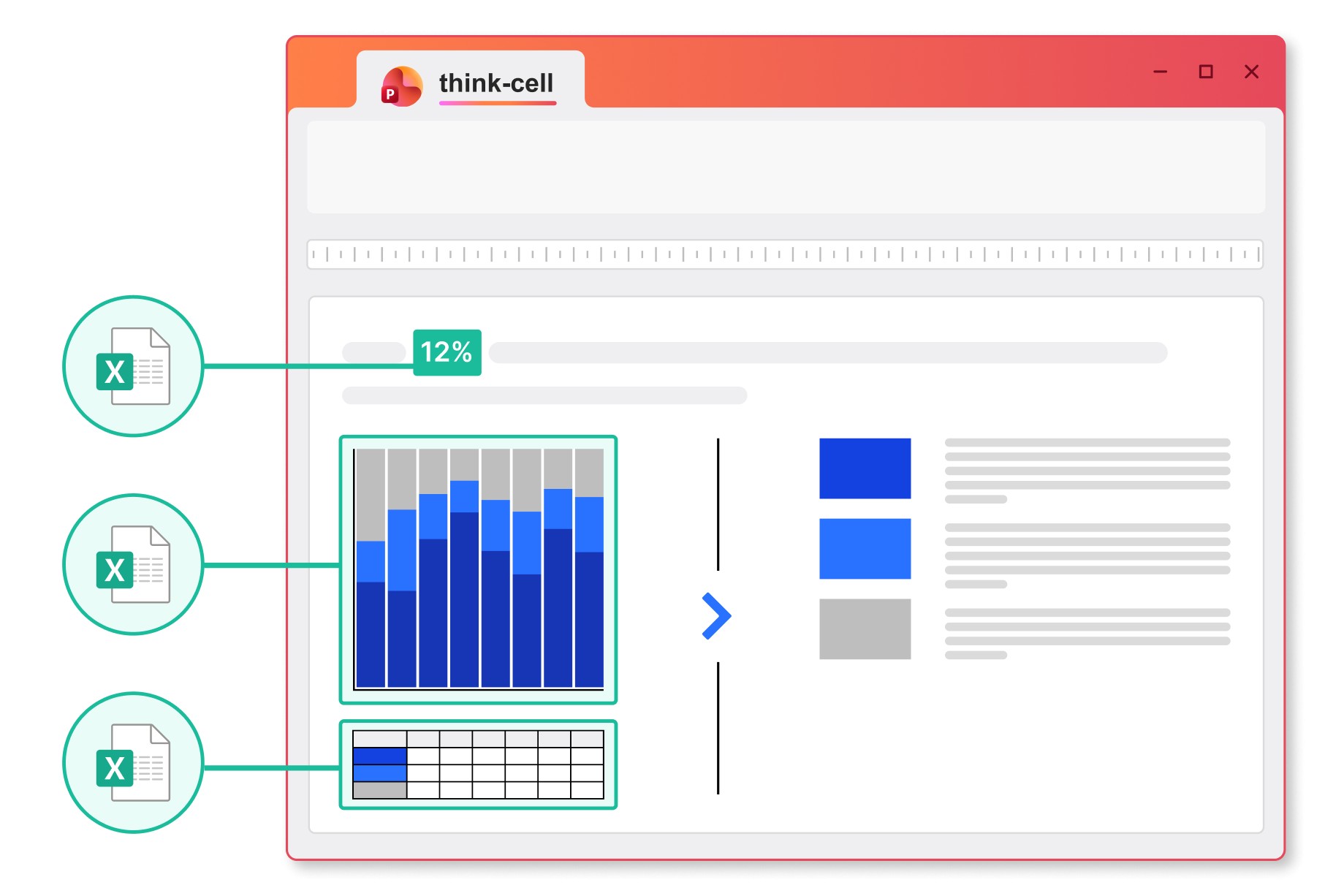
Link any content from a cell in your Excel spreadsheet to charts, tables, in-line text or any other object in your PowerPoint presentation.
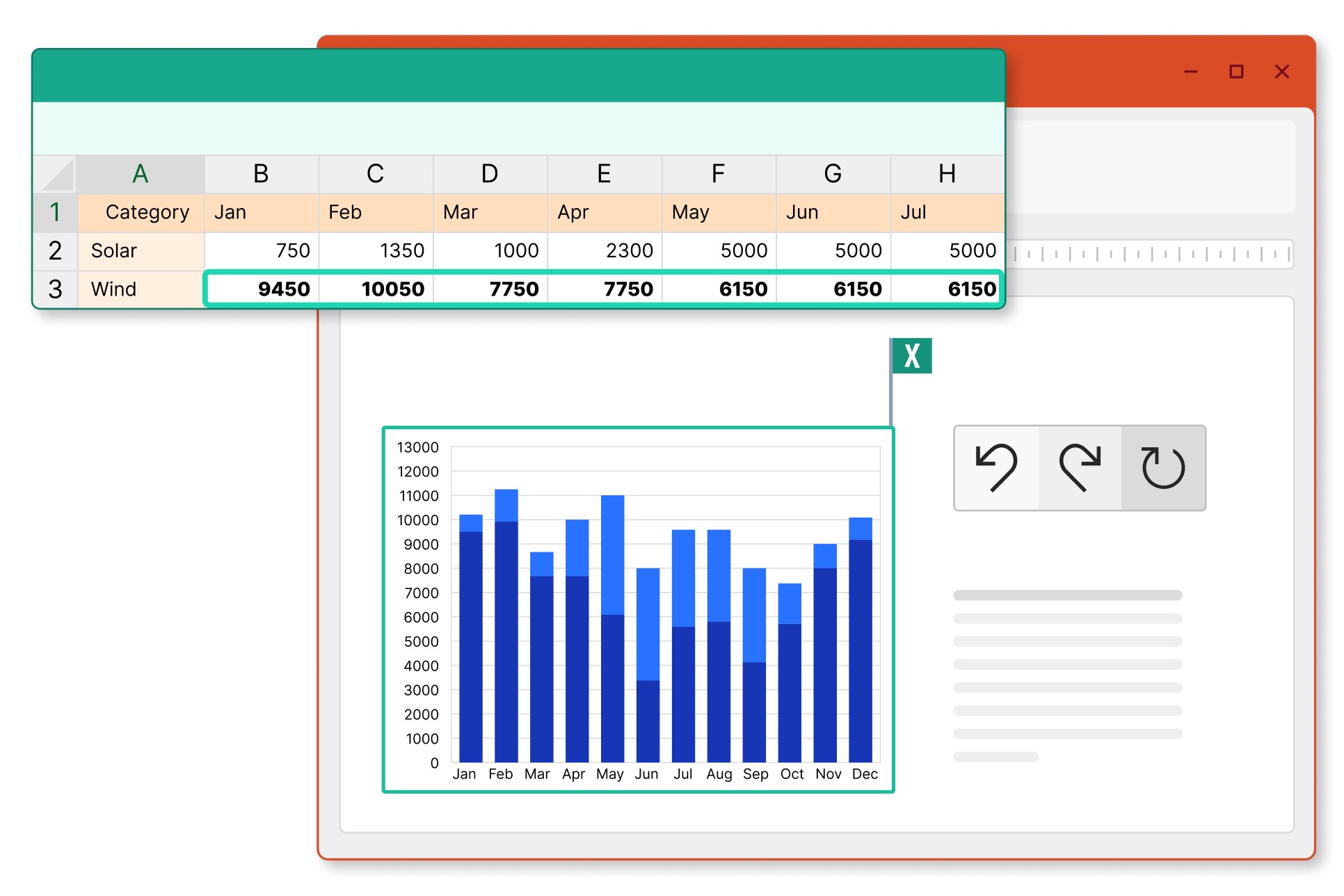
Choose between automatic and manual updates, and revert to previous versions to stay in control of the data you share.
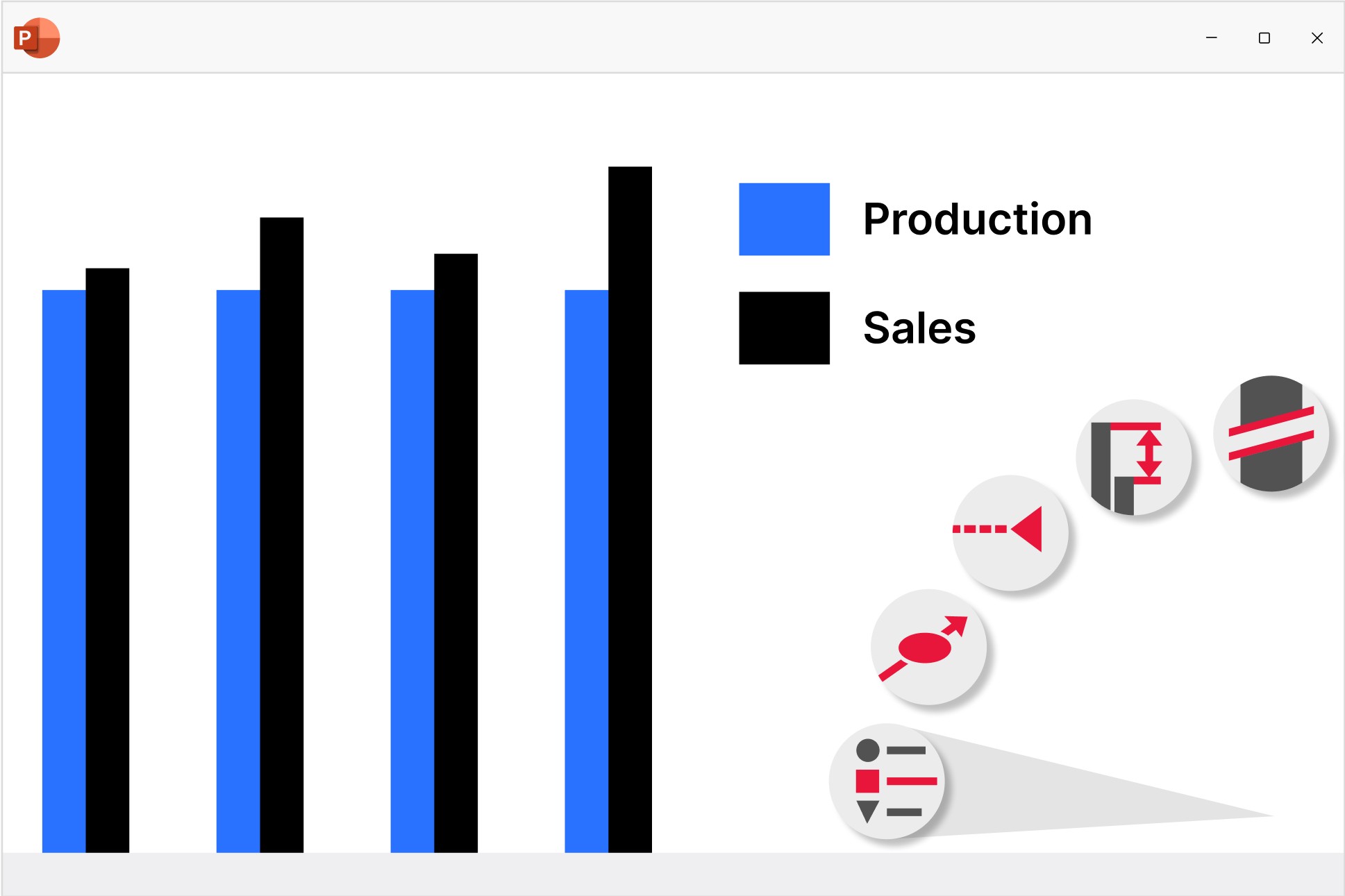
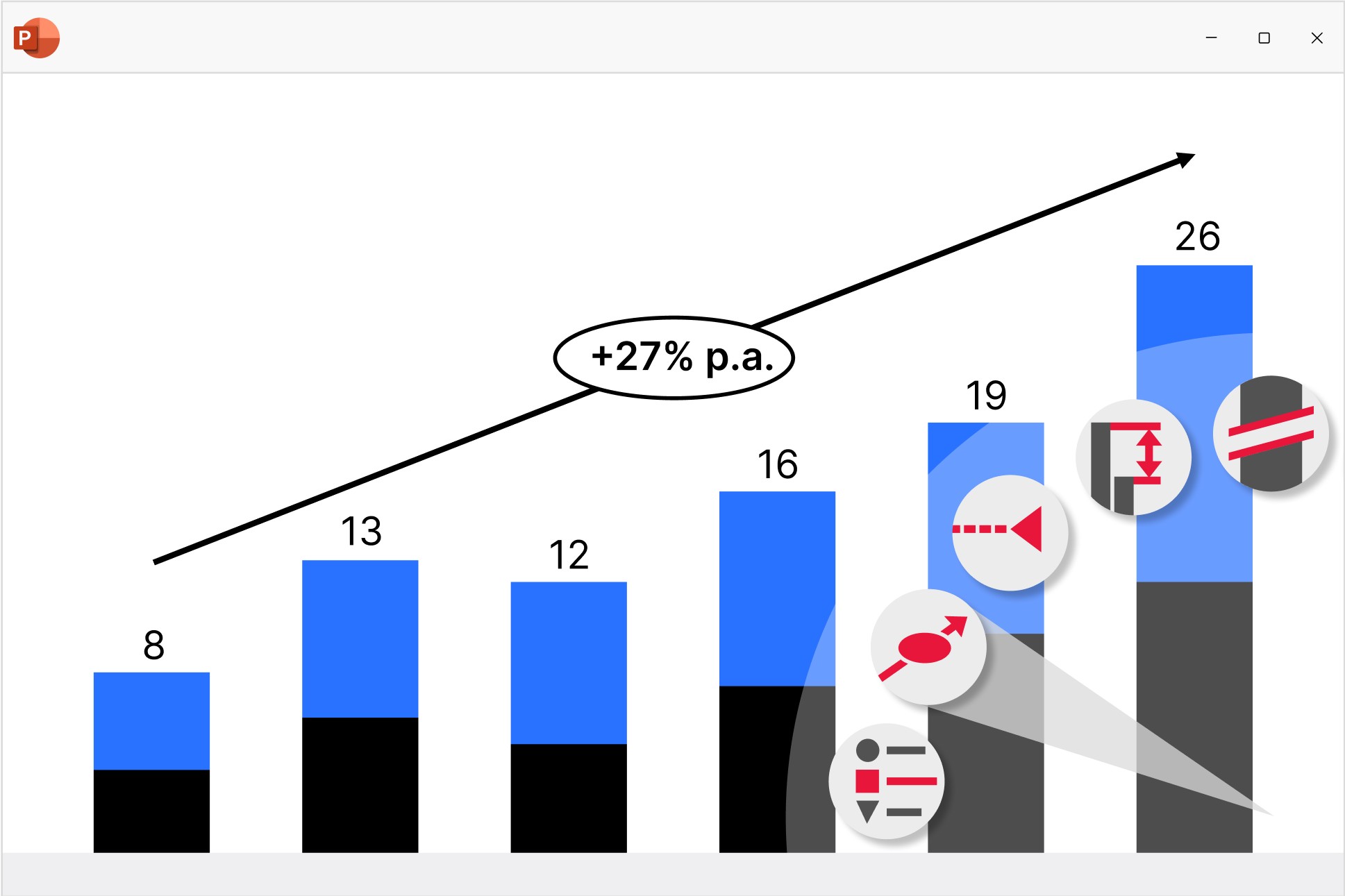
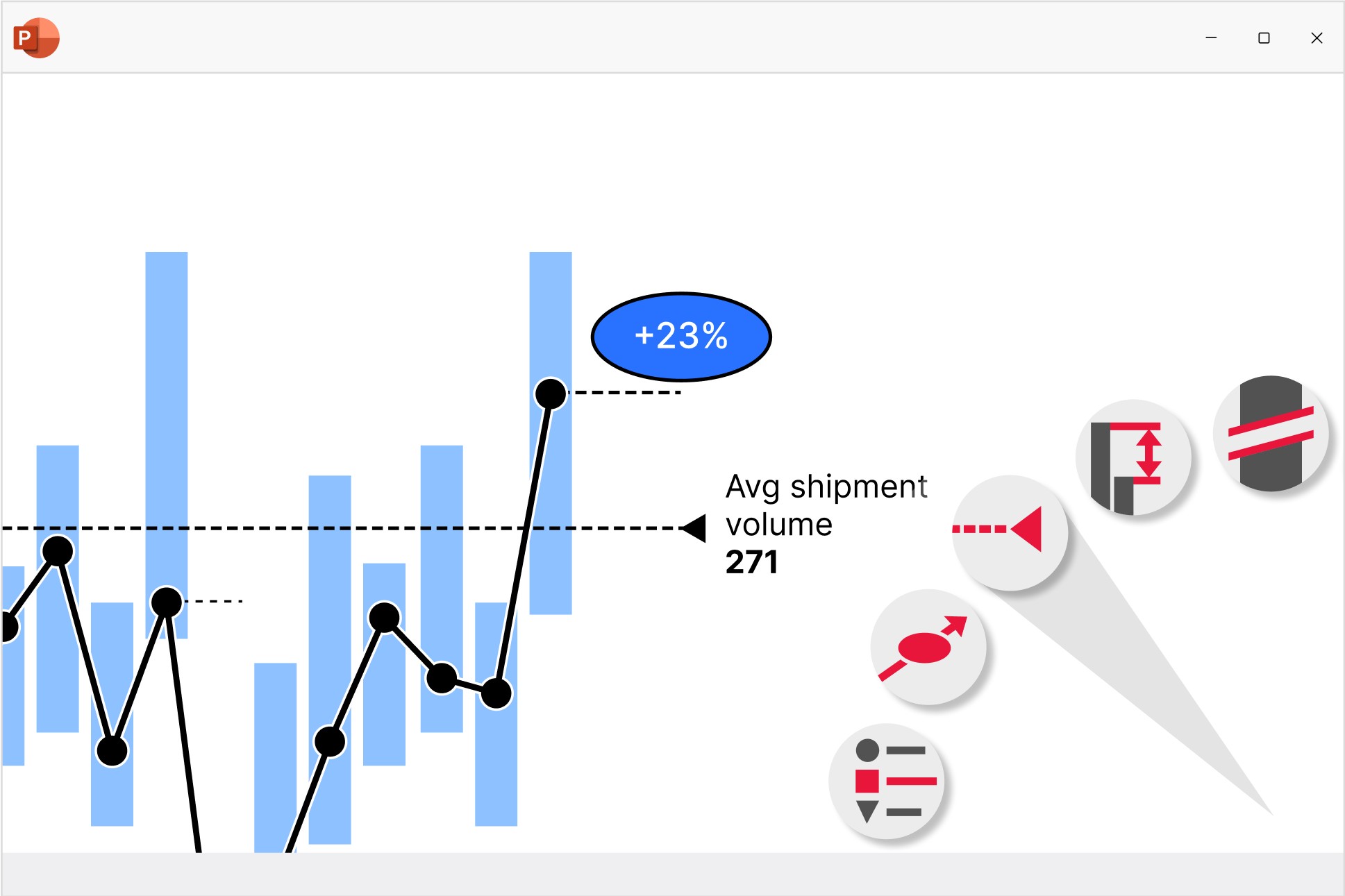
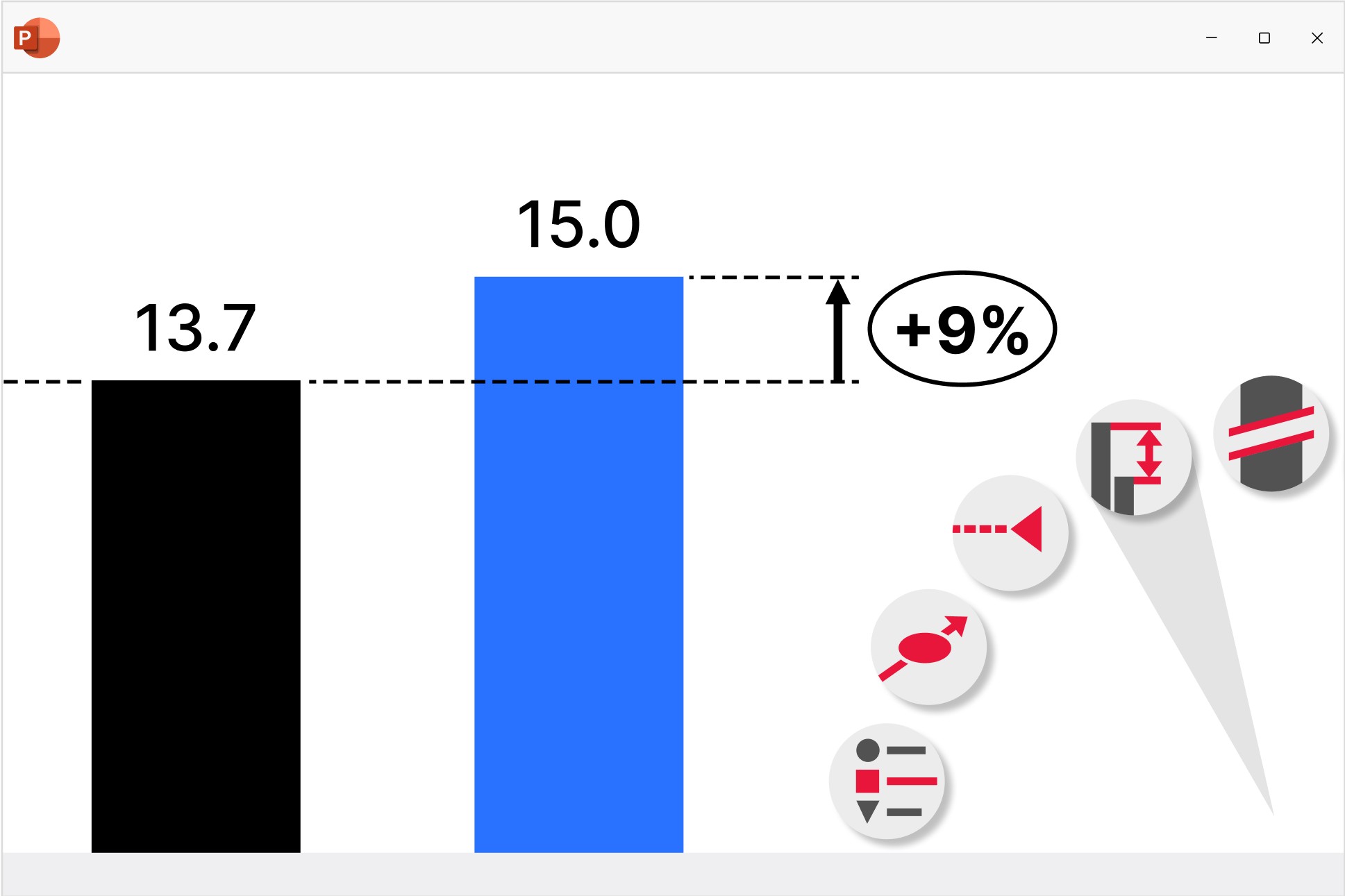
Chart annotations and decorations
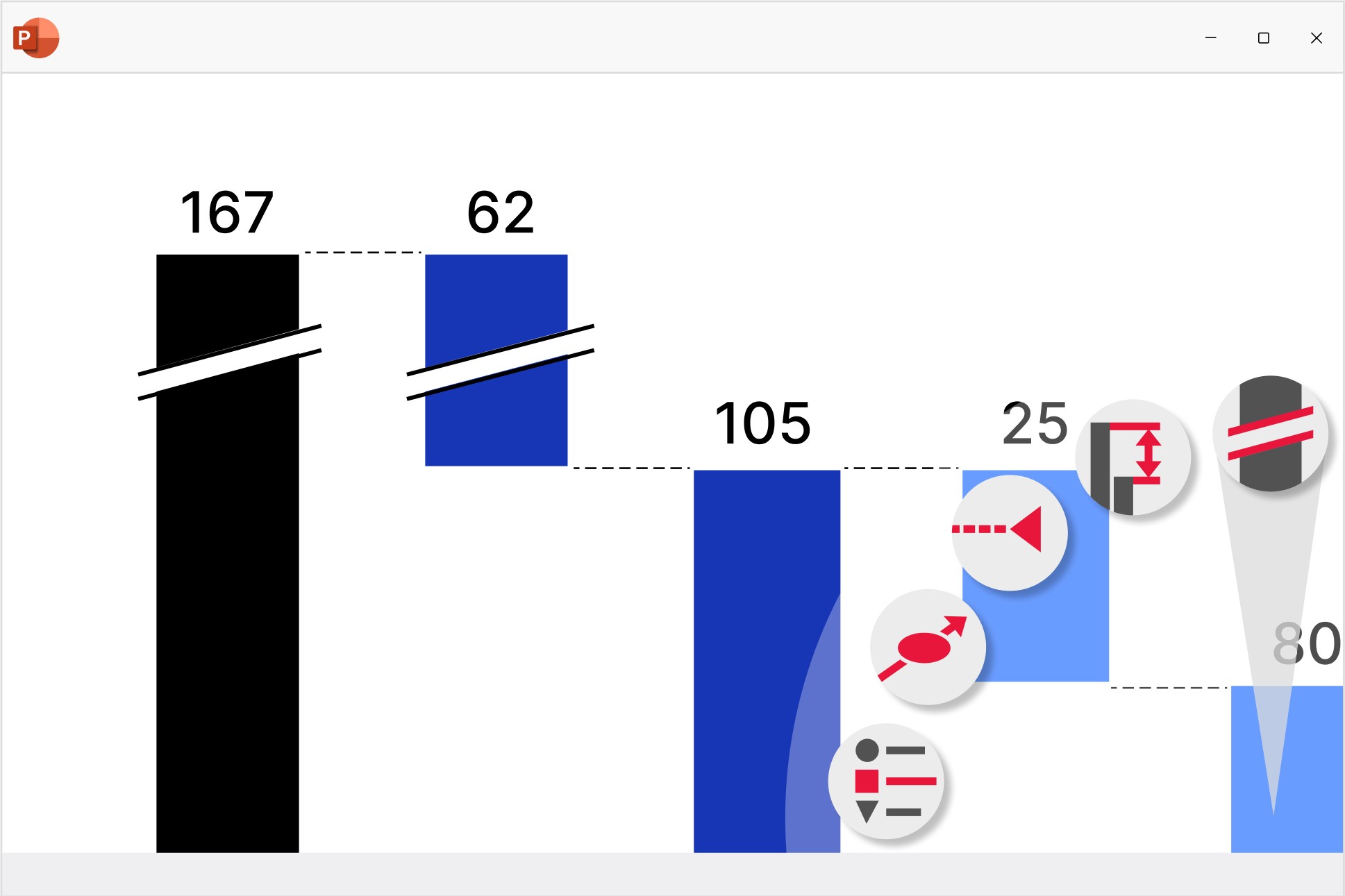
Highlight key insights with a range of auto-calculated enhancements that are positioned perfectly for best practice chart layouts.
Data-driven tables
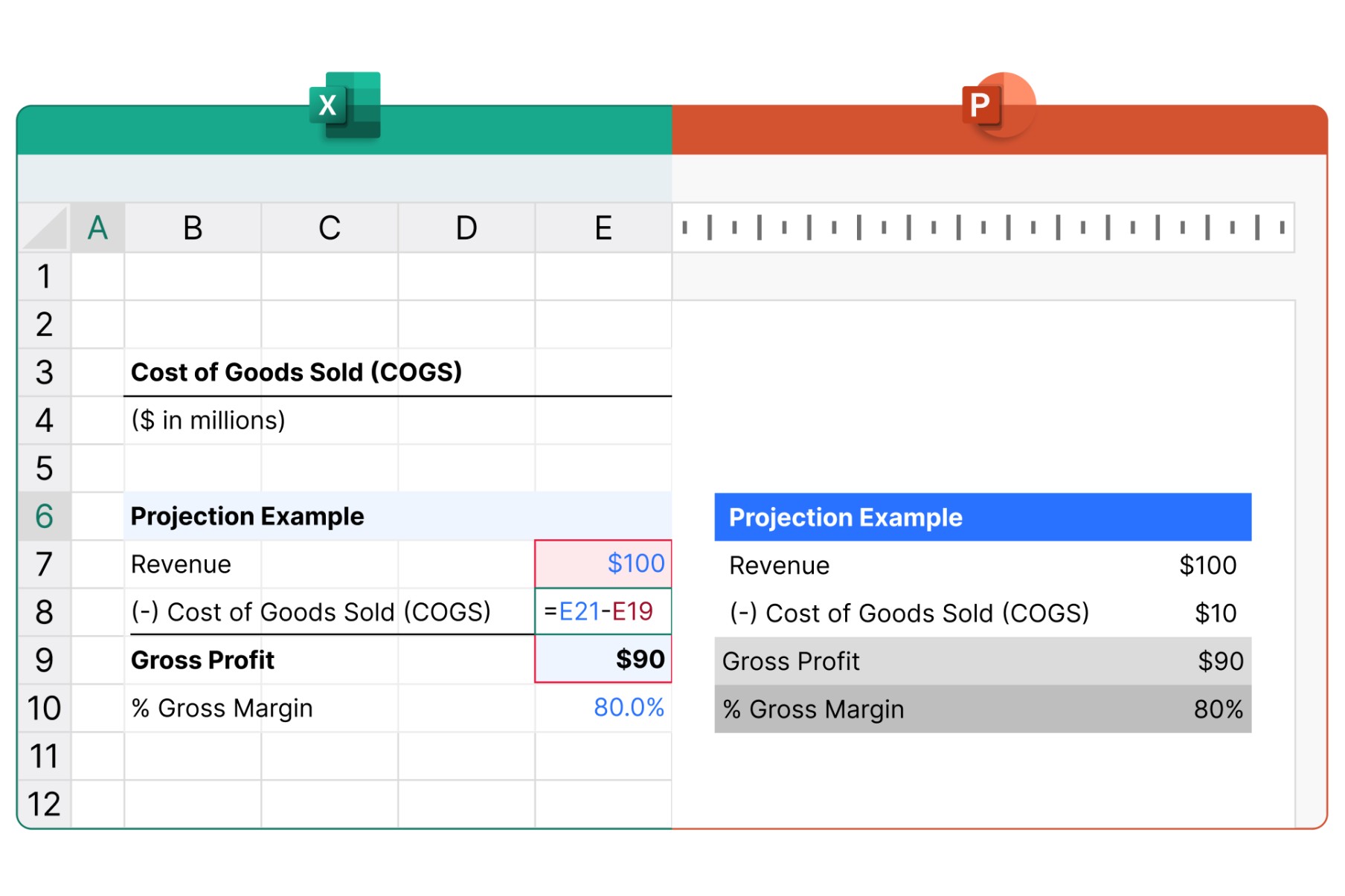
Include formula-powered data in your presentation without needing a separate Excel spreadsheet. No need to manually adjust values.
- Use familiar Excel formulas to automate calculations.
- Easily apply styles like row and column striping.
- Add Harvey balls and checkboxes that sync with your datasheet.
Maintain structure, layout, and style, automatically
Your presentations automatically adapt to changes, keeping them structured, logical and on-brand, even through multiple edit rounds.
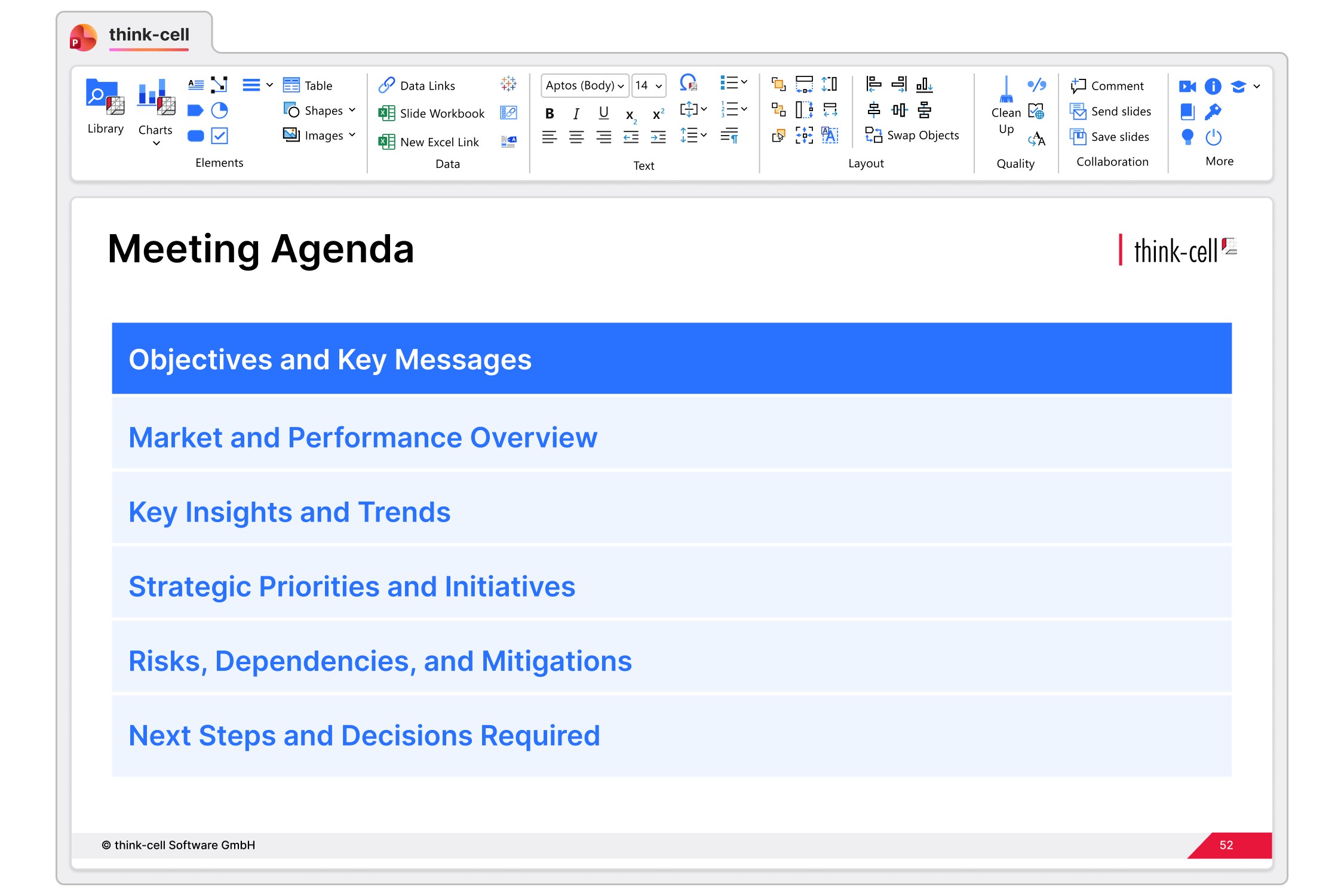
Add, remove, reorder or rename chapters as much as you like. Intelligent agenda slides throughout the presentation will always update to match the latest structure.
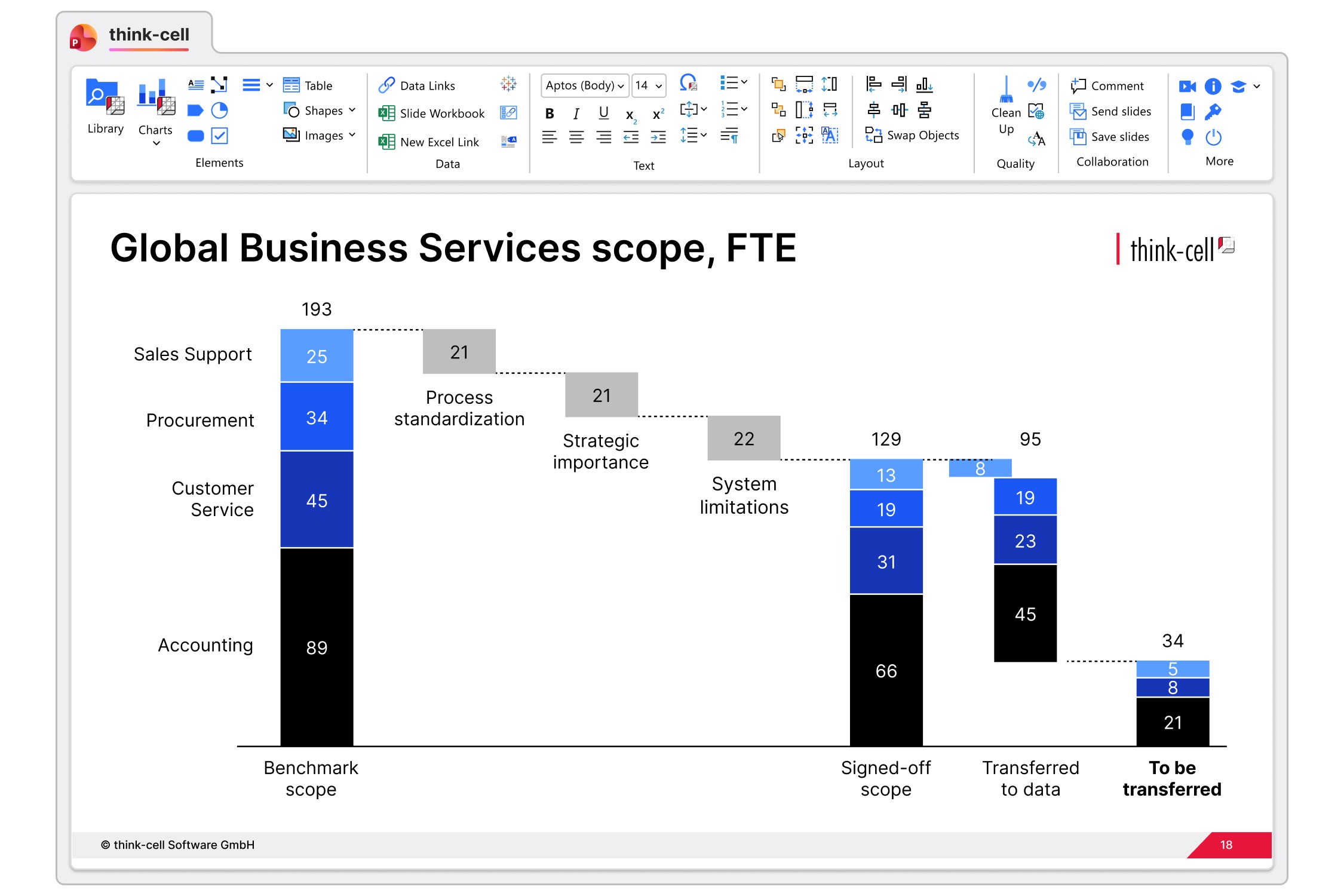
Create style files to standardize brand fonts and color schemes across your presentation. Use multiple style files to support sub-brands for different departments.
Smart building blocks
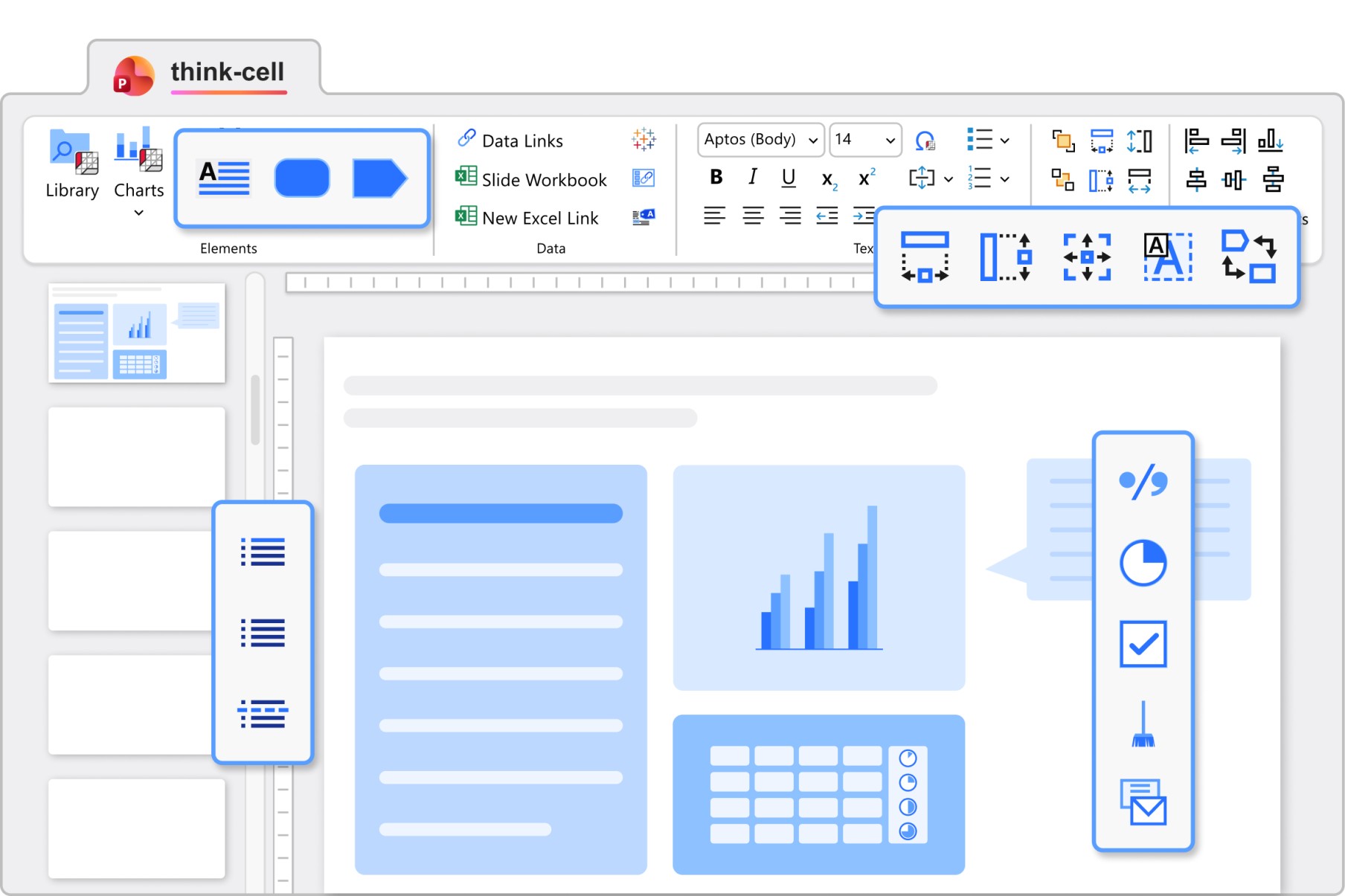
Use elements that automatically adjust their size and position for optimal slide layouts.
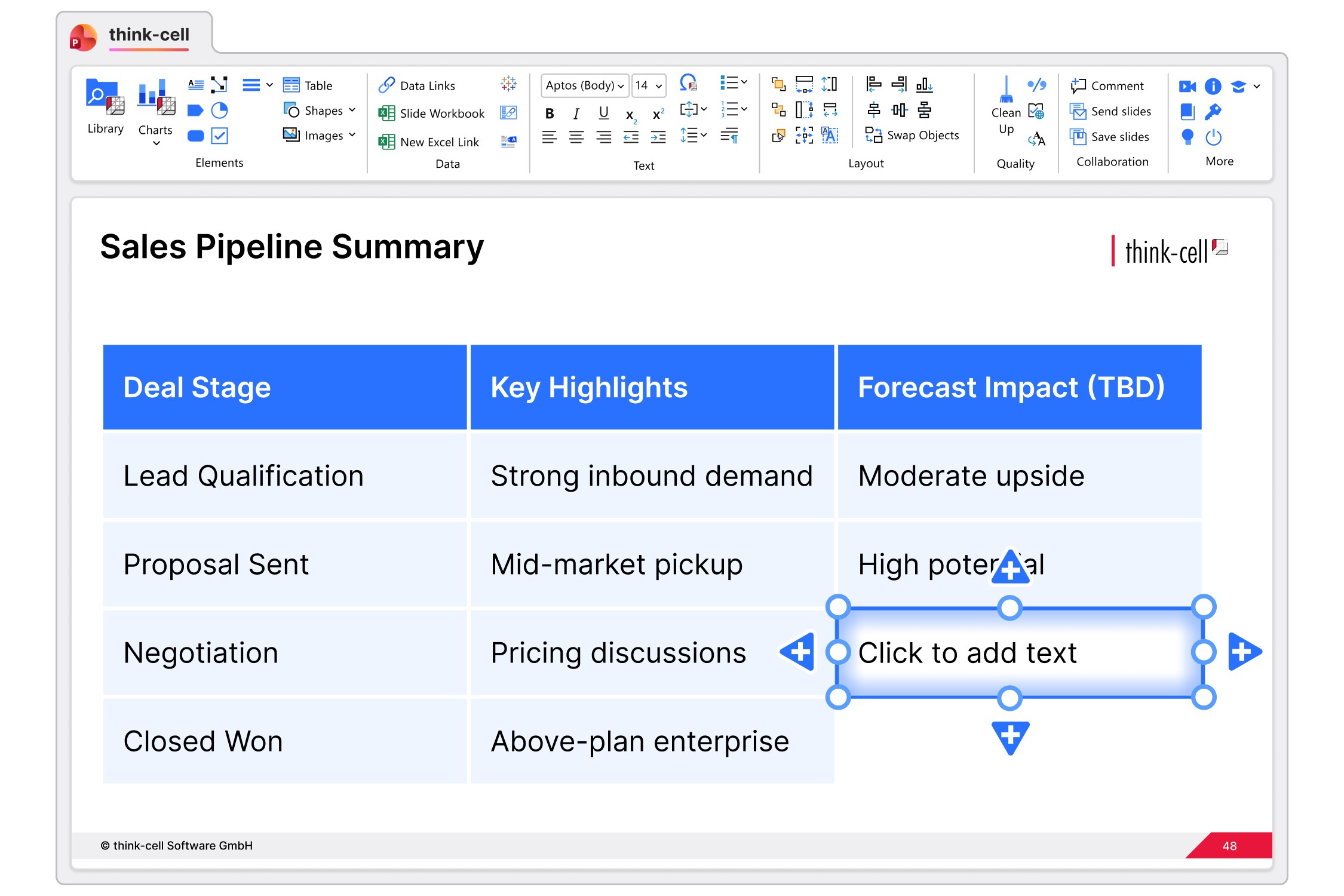
Focus on writing content and stop fiddling with layouts. Combine smart text boxes to quickly create tabular structures.
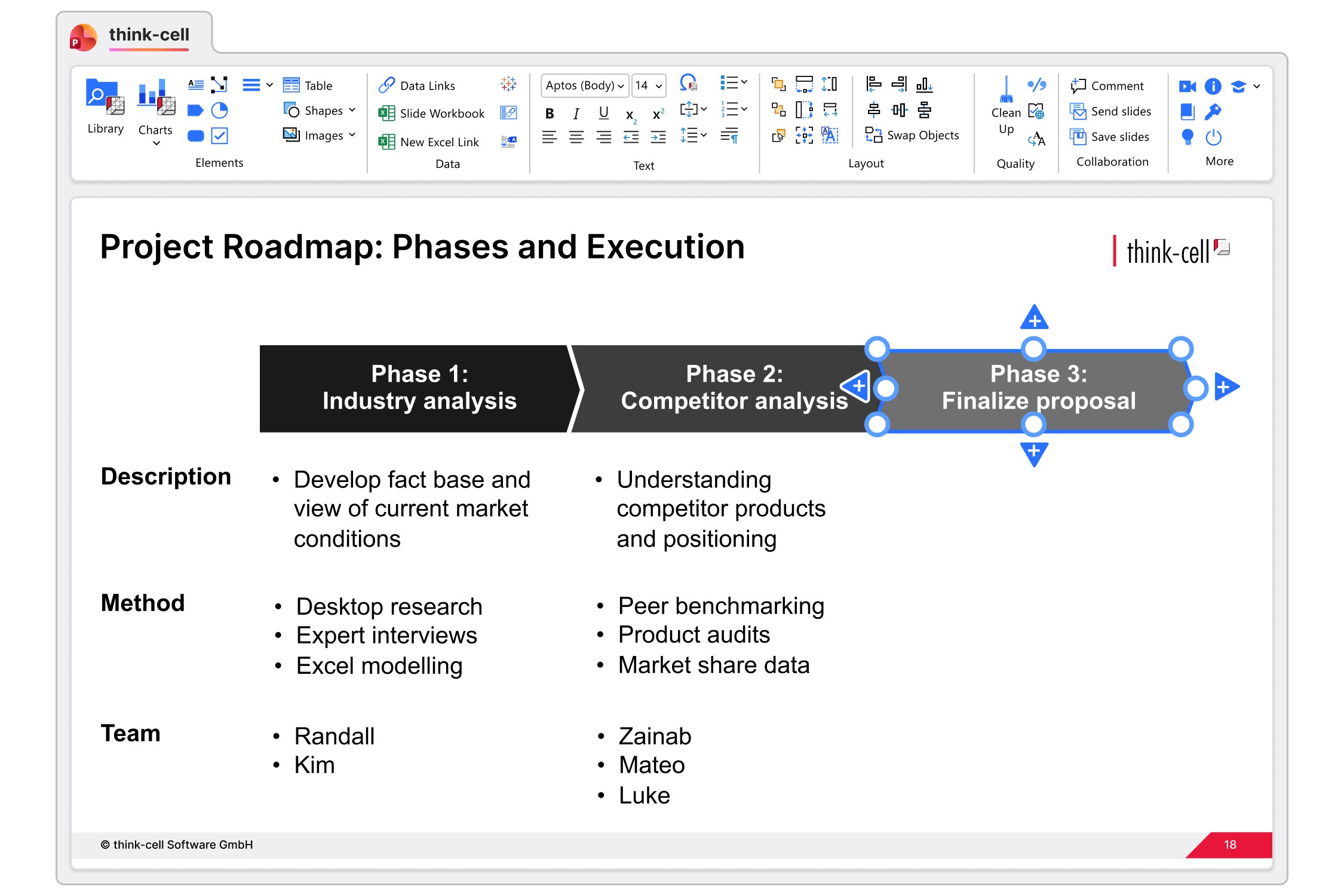
Enhance your process diagrams with pentagons and chevrons. Make edits without worrying about formatting.
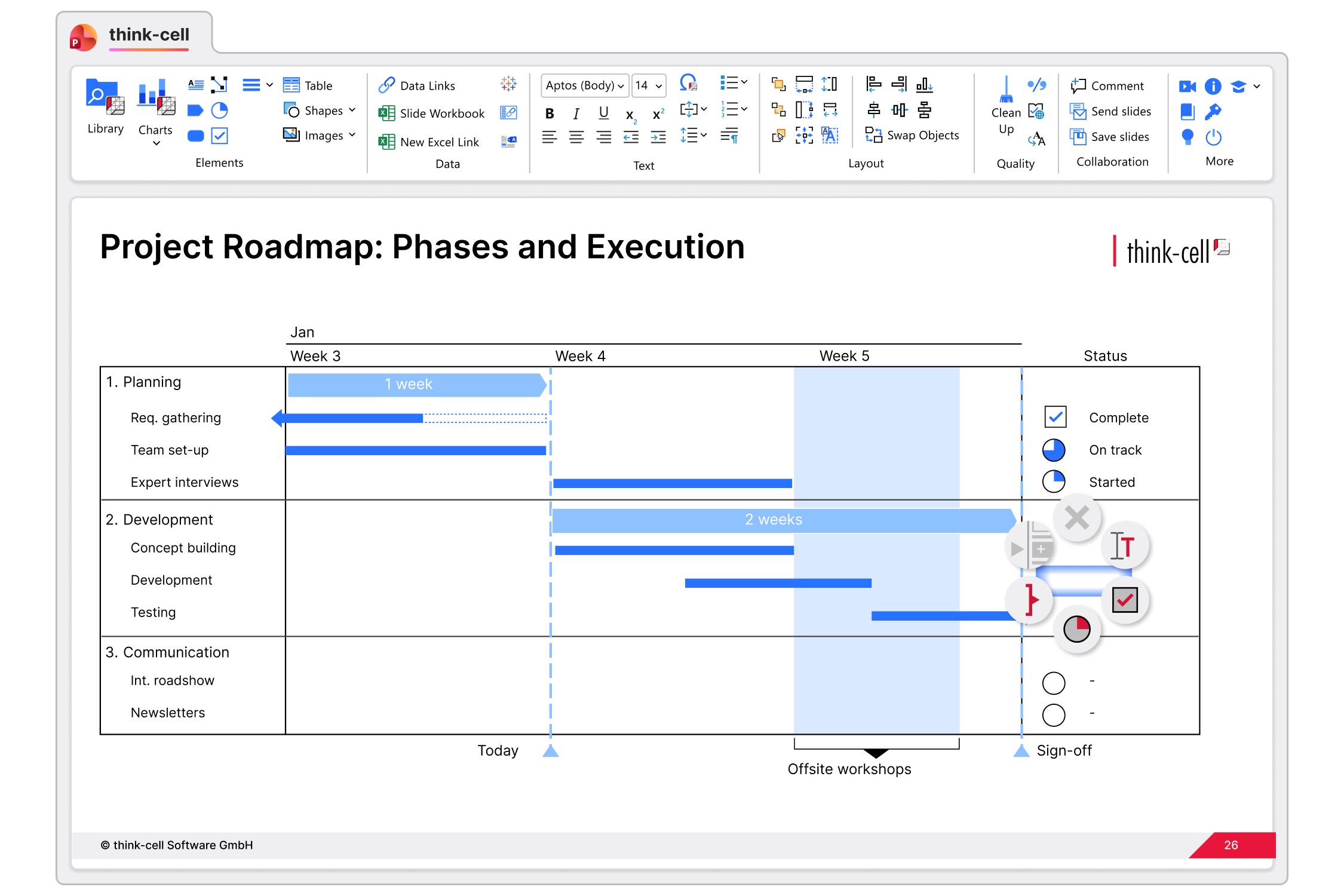
Use dynamic elements to show progress, status , or any on/off values. Update with a click or link them to your Excel spreadsheet.
Get started with think-cell
- Create professional charts and data-driven tables.
- Deliver impactful presentations faster.
- Try for free, no credit card required and no cancellation necessary.
Trusted by over 35,000 companies worldwide
People know exceptional software when they see it.


With think-cell, I’m able to work almost three times faster compared to using standard PowerPoint features. It’s a massive time-saver.


I set myself high standards when it comes to the consistency and quality of how my data is presented, and think-cell is an integral part of my daily work to fulfill this goal.


If I need 10 minutes to create a chart natively in PowerPoint, think-cell reduces this to just 3-5 minutes.


The increased efficiency and clearer communication have allowed product owners to present data and findings better, leading to improved decision-making and business results.


If think-cell were to be described in another way, it would be “the time-creating tool.” I think think-cell is not just a convenient add-on tool for PowerPoint, but a solution that reduces the time you spend moving your hands while creating meaningful time for you to use your brain.