Build Gantt charts in no time
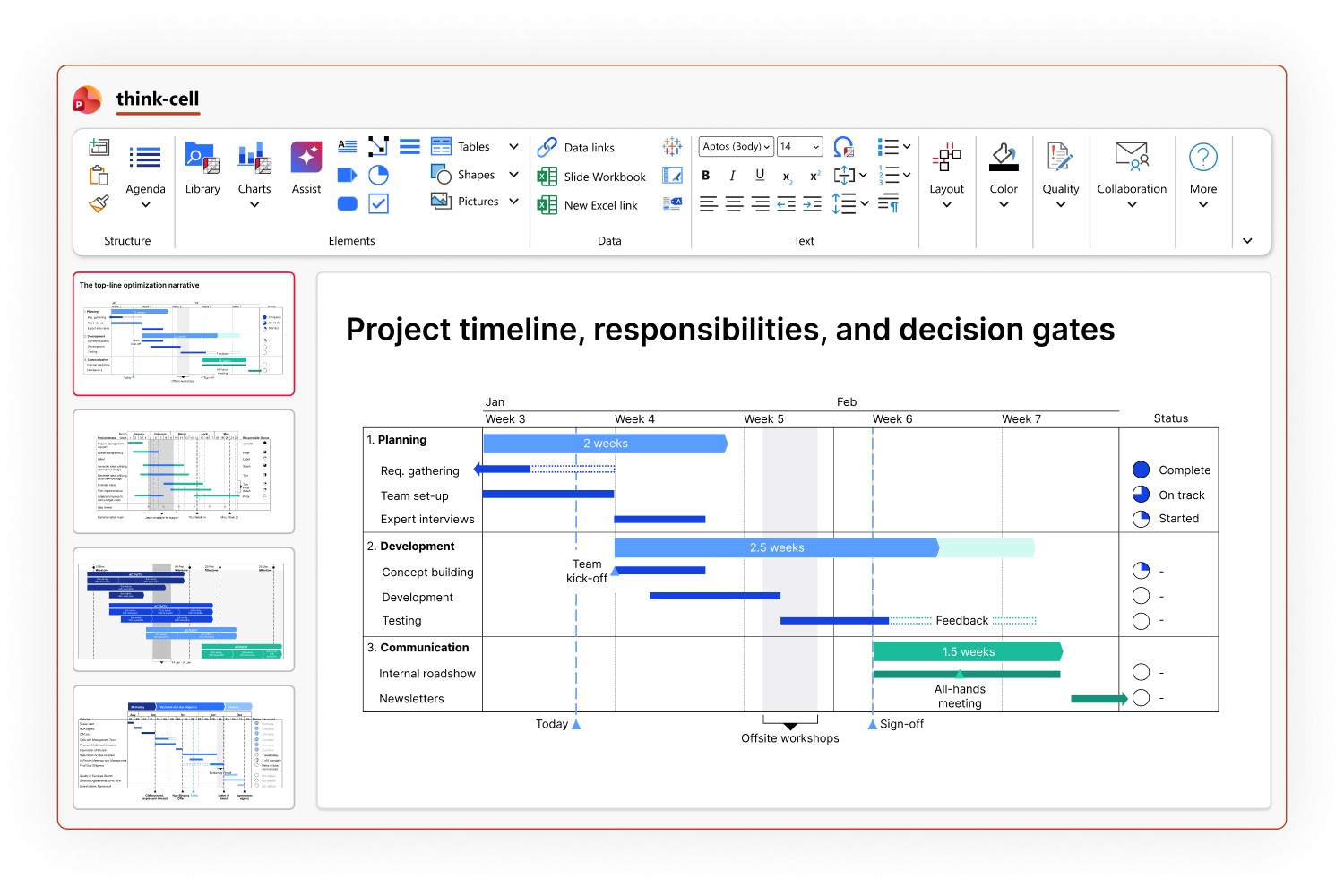
think-cell lives inside PowerPoint and lets you build Gantt charts natively. Add bars, move tasks, set dependencies, your chart adjusts automatically. No manual fixes, no reformatting.
- Dependencies and milestones that update themselves, move one bar, everything realigns.
- Show progress at a glance: completion %, phases, subtasks, and status colors, all in one view.
- Calendar-accurate timelines: switch between day, week, month, or quarter, with date-snapping, fiscal year support, and direct Excel sync.
think-cell in numbers
end users worldwide
customers
Fortune 100 companies
Built in PowerPoint. Ready in minutes.
Build it once. think-cell keeps it presentation-ready.
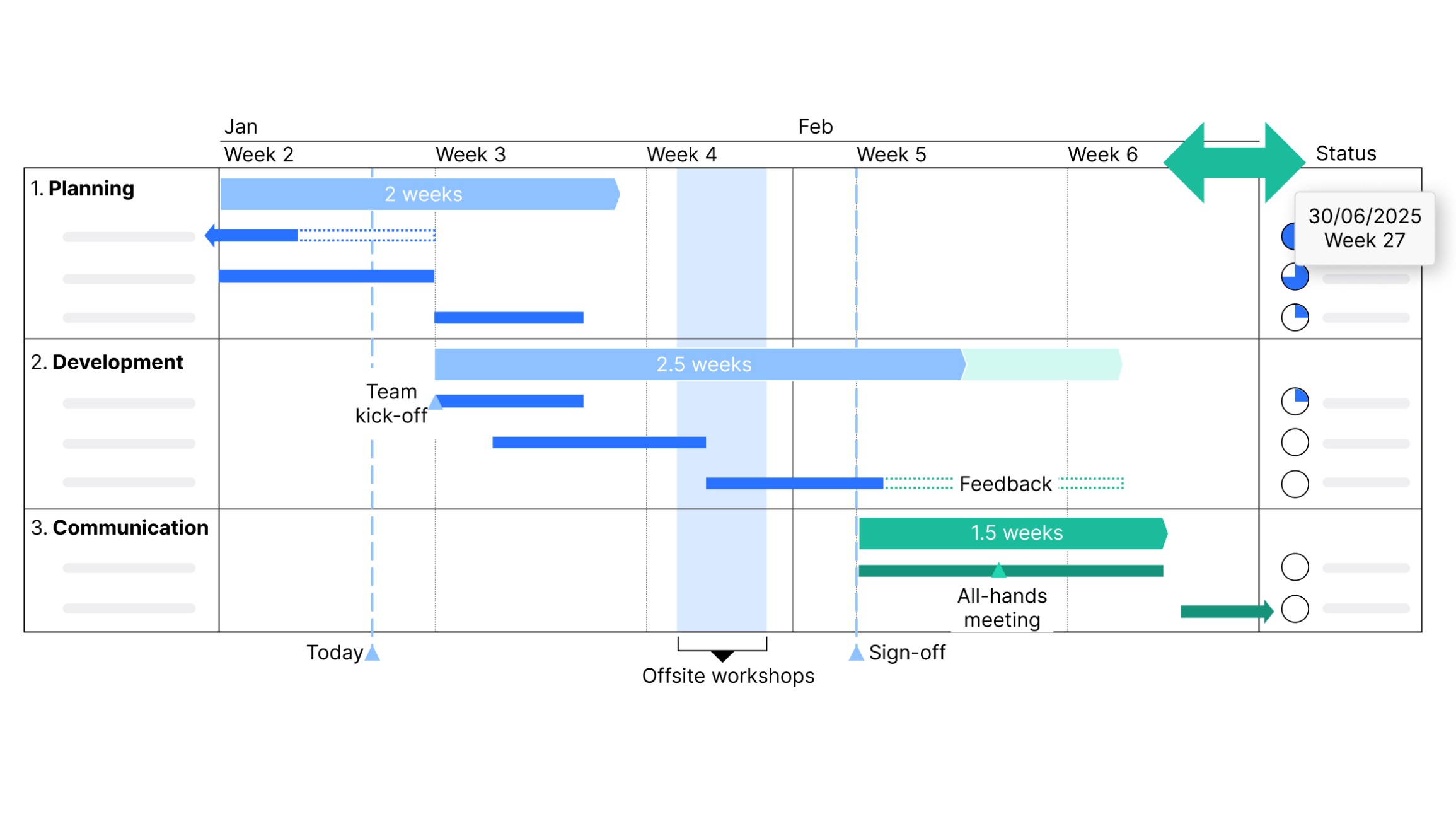
Add a row. Delete a phase. Rearrange tasks. The chart adjusts itself, no fixing row heights, no nudging columns, no reformatting.
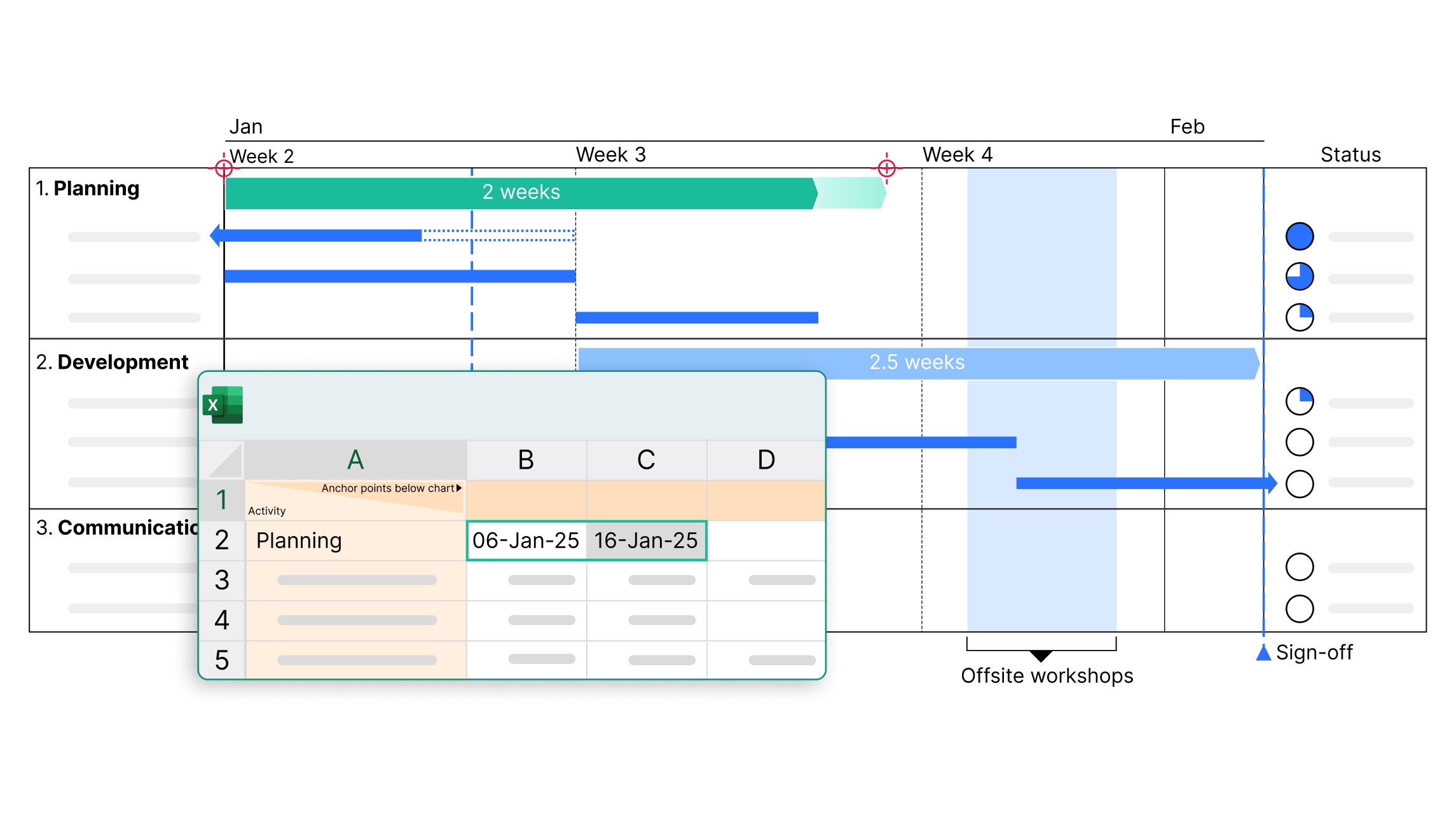
Your data lives in Excel, your chart should reflect it. Link once, and every update in Excel flows straight into your Gantt chart.
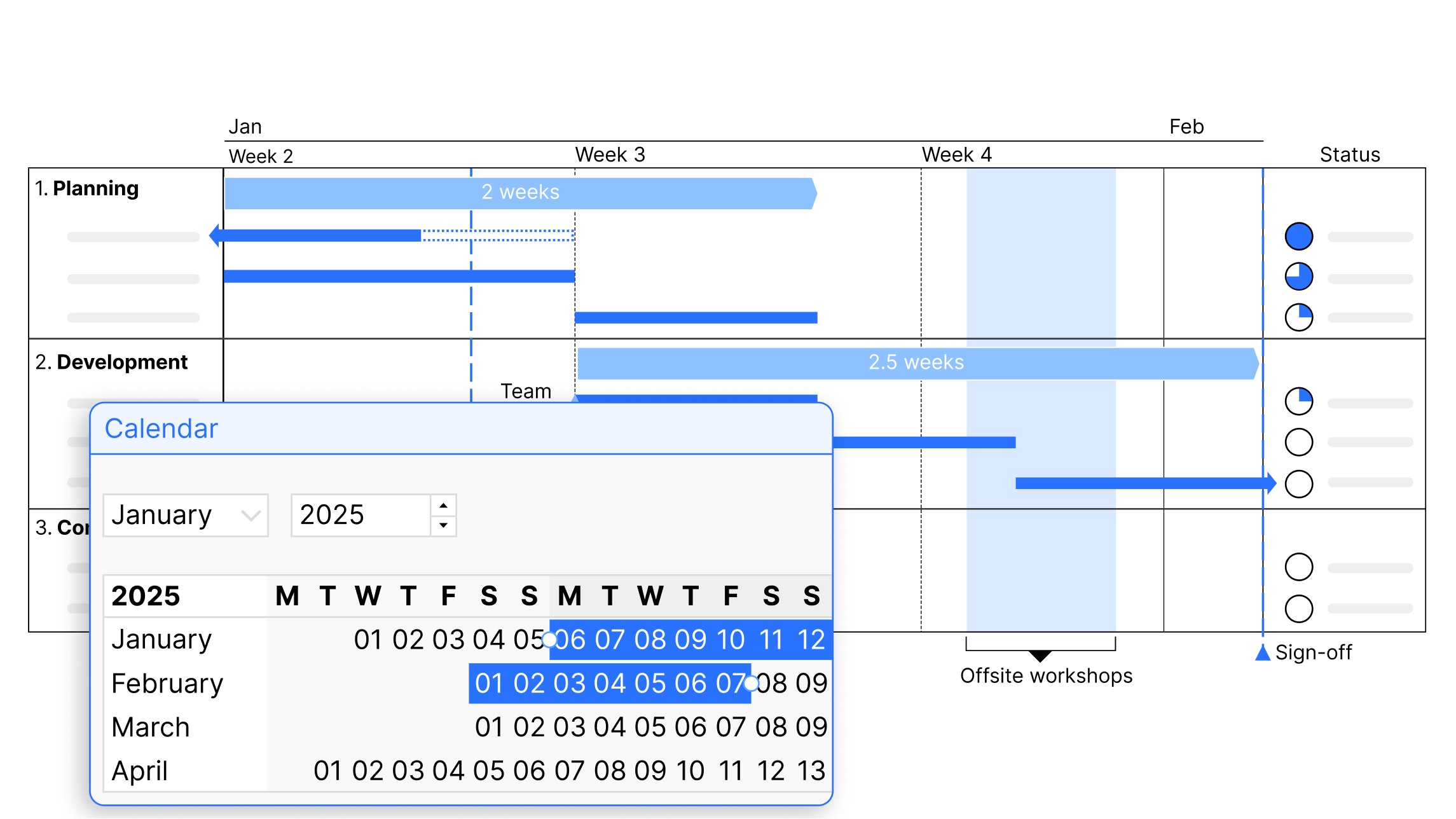
Day, week, month, quarter, or fiscal year, switch in one click. Bars and milestones snap to real calendar dates, so your timeline is always accurate.
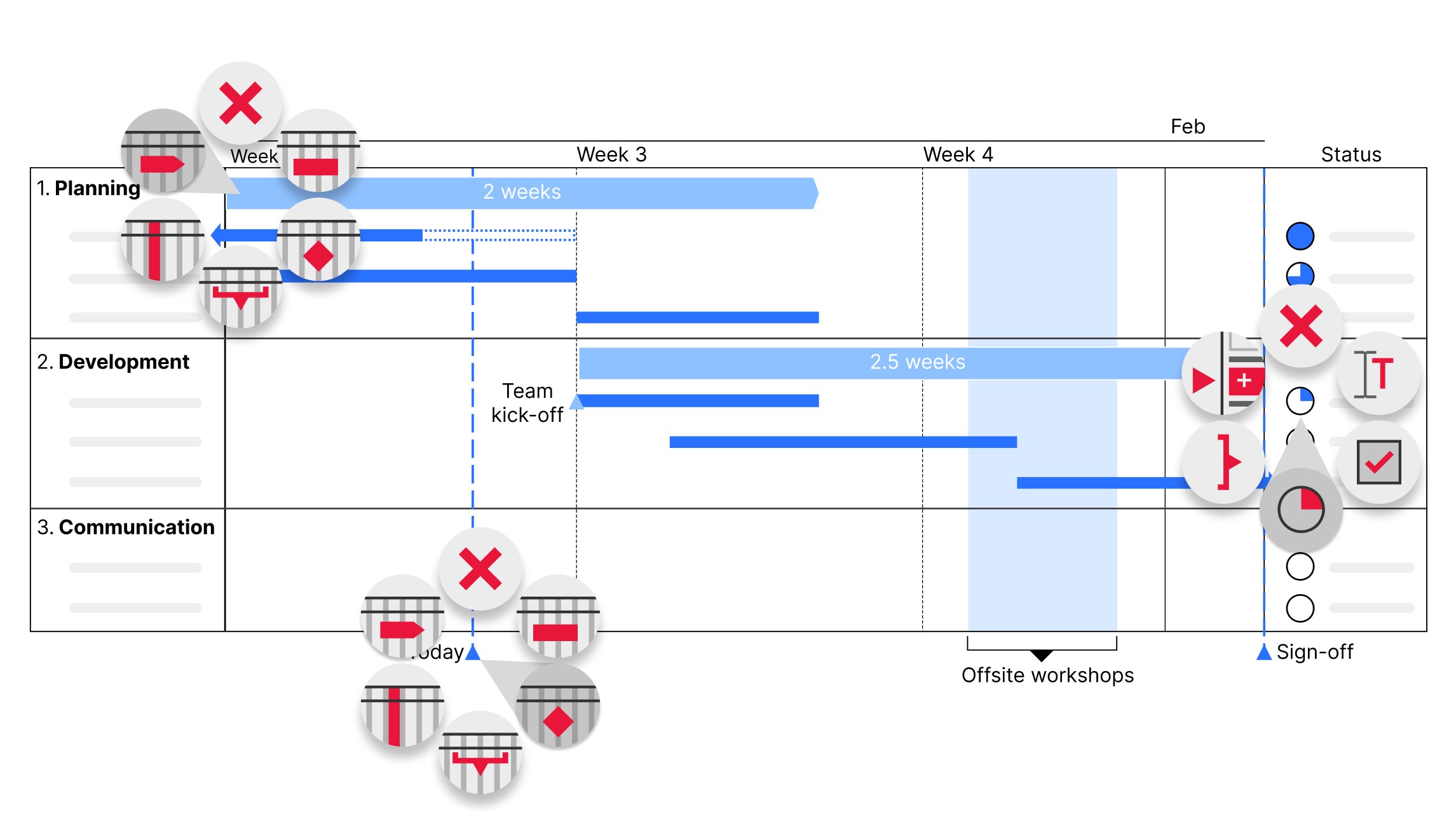
Add columns with Harvey balls and checkboxes, your project status is visible at a glance, right inside your slide. No separate status doc needed.
Get started with think-cell
- Create professional charts and data-driven tables.
- Deliver impactful presentations faster.
- Try for free, no credit card required and no cancellation necessary.
Gantt charts are just the beginning.
Discover think-cell Charts: 40+ chart types, with direct Excel linking, to turn any data into a powerful narrative.
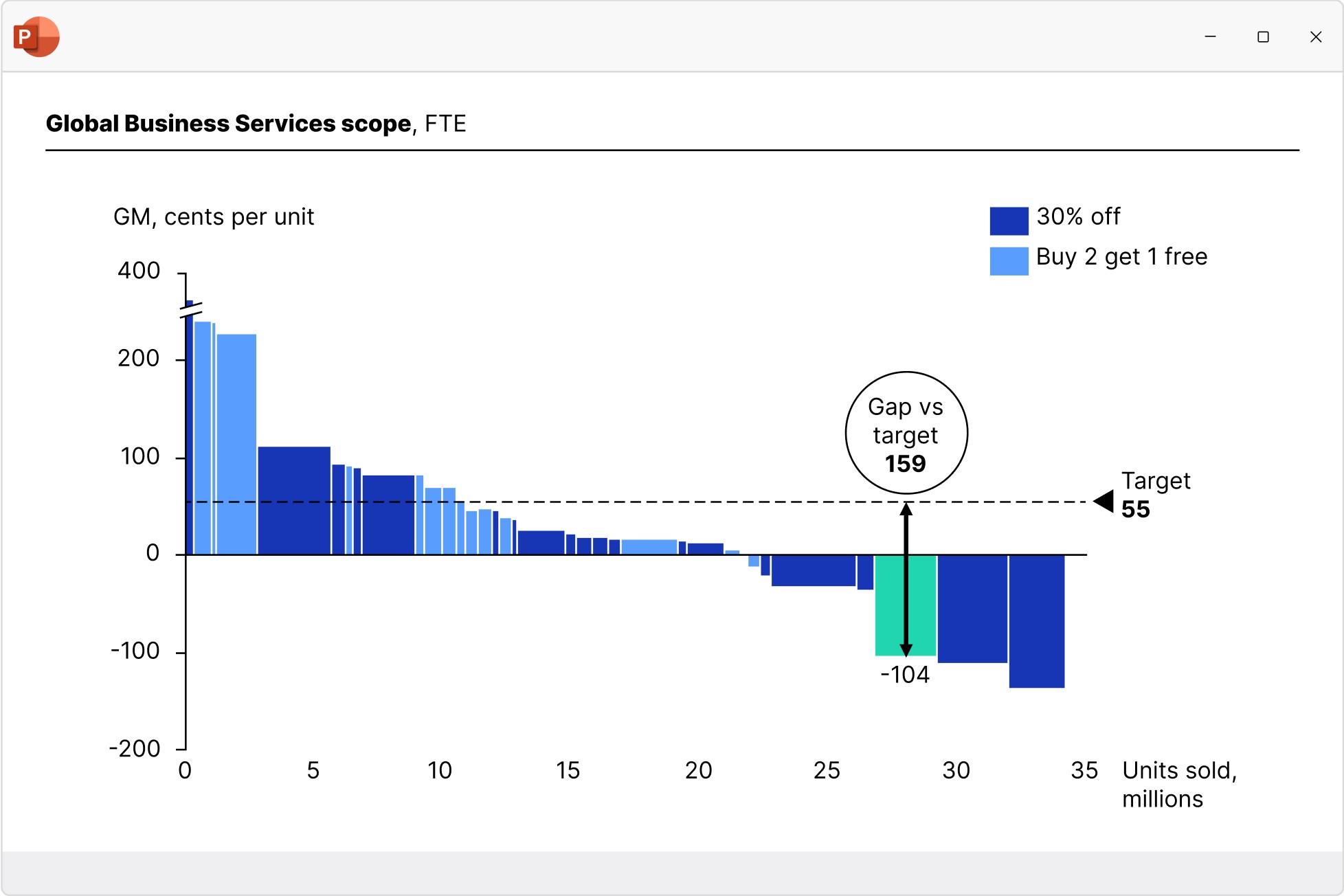
Waterfall charts
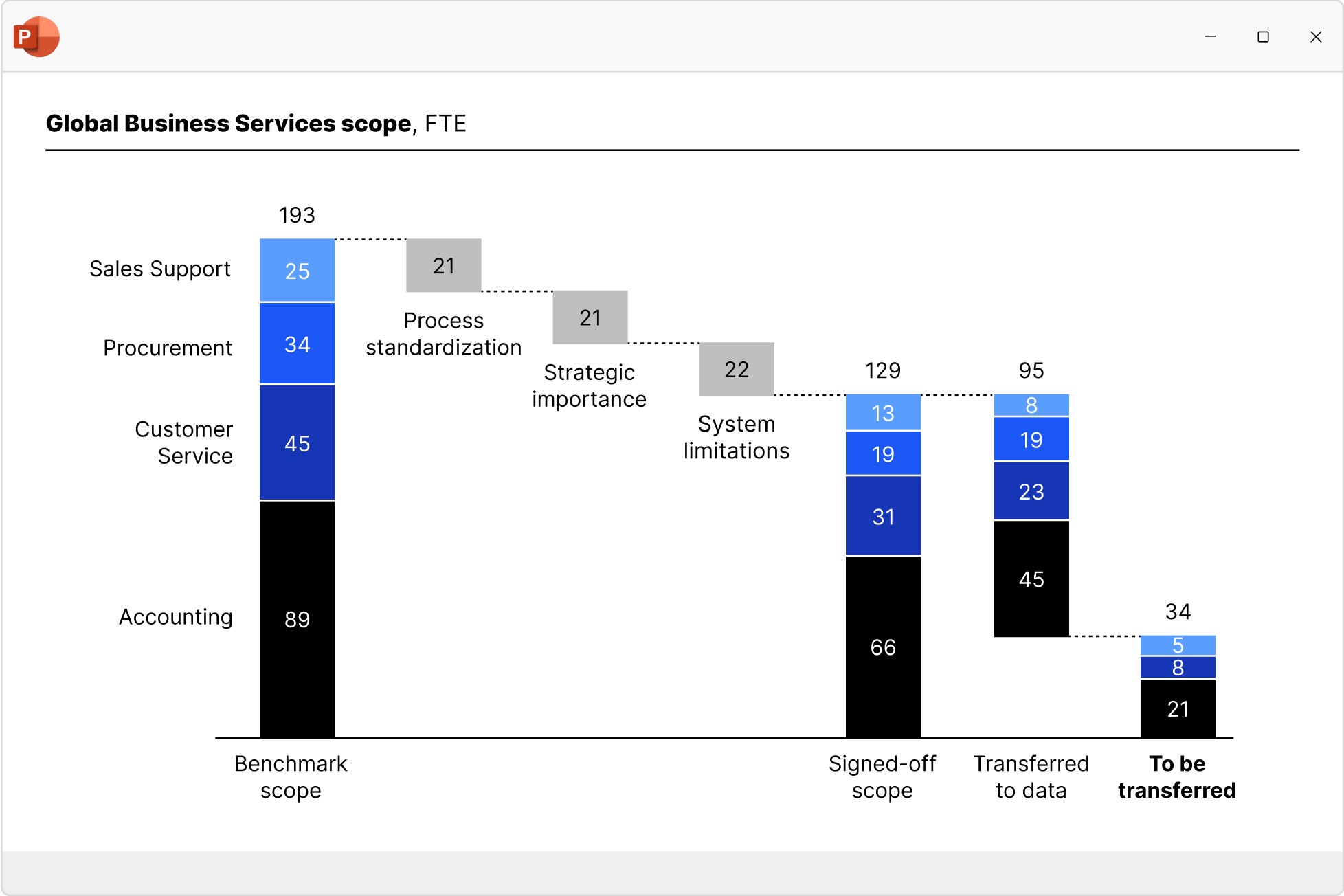
Create waterfall charts to show how different drivers contribute to an overall change. Industry standard for EBITDA bridge and P&L statements.
- Display multiple series with stacked segments.
- Include totals and subtotals that calculate automatically.
- Add segments that cross below the baseline.
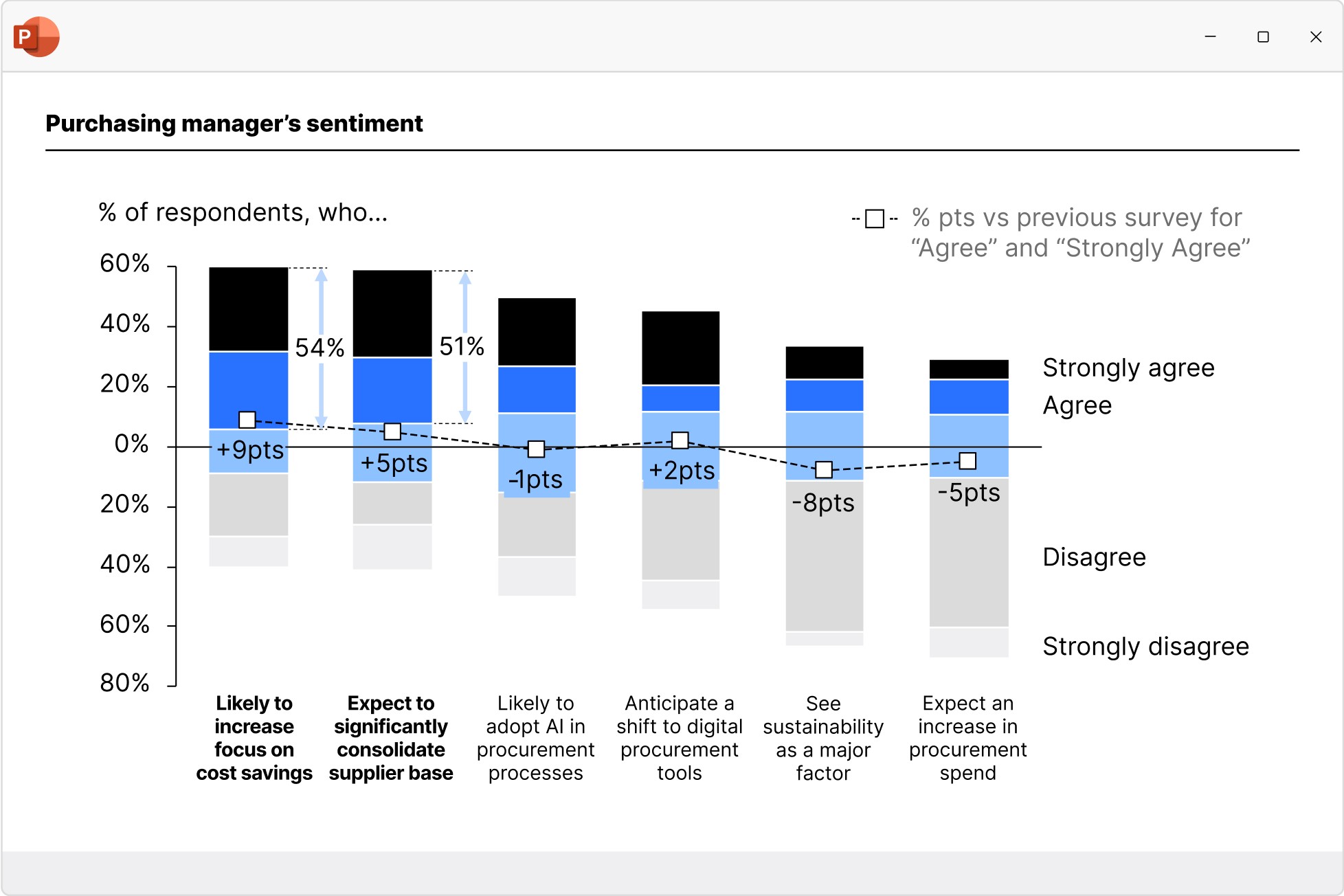
Column and bar charts
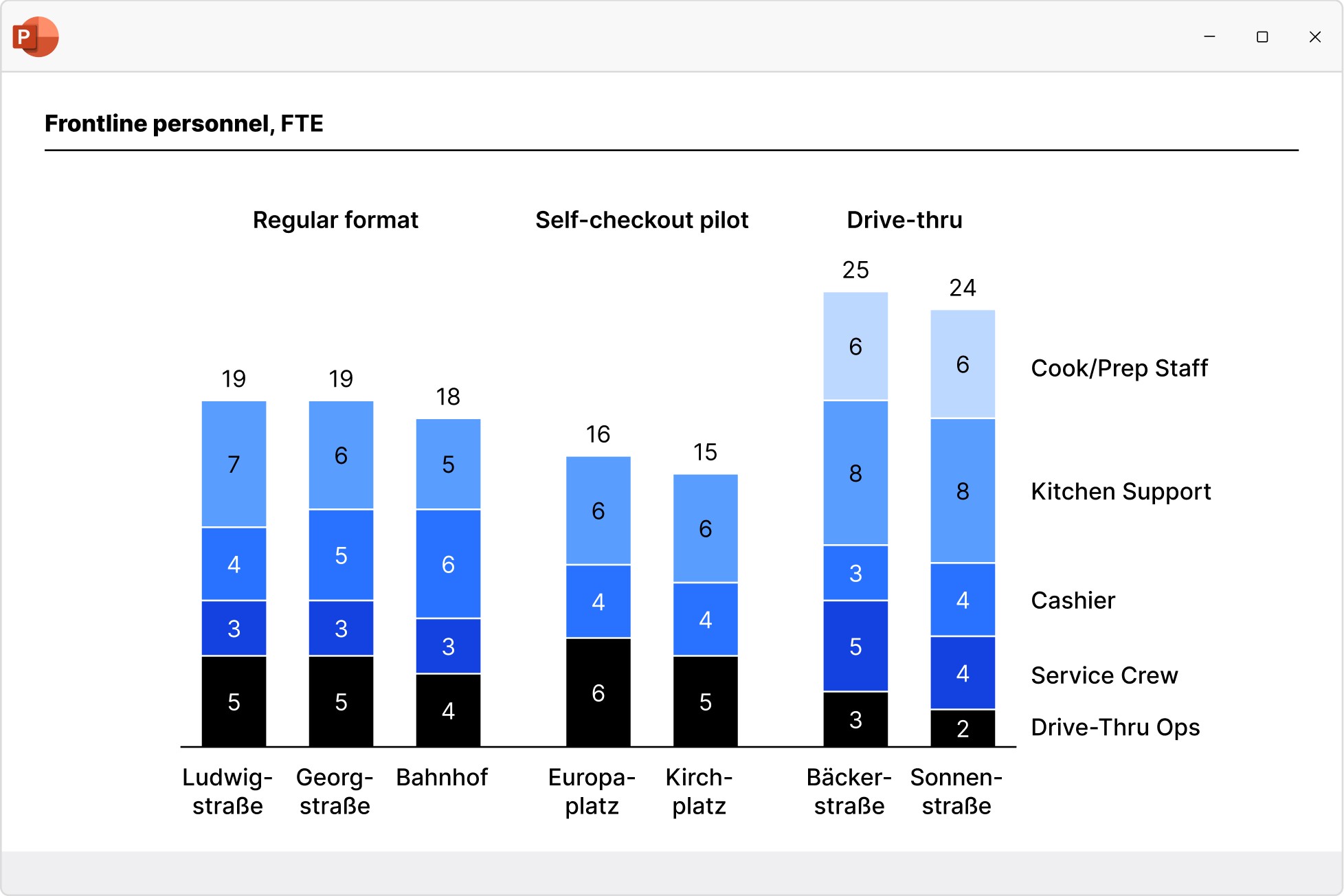
Use column and bar charts to present your data in a clear, digestible form anyone can recognize. Easily modified to create butterfly/tornado charts.
- Choose from stacked, clustered and 100% charts.
- Insert axis breaks to make best use of the slide space.
- Extract a series and show it perfectly aligned in an accompanying data table.
Line and area charts
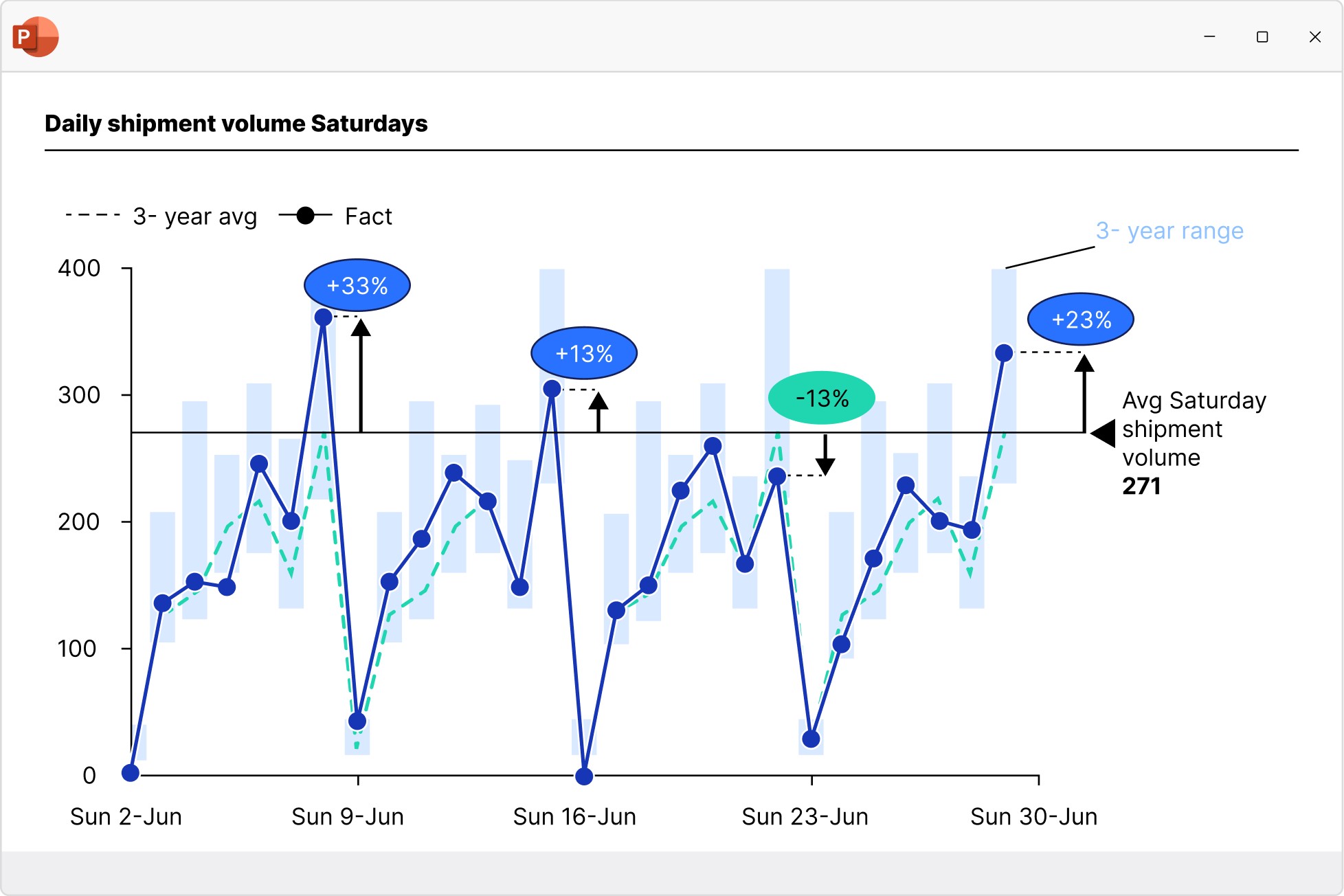
Build line, area, and area 100% charts to communicate data trends over time. Versatile use as candlestick charts for stock prices or football field charts.
- Add a secondary value axis to better compare metrics.
- Add linear interpolation for any missing values.
- Use error bars to show confidence intervals.
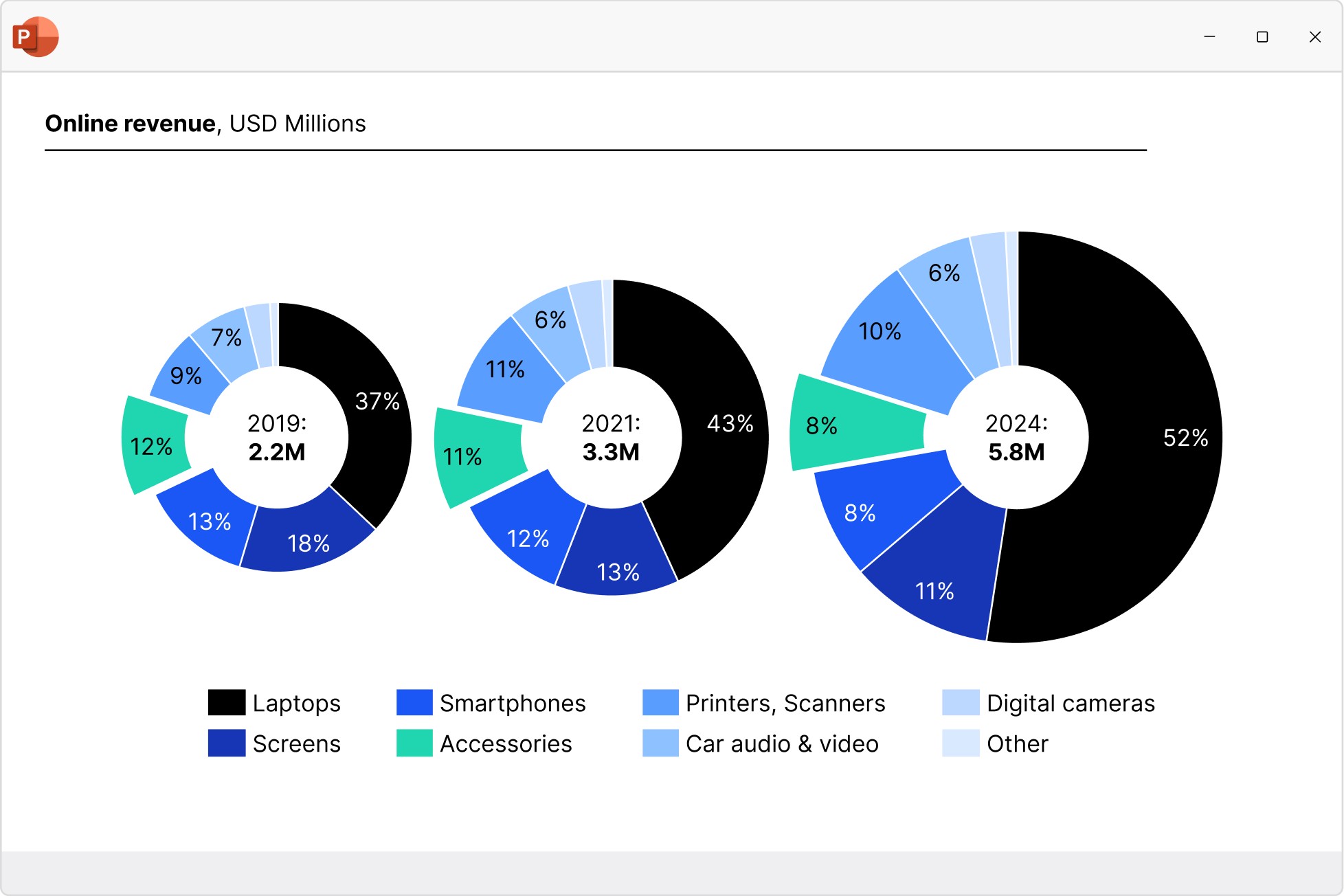
Pie and doughnut charts
Start building faster with the perfect foundation for your business presentations.
- Quickly access all your favorite slides, images and presentation resources.
- Draw on over 250 business templates so you never start from a blank slide.
- Find exactly what you need with slide-level search and powerful filters.
Scatter and bubble charts
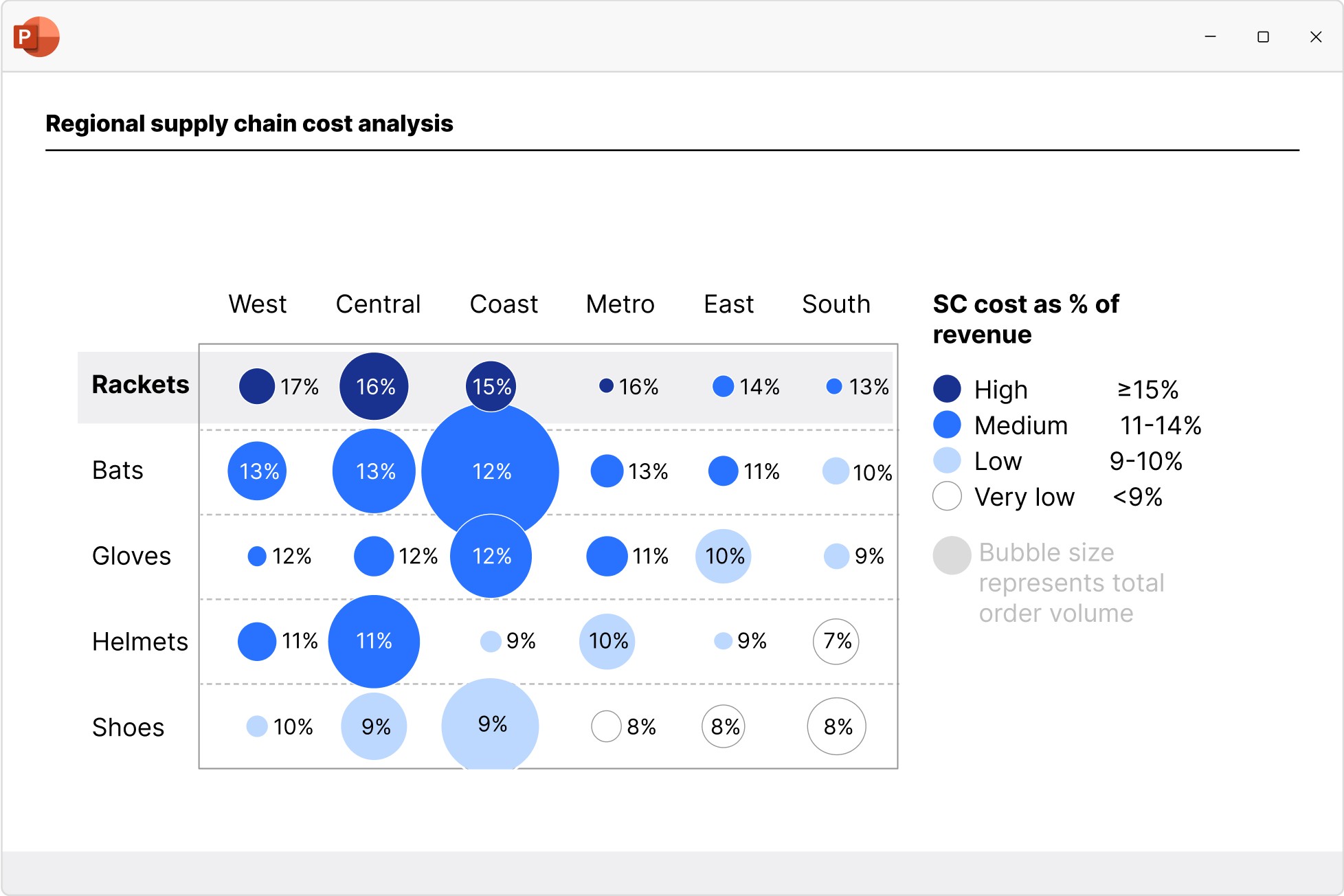
Create scatter and bubble charts to show the relationship between two variables, reveal patterns in categorized data, and uncover outliers.
- Ensure maximum readability with automated point labels.
- Use bubble sizes and group colors to communicate more information.
- Shade or color partitions to highlight segments in scenarios, heat maps, etc.
Mekko charts
Build Mekko charts to show data in two dimensions, using column width for total category sizes and height for proportions. Ideal for market shares.
- Choose from unit axis or percentage axis.
- Avoid manual workarounds as column widths are calculated automatically.
- Combine smaller segments to ‘Other’ to reduce noise.
Combination charts
Create combination charts to show trends and relationships between data series, bringing column/bar and line charts together in a single visualization.
- Use one or two axes and set each series flexibly to be displayed as a column/bar or line.
- Display series as net lines to represent targets or benchmark values.
- Sort columns in descending order to create insightful Pareto charts.
Save up to 70% time working on slides
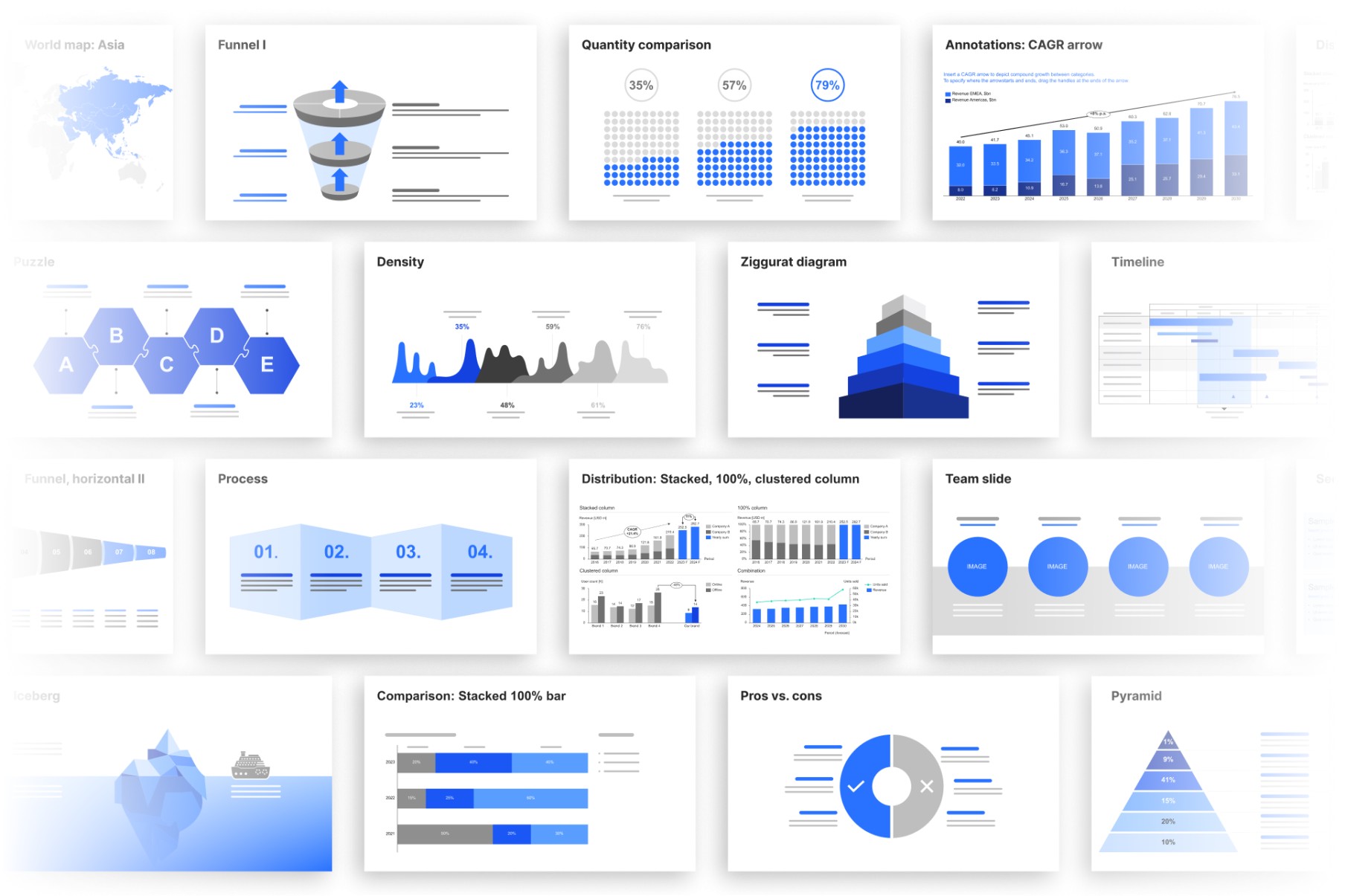
Never start from a blank slide again, thanks to the think-cell Library. All the assets you need, right inside PowerPoint
250+ business slide templates
Professional designs from our experts for you to make your own.
- Cover all common business presentation scenarios.
- Follow best practices for PowerPoint slide layouts.
- Adapt automatically to your brand’s color palette.
Millions of images and icons
Access external libraries directly within PowerPoint.
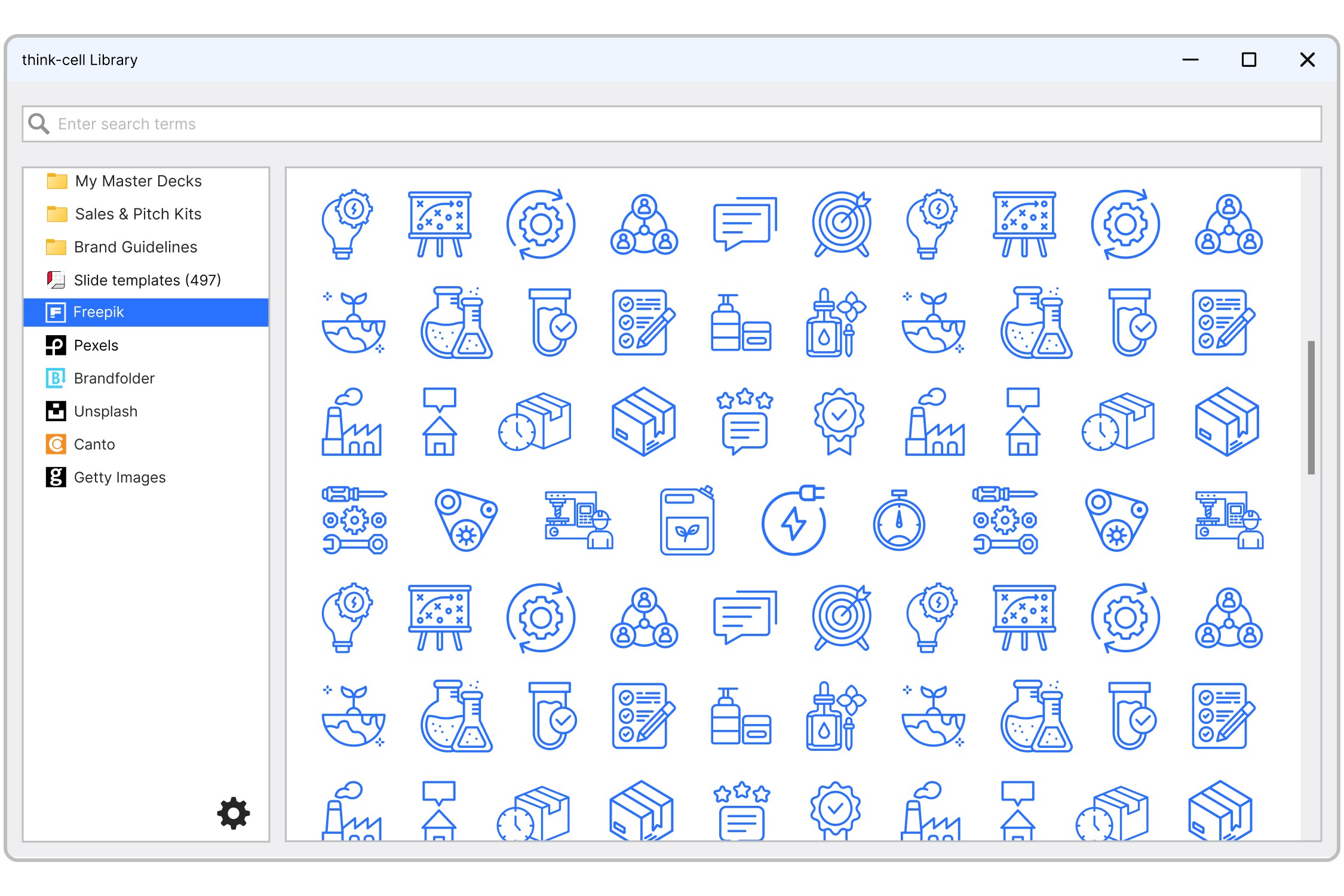
Search and filter over 10 million icons. Add attractive visuals to your slides that increase the impact of your messages.
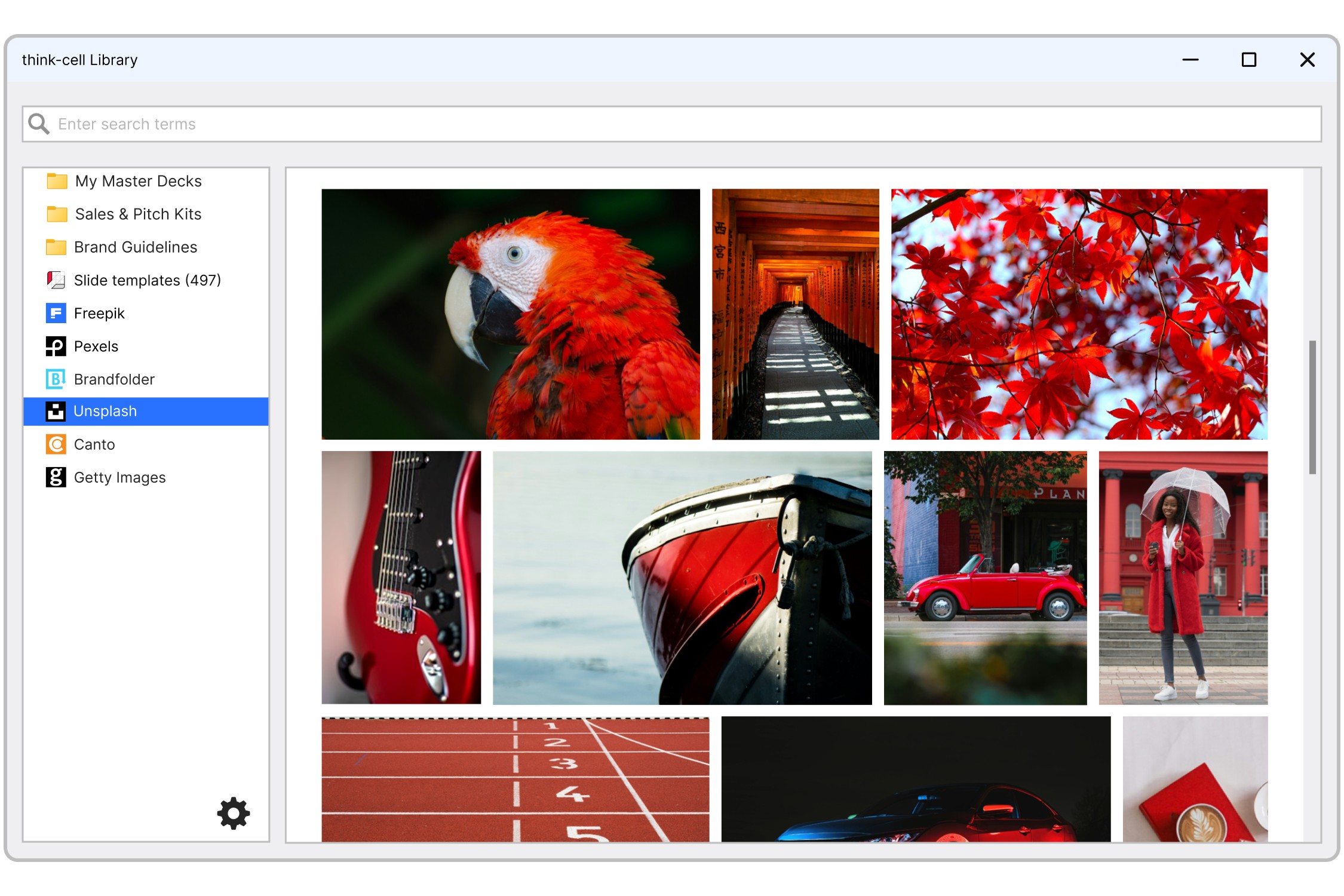
Discover photos that will give your business presentations personality. They’re free to use in your presentations with no copyright issues.
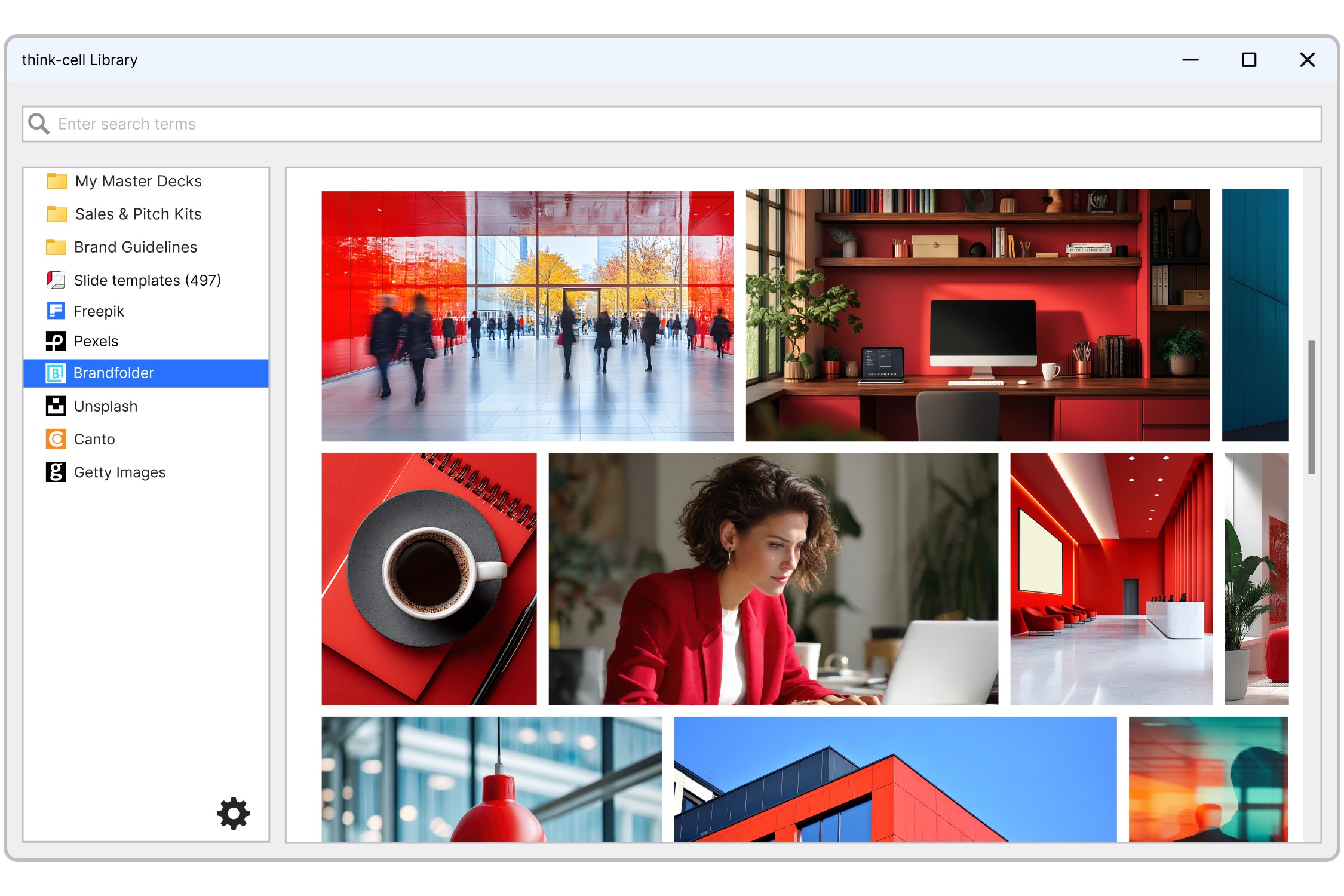
Integrate more databases like Brandfolder, Canto and Getty Images. If you have an account, you can connect it.
Trusted by over 35,000 companies worldwide
People know exceptional software when they see it.


Automating chart creation and updates cuts the time spent on presentations by half, allowing the team to focus more on analysis and less on formatting.


The ability to create Gantt charts quickly to manage project timelines and align cross-functional teams is a game-changer.


We automate our reports by establishing links not just to chart data ranges, but to every single cell that contains a value. In this way, think-cell’s Excel links helps us generate our reports faster, while also guaranteeing 100% accuracy.


If I need 10 minutes to create a chart natively in PowerPoint, think-cell reduces this to just 3-5 minutes.