Extended 45 days free trial
Try think-cell Suite to:
- Transform spreadsheets into professional charts in minutes.
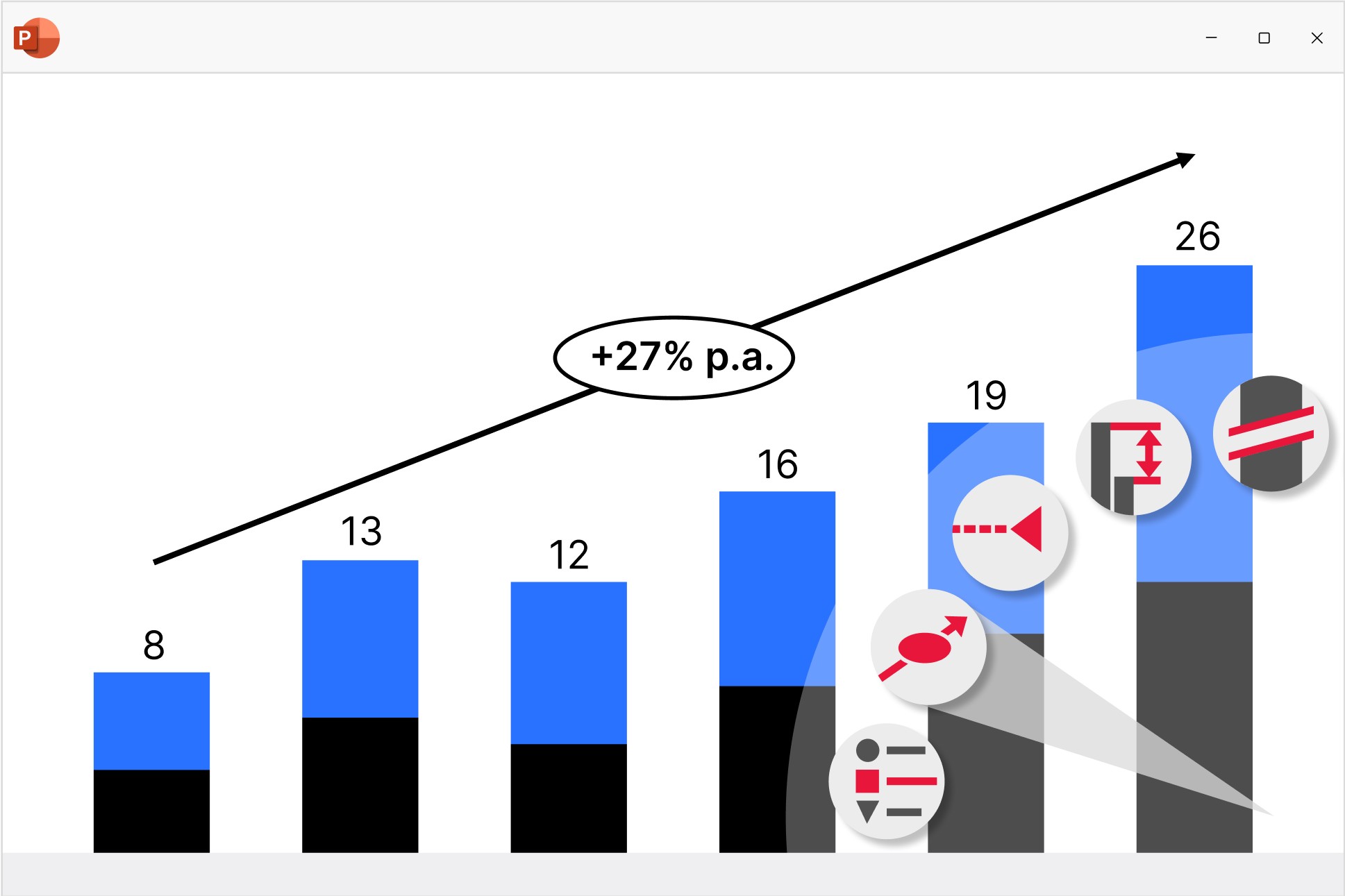
- Calculate annotations like CAGRs automatically.
- Maintain a single source of truth with seamless Excel linking.

Transform data into business insights
think-cell Charts makes it easy to turn your findings into a powerful narrative.
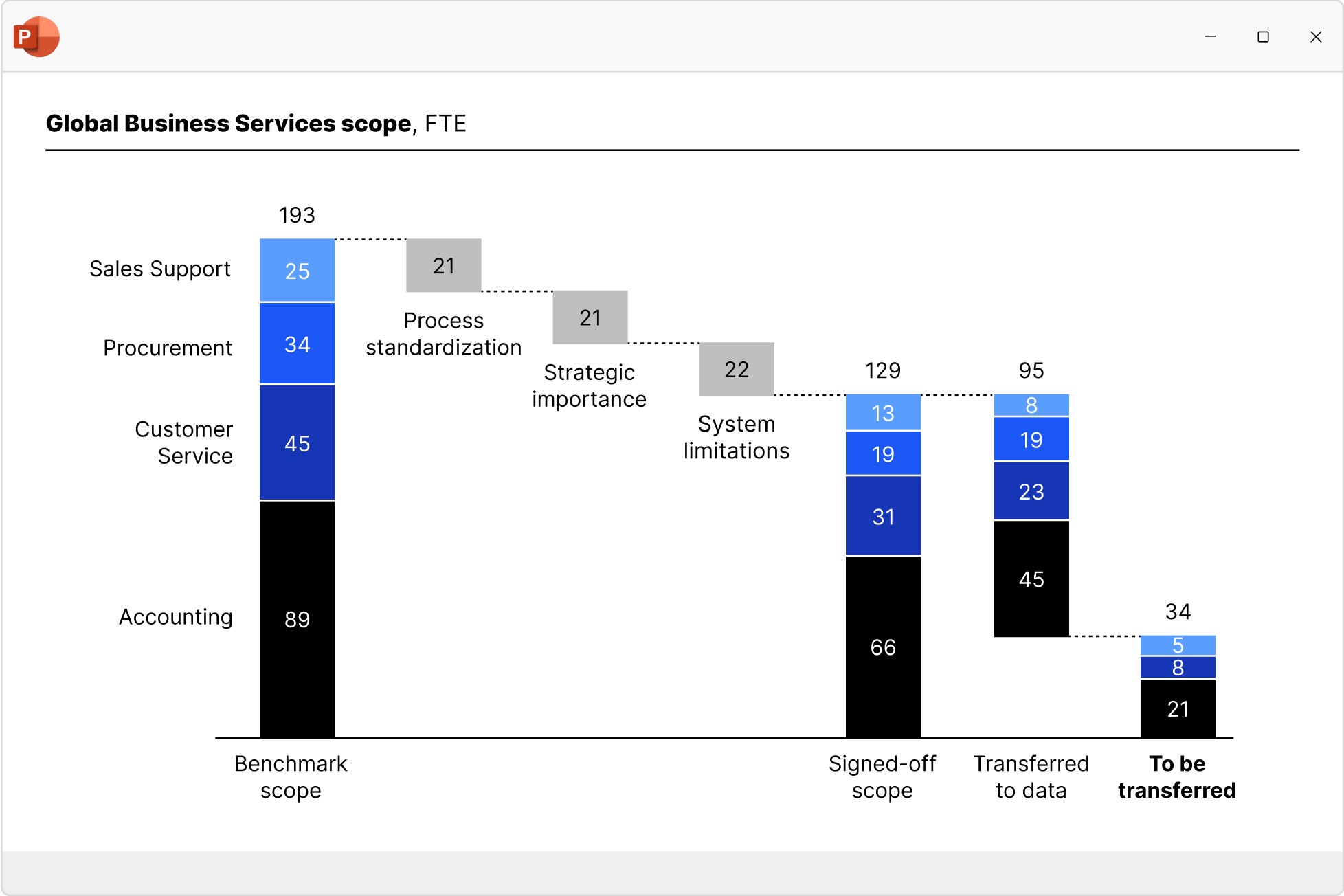
Waterfall charts
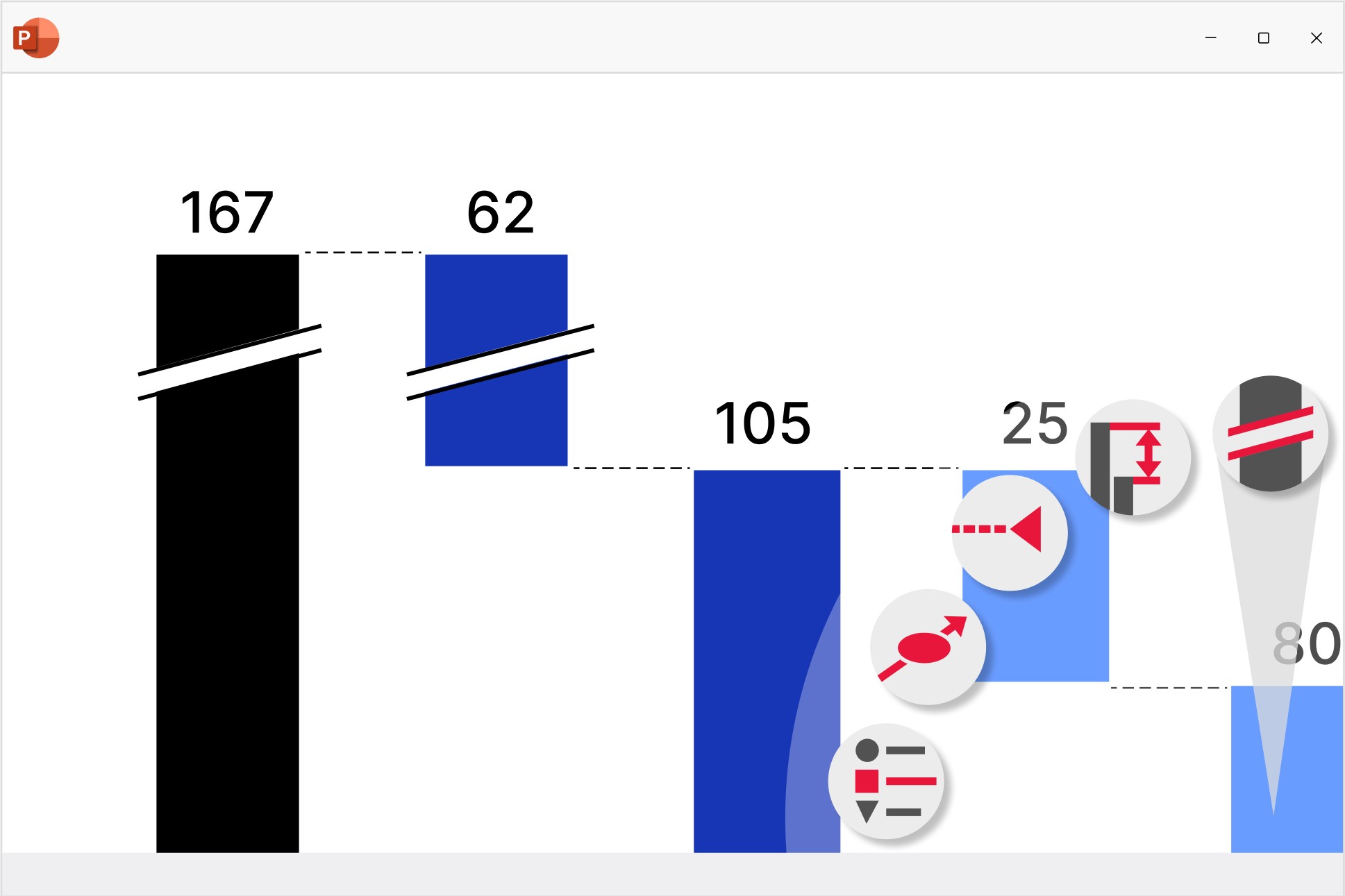
Create waterfall charts to show how different drivers contribute to an overall change. Industry standard for EBITDA bridge and P&L statements.
- Display multiple series with stacked segments.
- Include totals and subtotals that calculate automatically.
- Add segments that cross below the baseline.
Column and bar charts
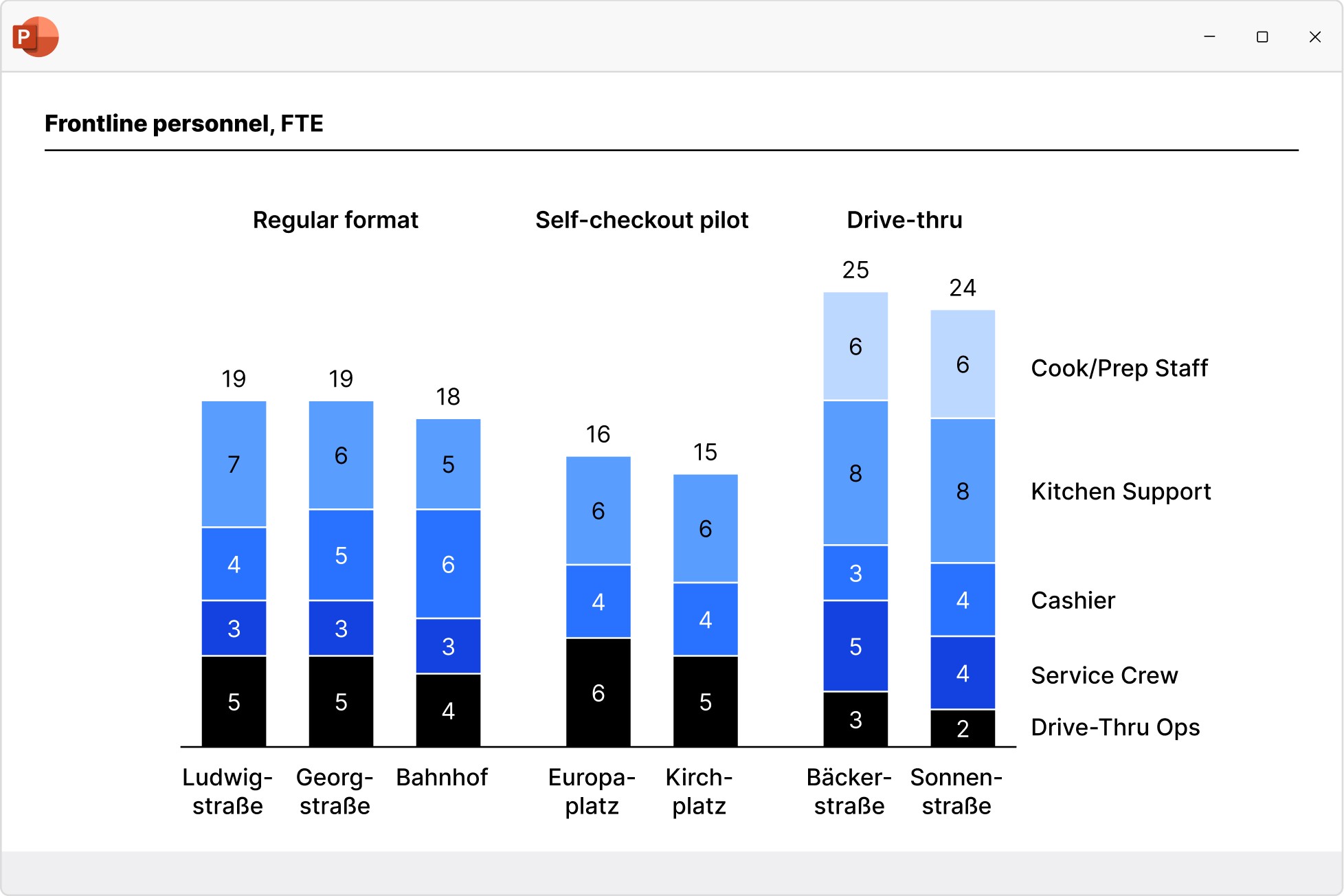
Use column and bar charts to present your data in a clear, digestible form anyone can recognize. Easily modified to create butterfly/tornado charts.
- Choose from stacked, clustered and 100% charts.
- Insert axis breaks to make best use of the slide space.
- Extract a series and show it perfectly aligned in an accompanying data table.
Line and area charts
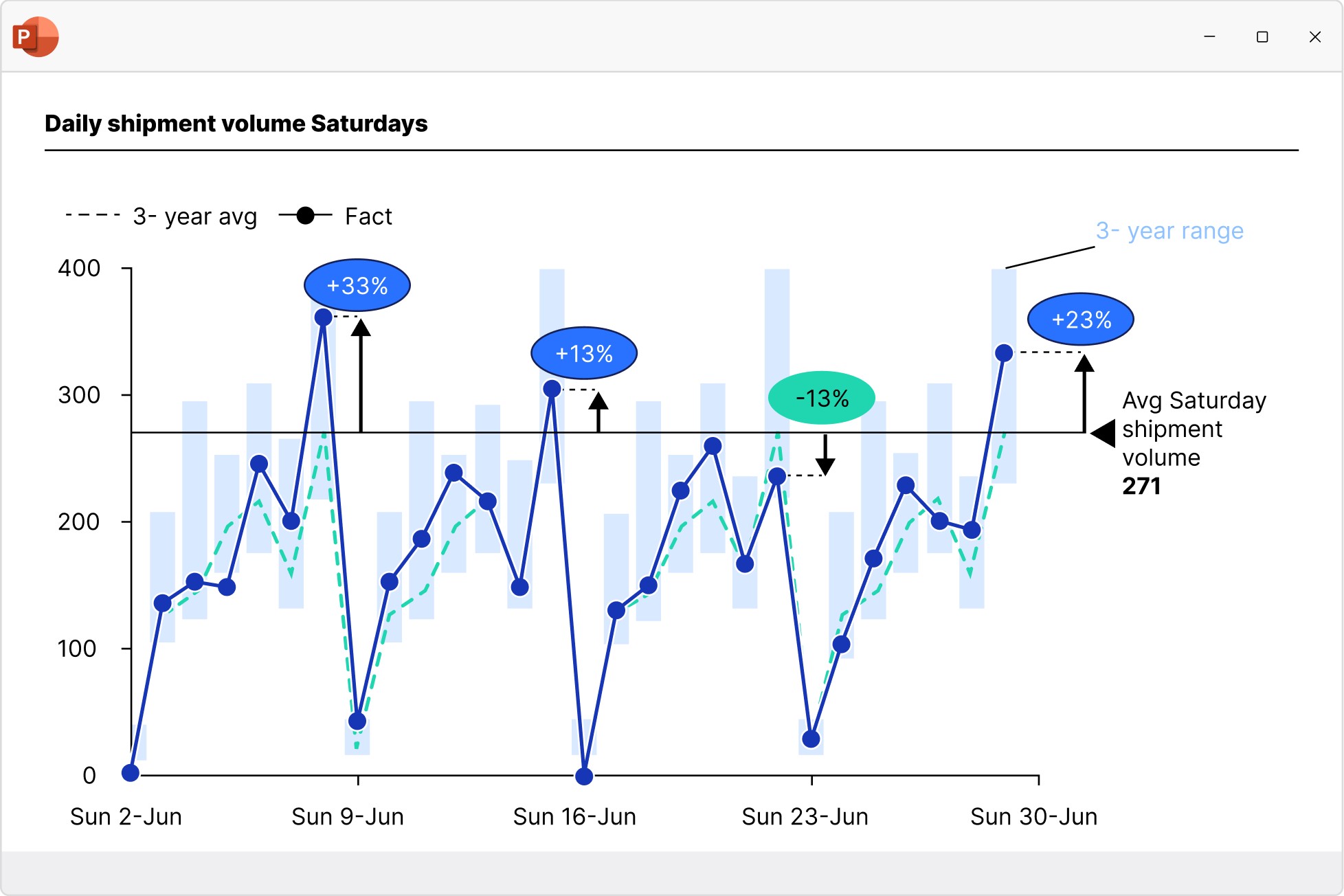
Build line, area, and area 100% charts to communicate data trends over time. Versatile use as candlestick charts for stock prices or football field charts.
- Add a secondary value axis to better compare metrics.
- Add linear interpolation for any missing values.
- Use error bars to show confidence intervals.
Pie and doughnut charts
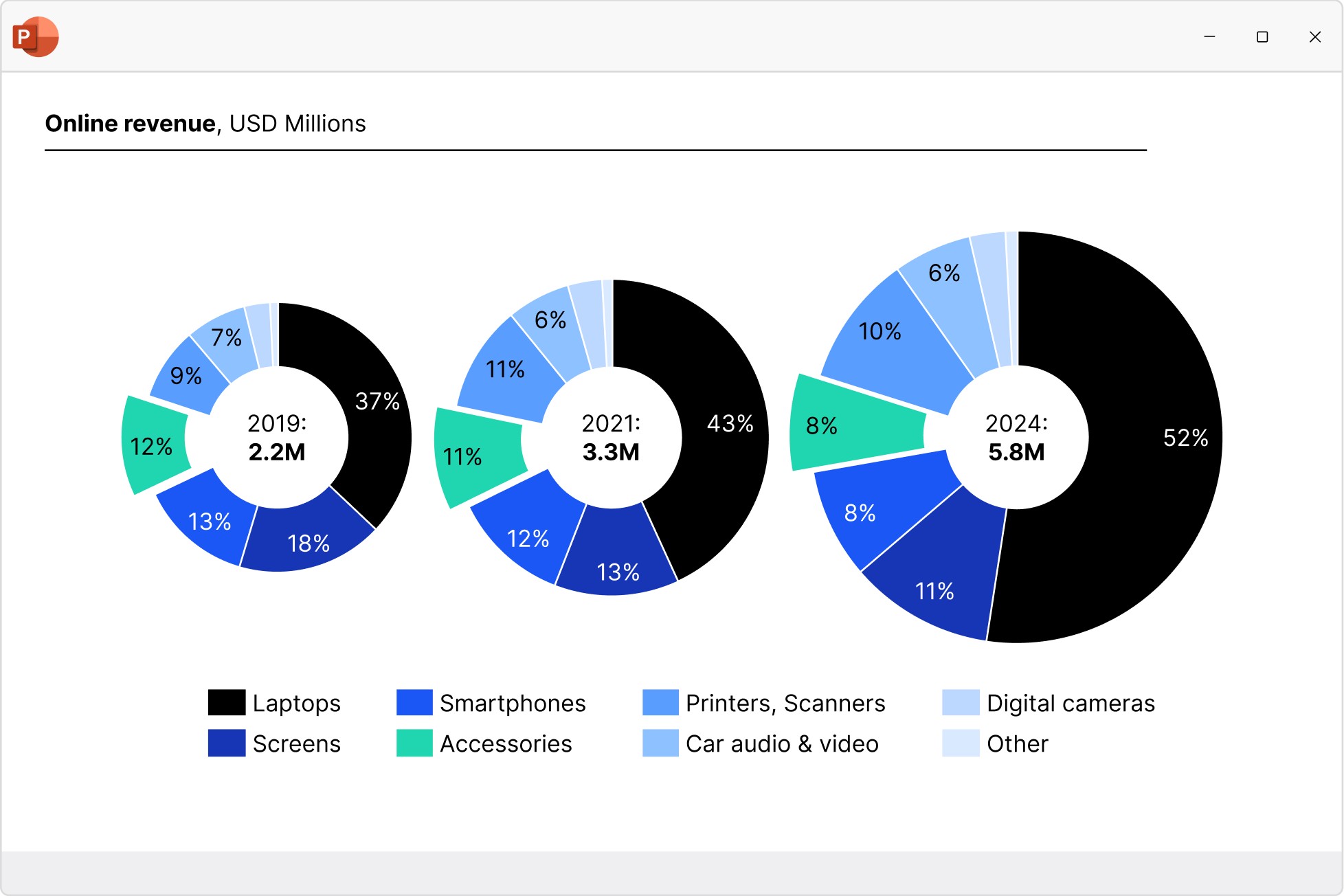
Use pie and doughnut charts to easily visualize the proportions of each category within a 100% total. Can be easily modified to create gauge charts.
- Break out individual slices to add emphasis
- Add connectors to create pie of pie charts or show segment growth.
- Use concentric doughnut charts for multi-series comparisons.
Scatter and bubble charts
Create scatter and bubble charts to show the relationship between two variables, reveal patterns in categorized data, and uncover outliers.
- Ensure maximum readability with automated point labels.
- Use bubble sizes and group colors to communicate more information.
- Shade or color partitions to highlight segments in scenarios, heat maps, etc.
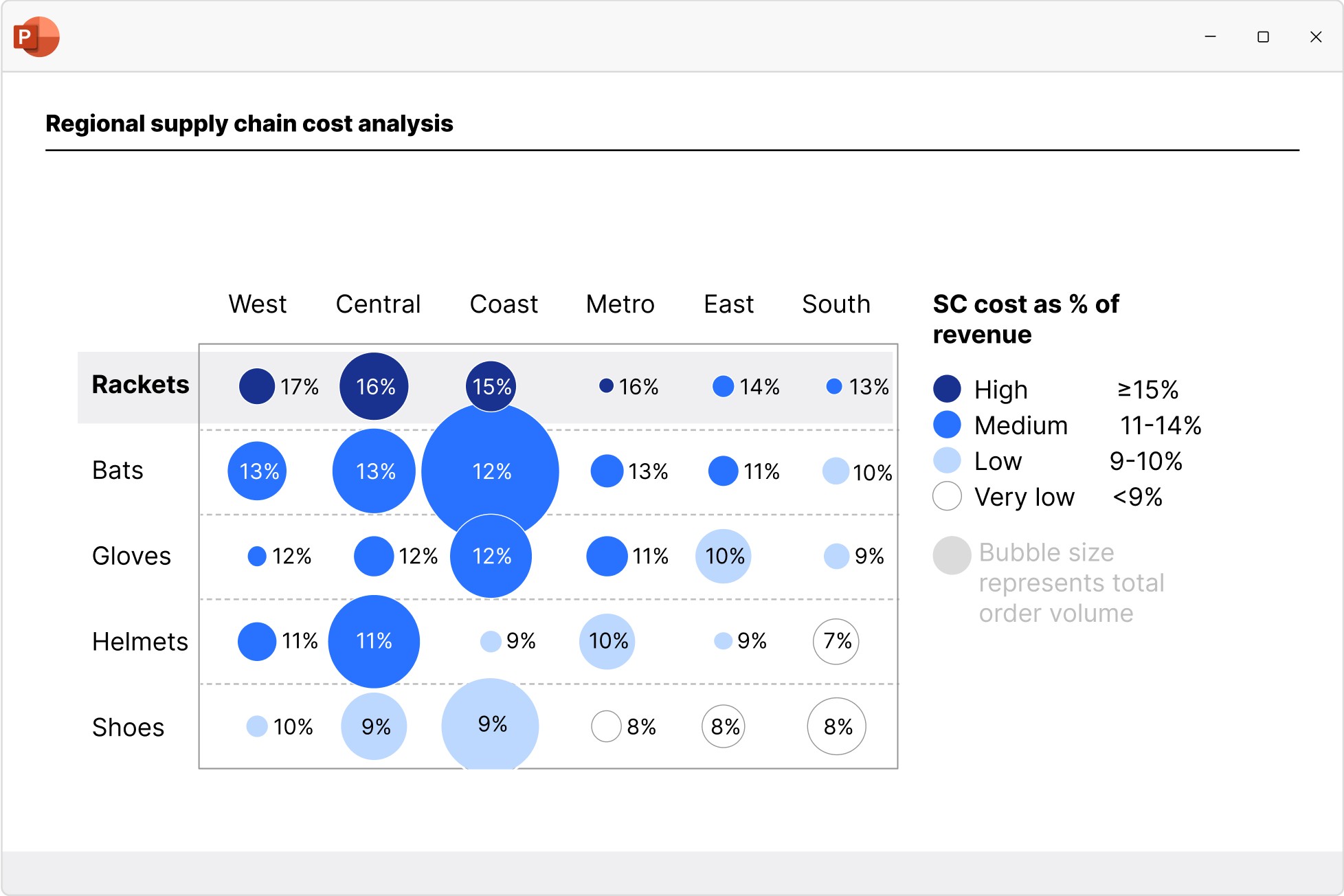
Mekko charts
Build Mekko charts to show data in two dimensions, using column width for total category sizes and height for proportions. Ideal for market shares.
- Choose from unit axis or percentage axis.
- Avoid manual workarounds as column widths are calculated automatically.
- Combine smaller segments to ‘Other’ to reduce noise.
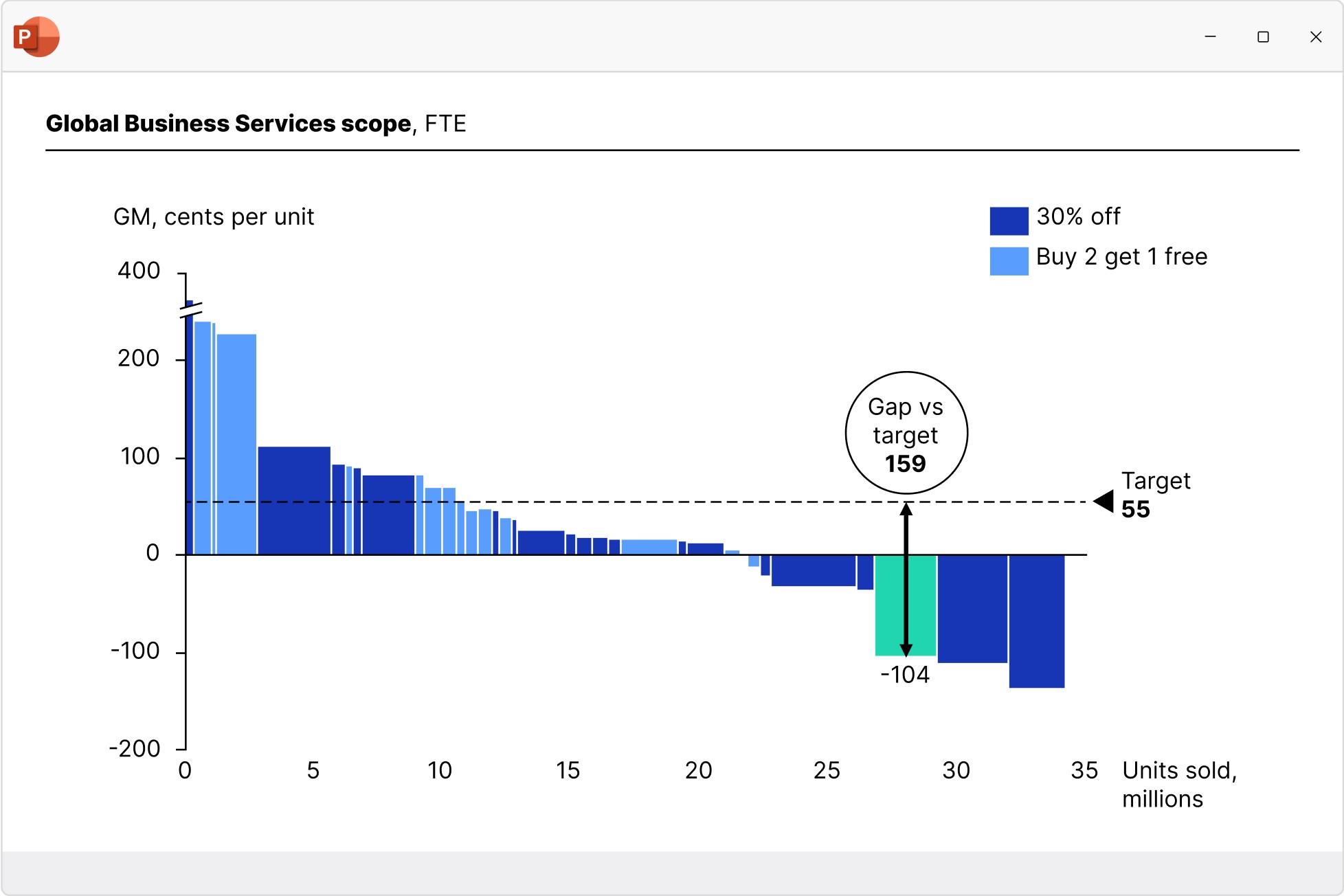
Combination charts
Create combination charts to show trends and relationships between data series, bringing column/bar and line charts together in a single visualization.
- Use one or two axes and set each series flexibly to be displayed as a column/bar or line.
- Display series as net lines to represent targets or benchmark values.
- Sort columns in descending order to create insightful Pareto charts.
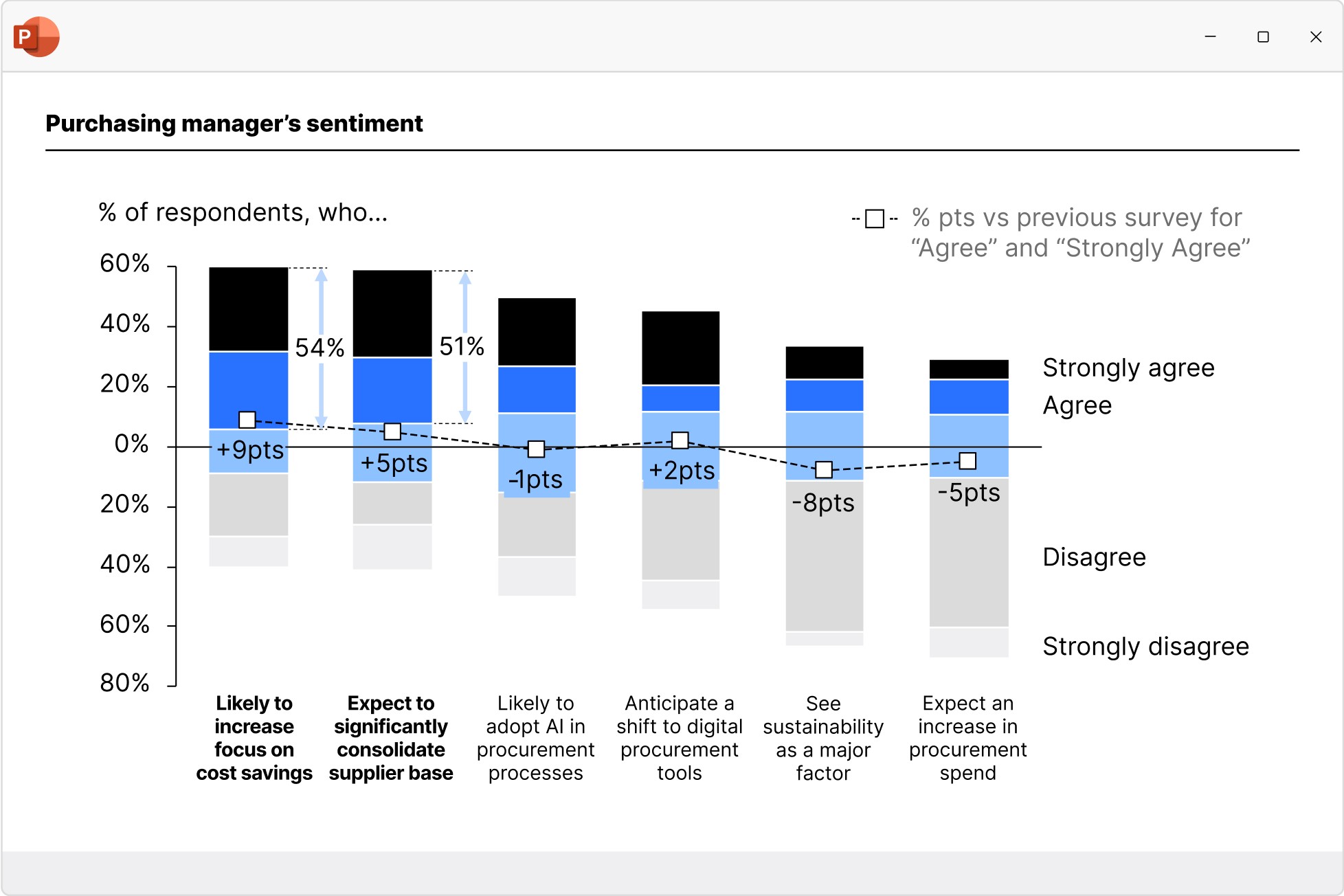
Data-driven tables
Include formula-powered data in your presentation without needing a separate Excel spreadsheet. No need to manually adjust values.
- Use familiar Excel formulas to automate calculations.
- Easily apply styles like row and column striping.
- Add Harvey balls and checkboxes that sync with your datasheet.
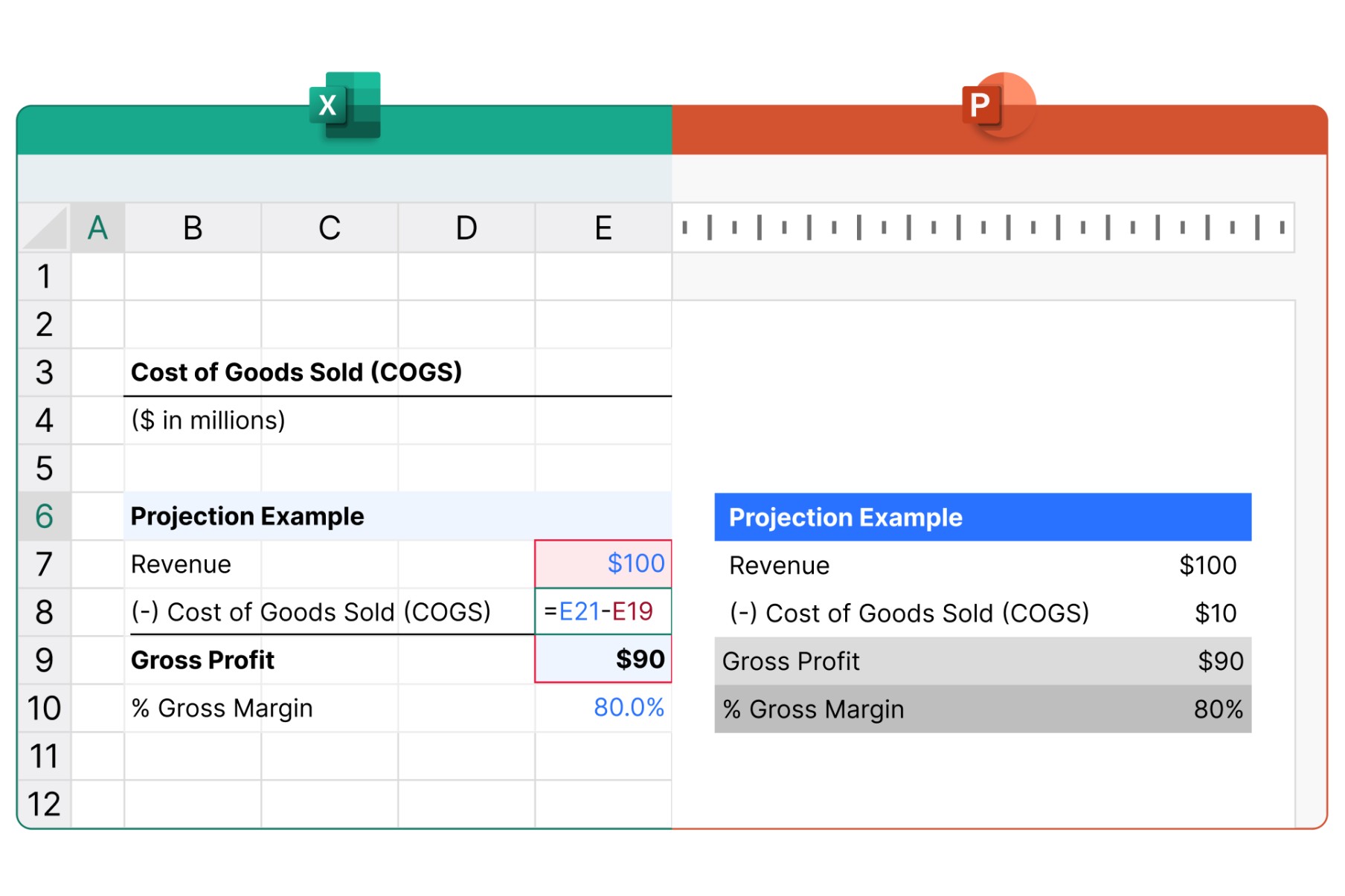
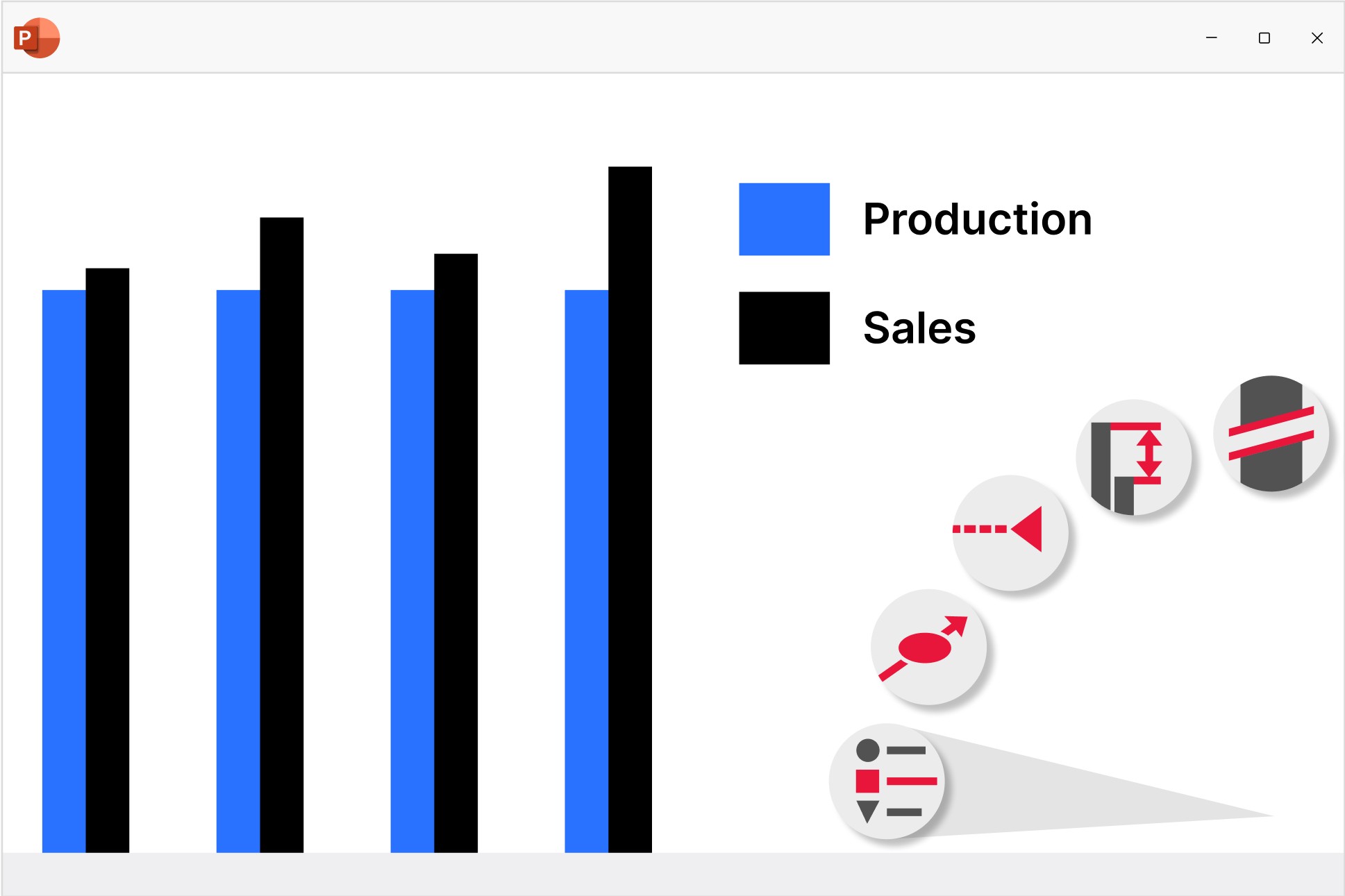
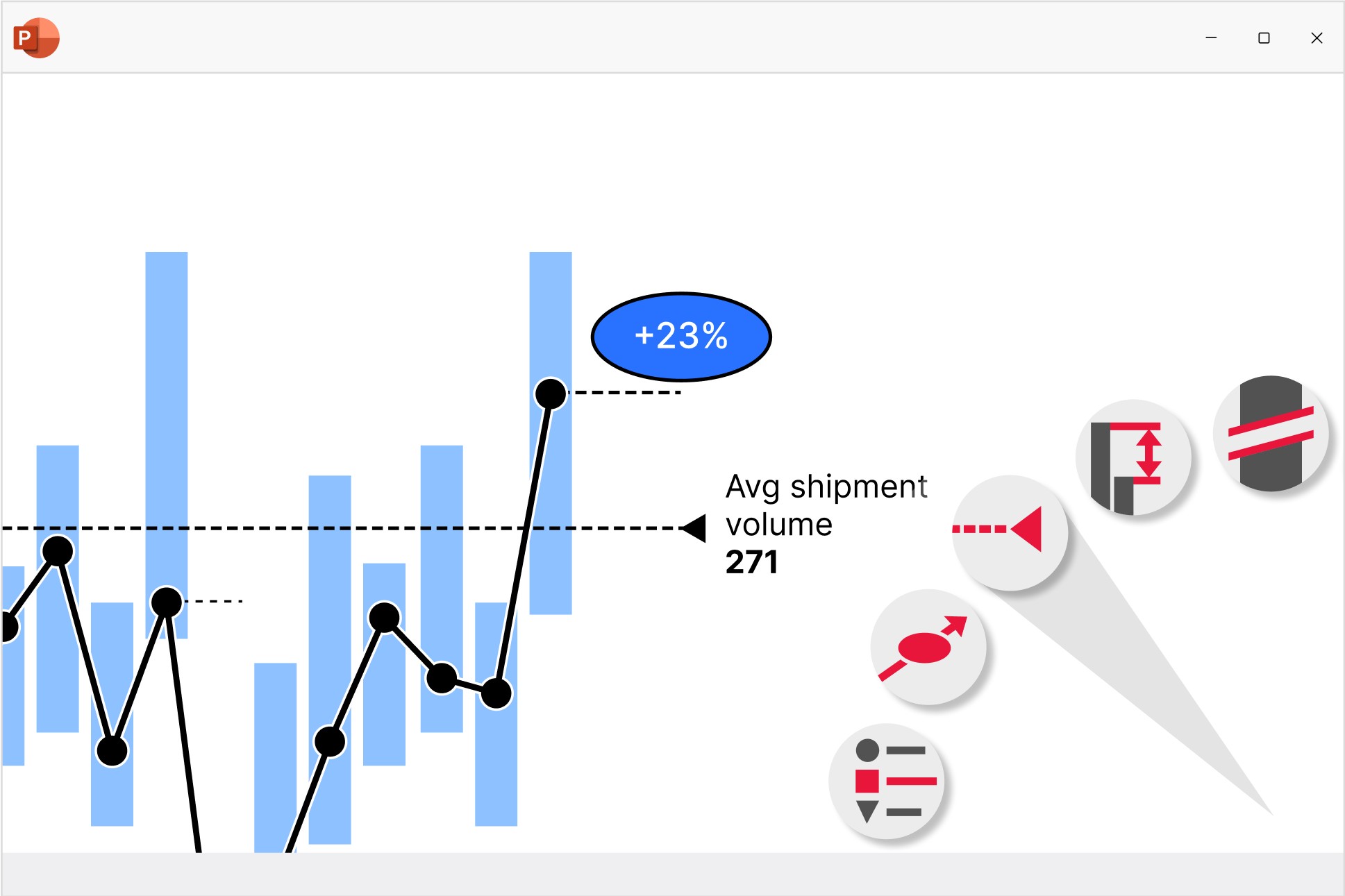
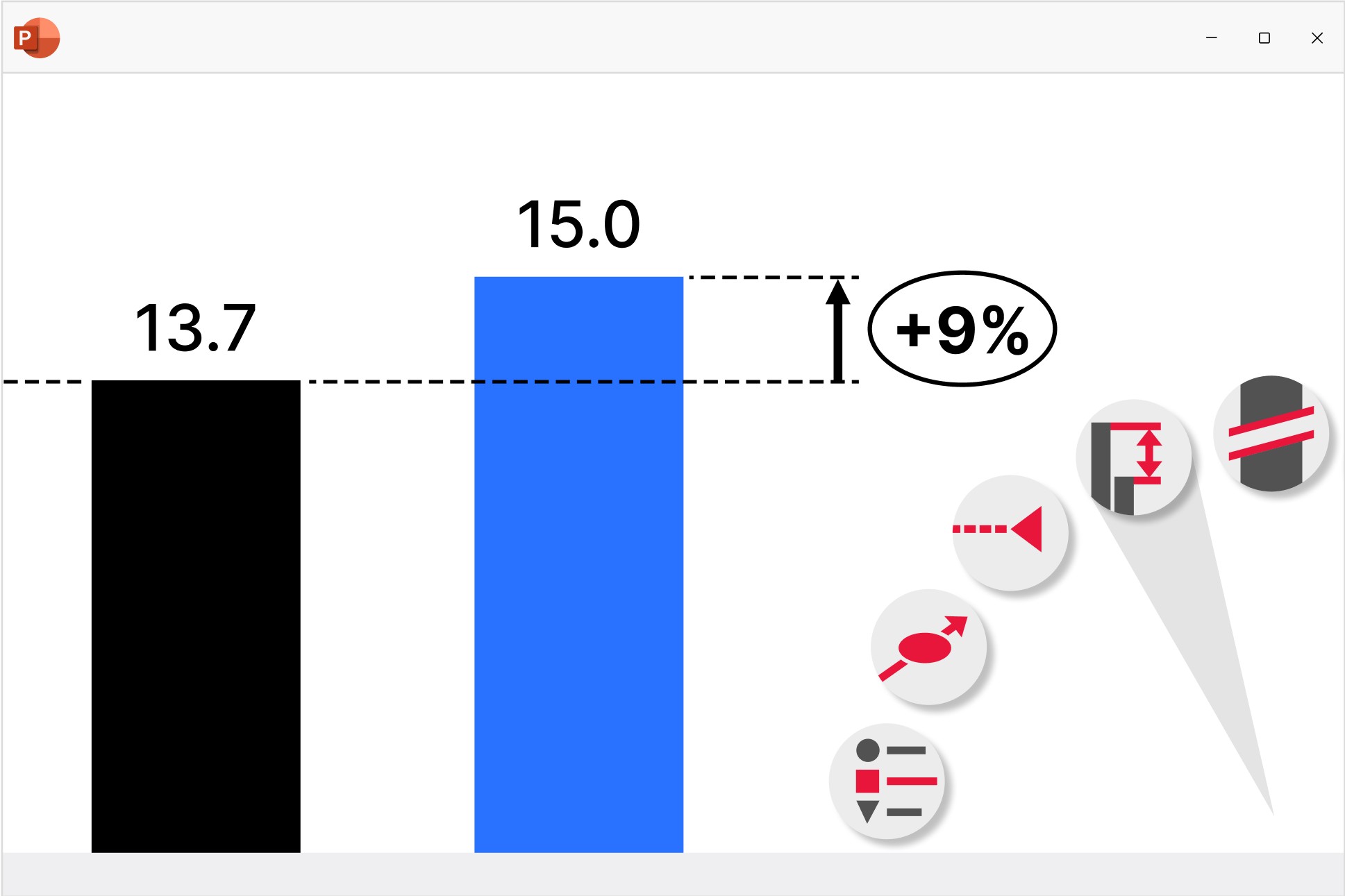
Chart annotations and decorations
Highlight key insights with a range of auto-calculated enhancements that are positioned perfectly for best practice chart layouts.
Excel links
Control how you manage updates to ensure your presentations maintain full data consistency.
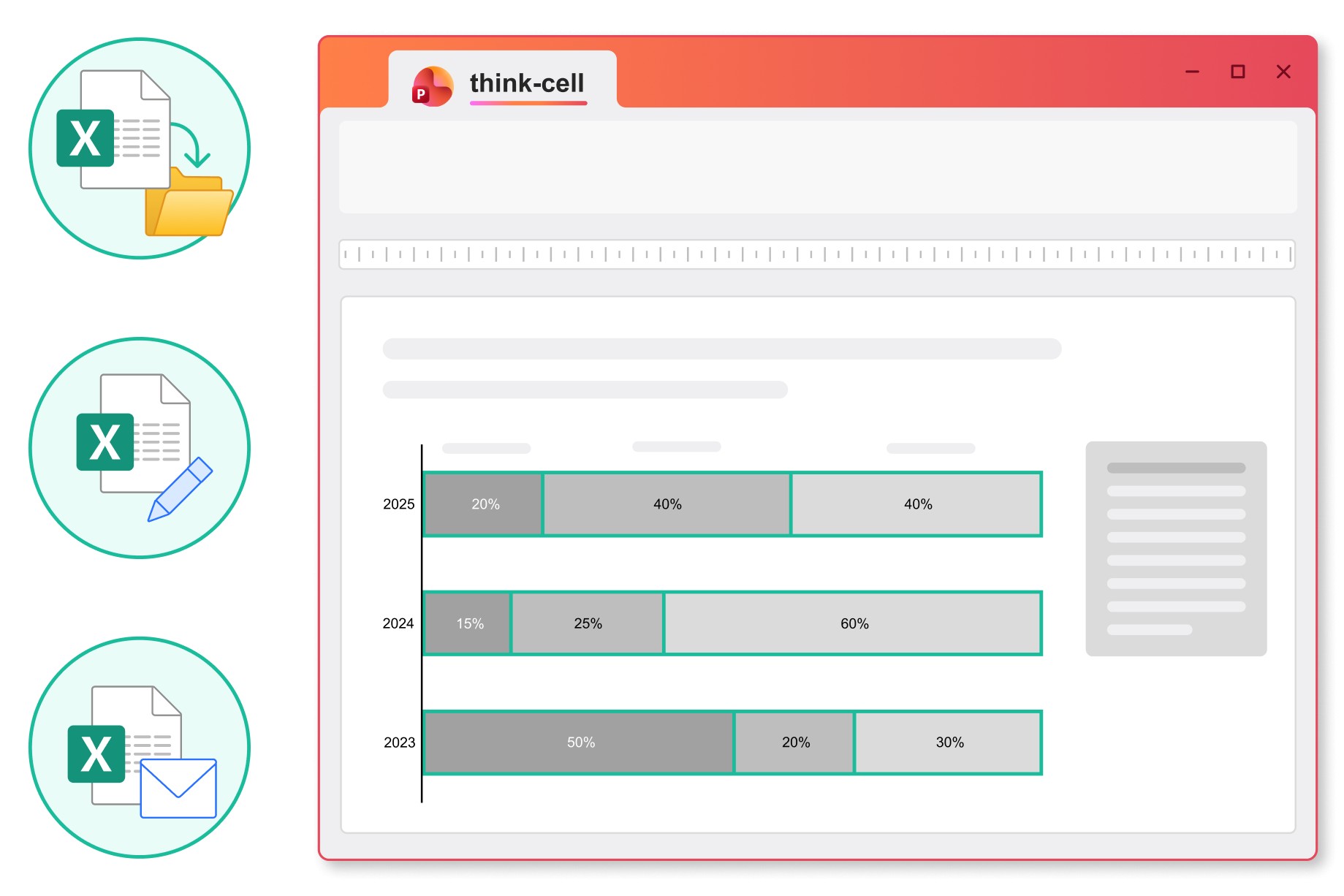
Choose between automatic and manual updates, and see when files are moved or renamed to stay in control of the data you share.
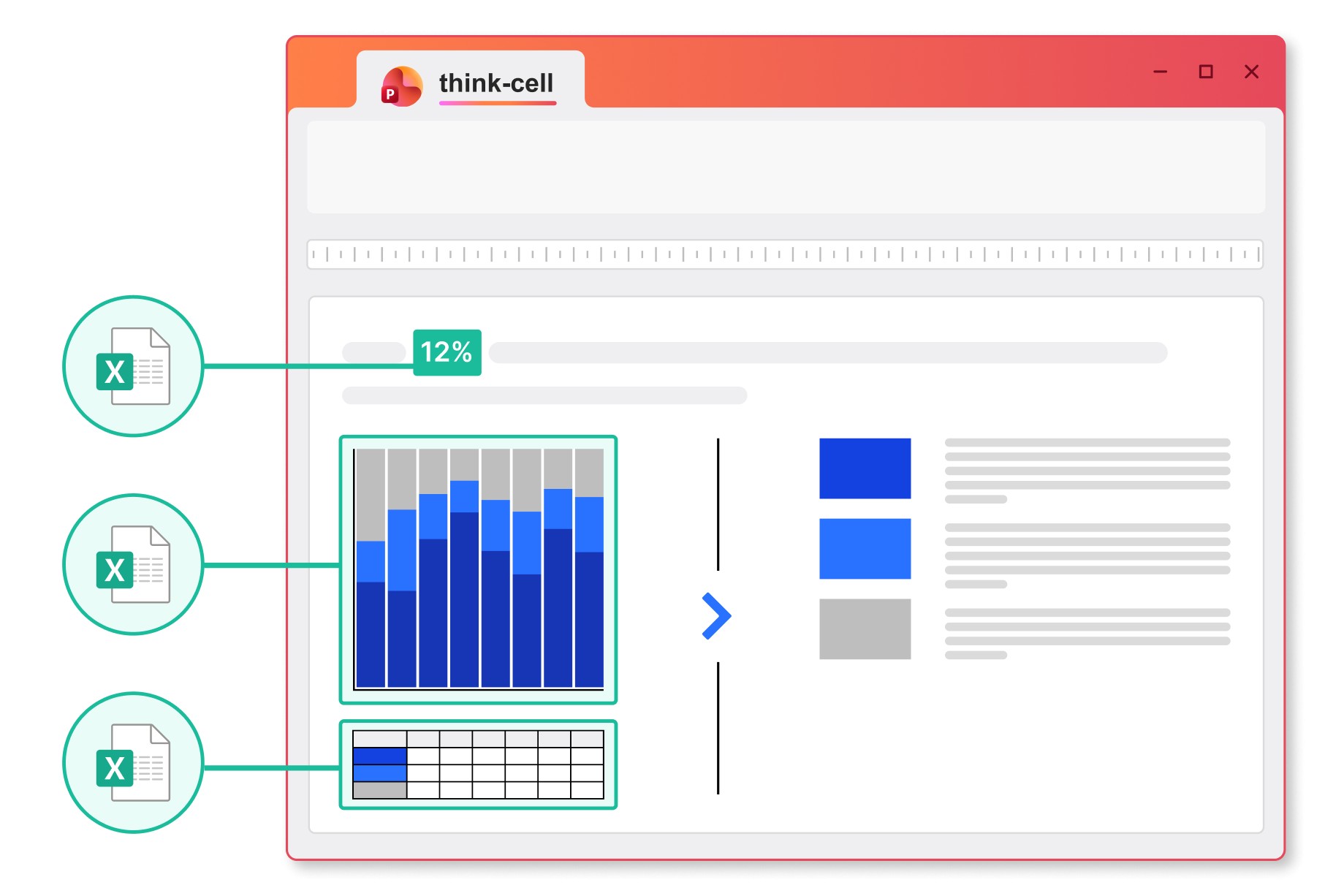
Link any content from a cell in your Excel spreadsheet to charts, tables, in-line text or any other object in your PowerPoint presentation.
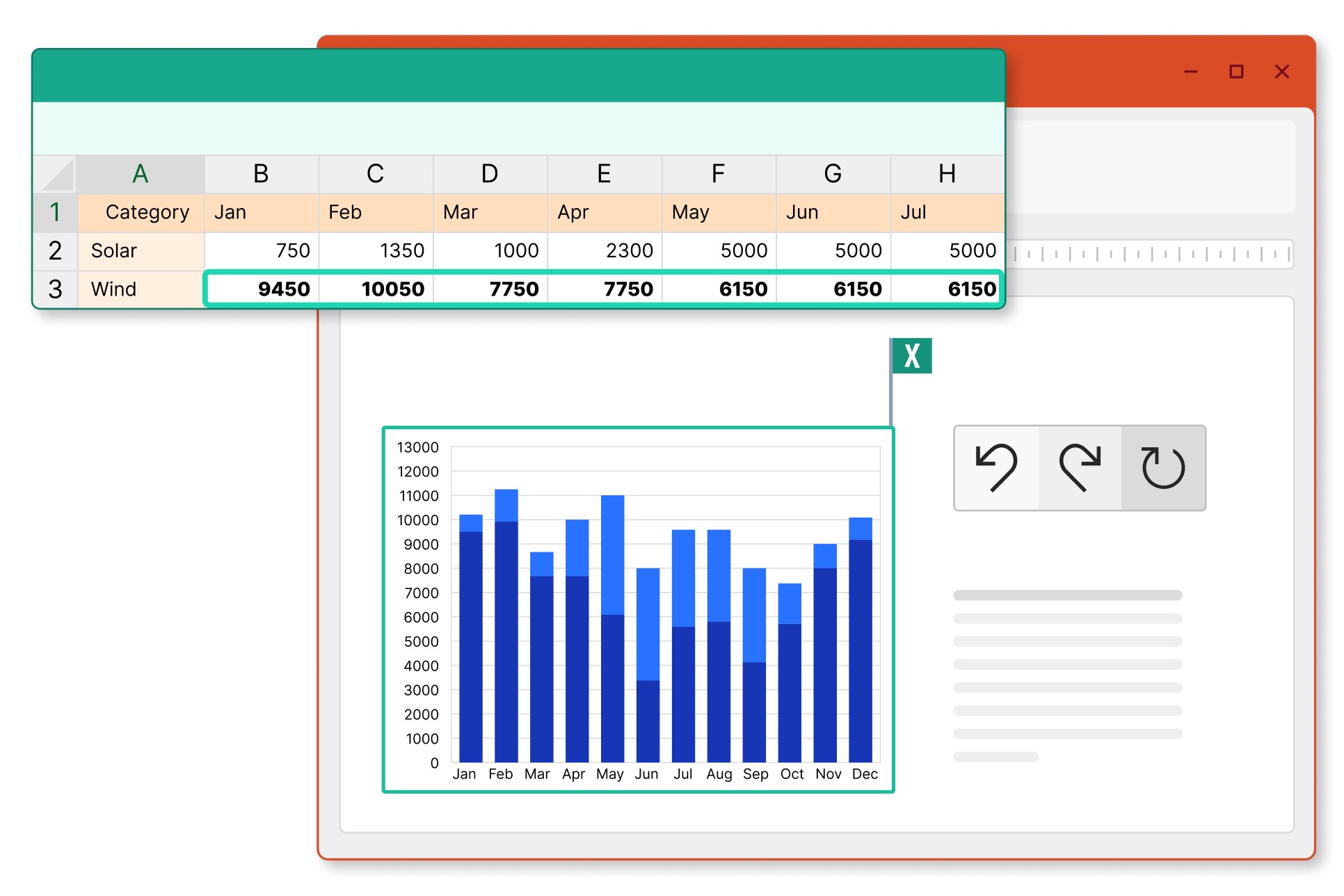
Insert tables into PowerPoint and choose to link just the data, also link the formatting, or to add an image that is synced to your Excel range.
1,300,000 users at 35,000 companies rely on think-cell every day

10 of the top 10 consulting firms
According to vault.com
Seven of these firms provide our software to all their consultants.

88 of the top 100 US blue chip companies
According to Fortune 100

10 of the top 10 business schools
According to U.S. News & World Report
All of them provide our software to all their students and faculty members.


Get started with think-cell
- Create professional charts and data-driven tables.
- Deliver impactful presentations faster.
- Try for 45 days, no credit card required and no cancellation necessary.