Free think-cell trial for Datasite users
- No credit card details needed
- Free trial with full functionality
- Automatically expires after 30 days, no cancellation necessary
See how think-cell Suite addresses your
other PowerPoint pain points
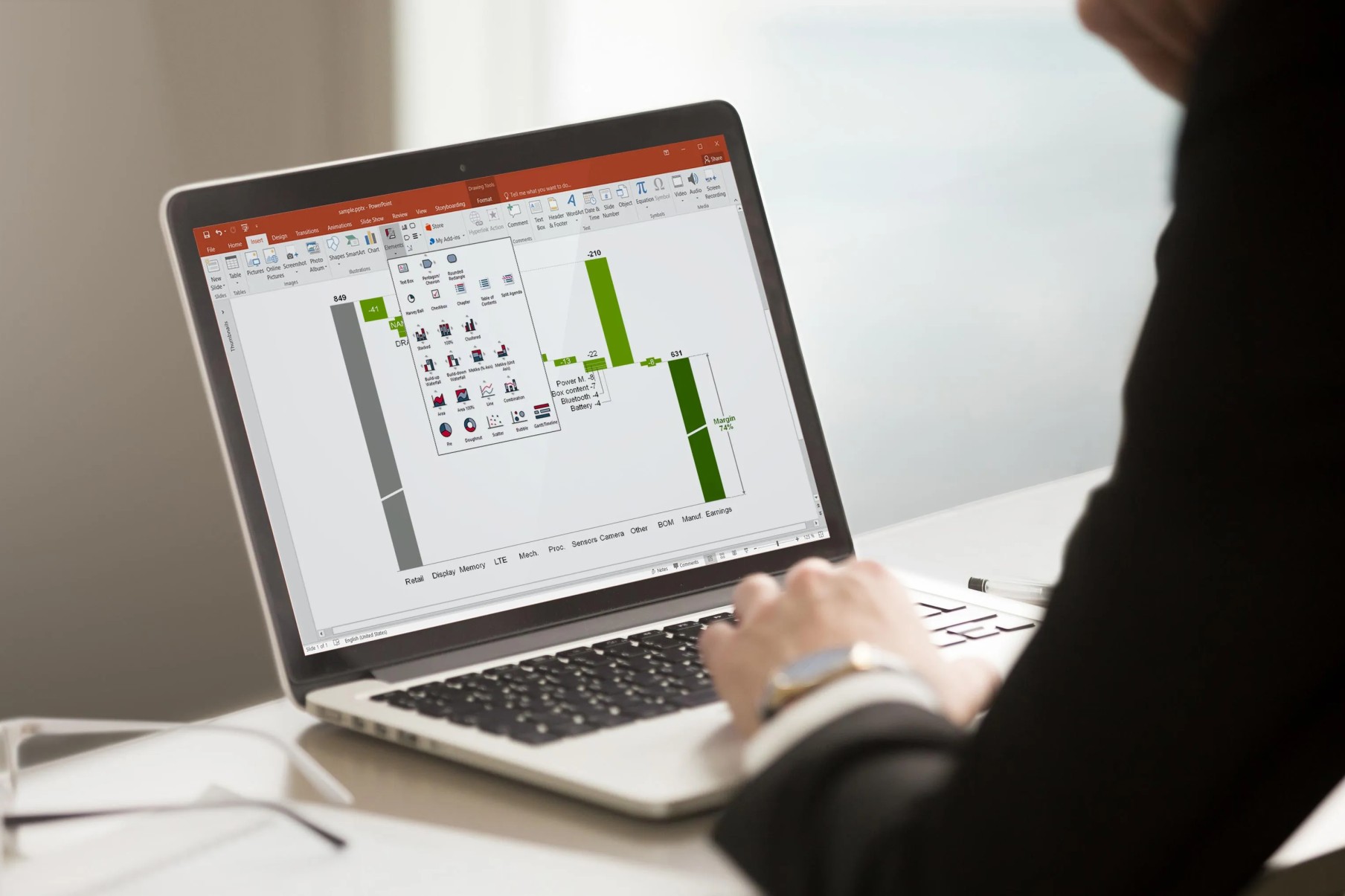
think-cell helps you create professional, brand-compliant presentations in minutes, enhances your slide layouts, and automates reports. Access professional templates, millions of stock images, and easily search your PowerPoint content—all with a single suite. Explore its most powerful features here.
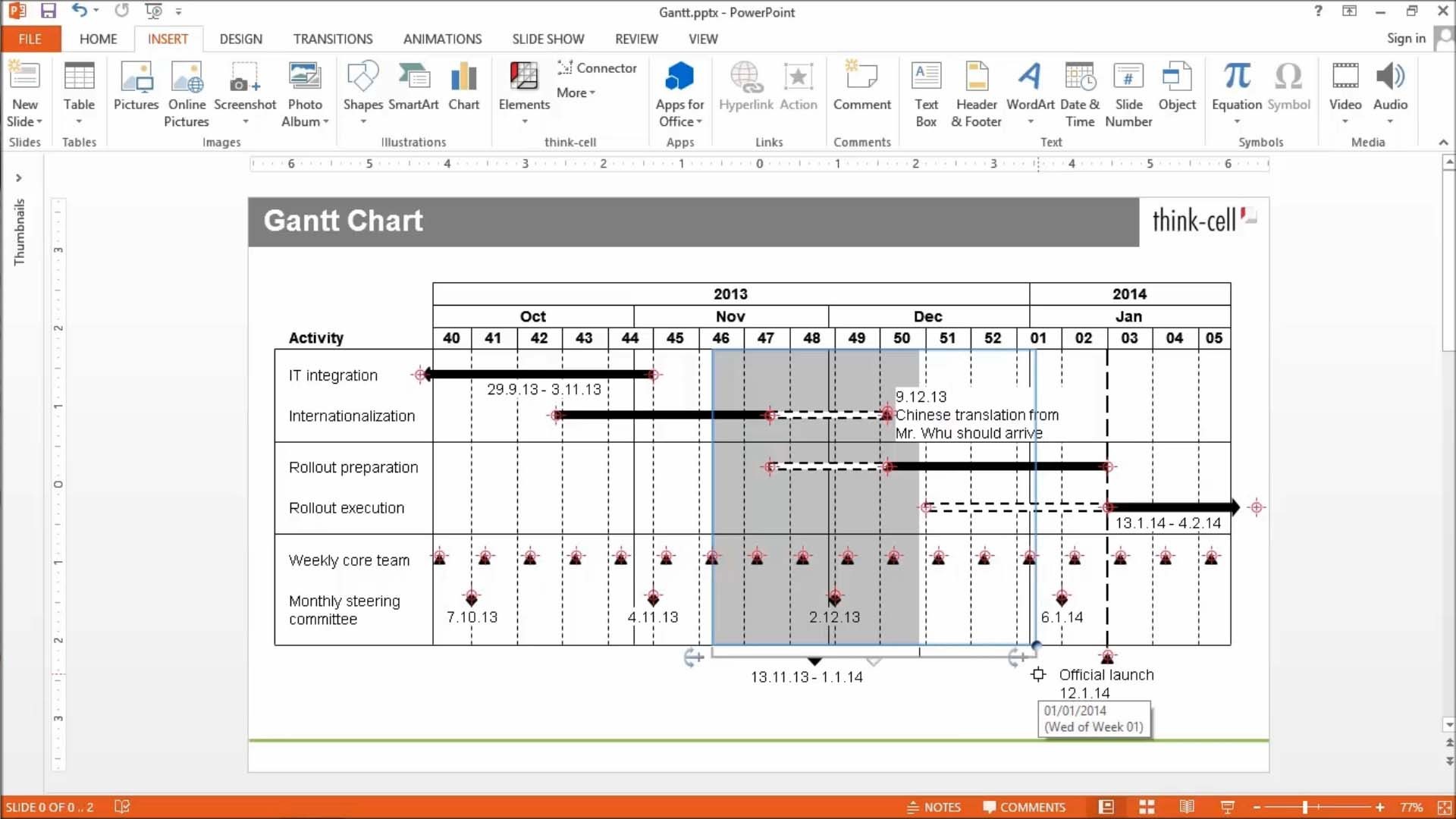
Gantt charts you can create in PowerPoint
Ensure maximum clarity in your project management reporting.
- Show project status with data-driven elements like Harvey balls and checkboxes.
- Choose your timescale and add activity bars and milestones that connect directly to the calendar.
- Add or remove items and the chart adapts automatically to maintain readability.
Waterfall charts without workarounds
Create waterfall charts to show how different drivers contribute to an overall change. Industry standard for EBITDA bridge and P&L statements.
- Display multiple series with stacked segments.
- Include totals and subtotals that calculate automatically.
- Add segments that cross below the baseline.
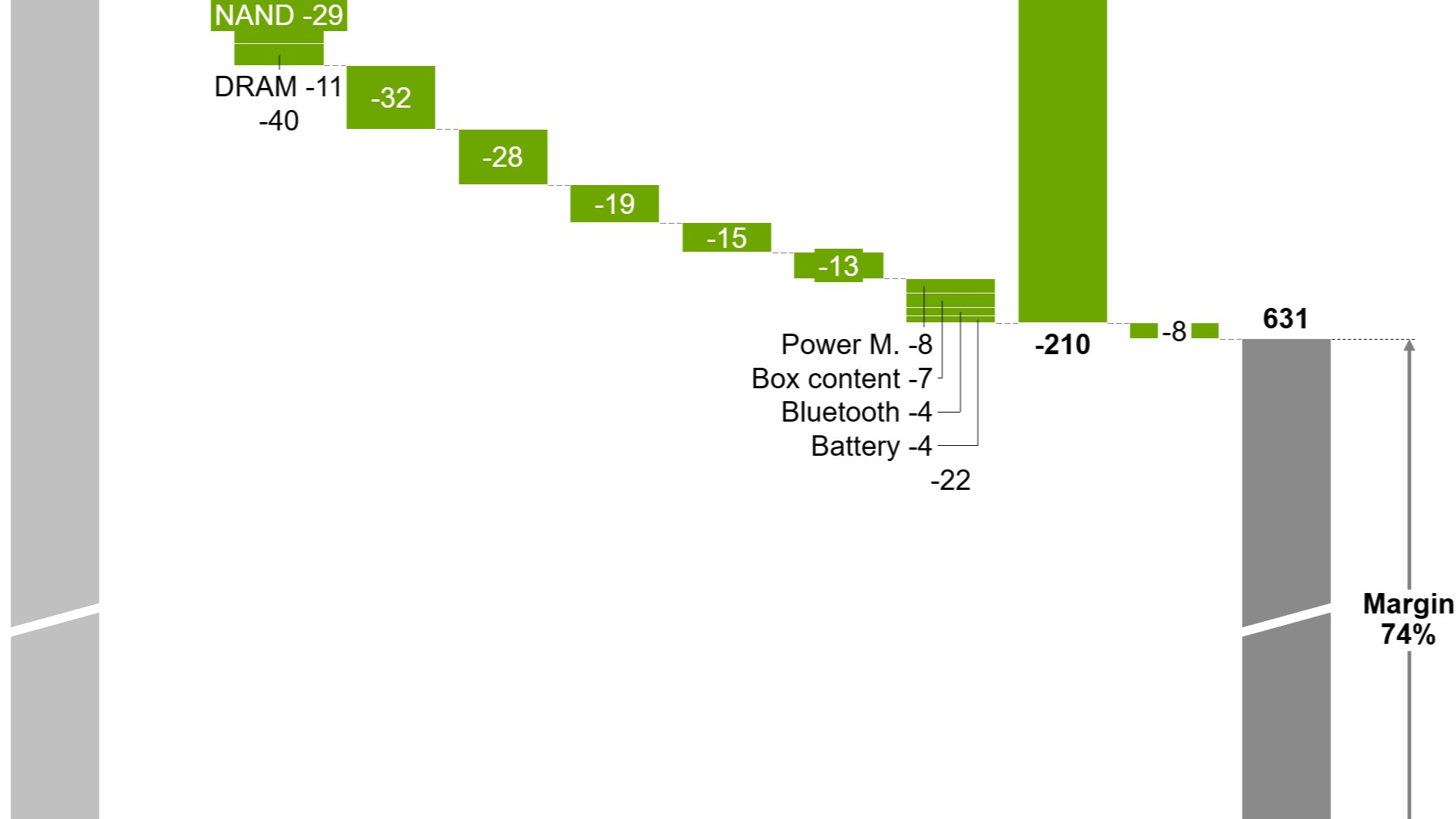
Chart annotations for data-driven stories
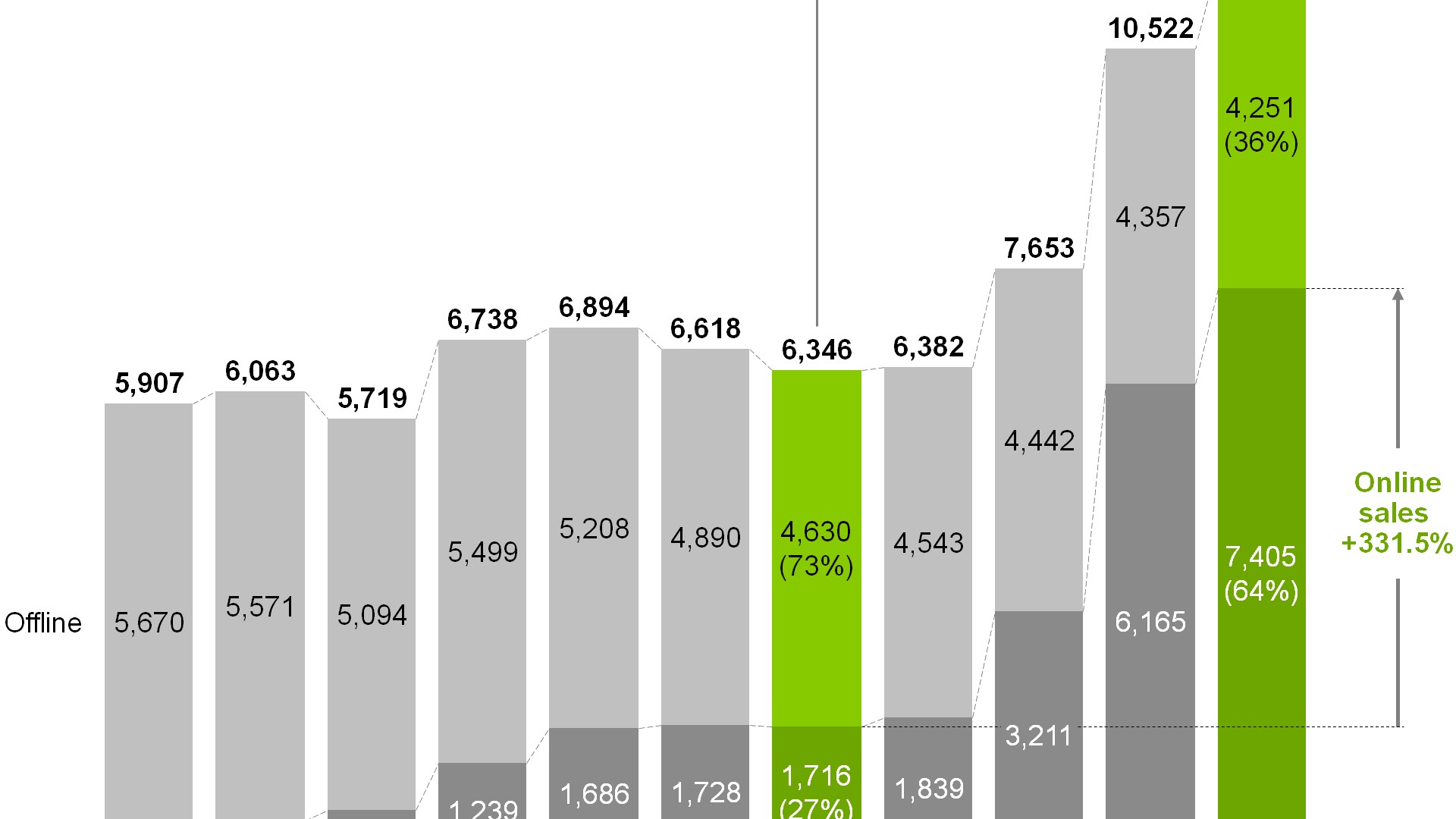
Highlight key insights with a range of auto-calculated enhancements that are positioned perfectly for best practice chart layouts.
- Use labels and legends for clearer data communication.
- Add CAGR arrows that automatically update when your chart changes.
- Show your audience what matters with value lines and difference arrows.
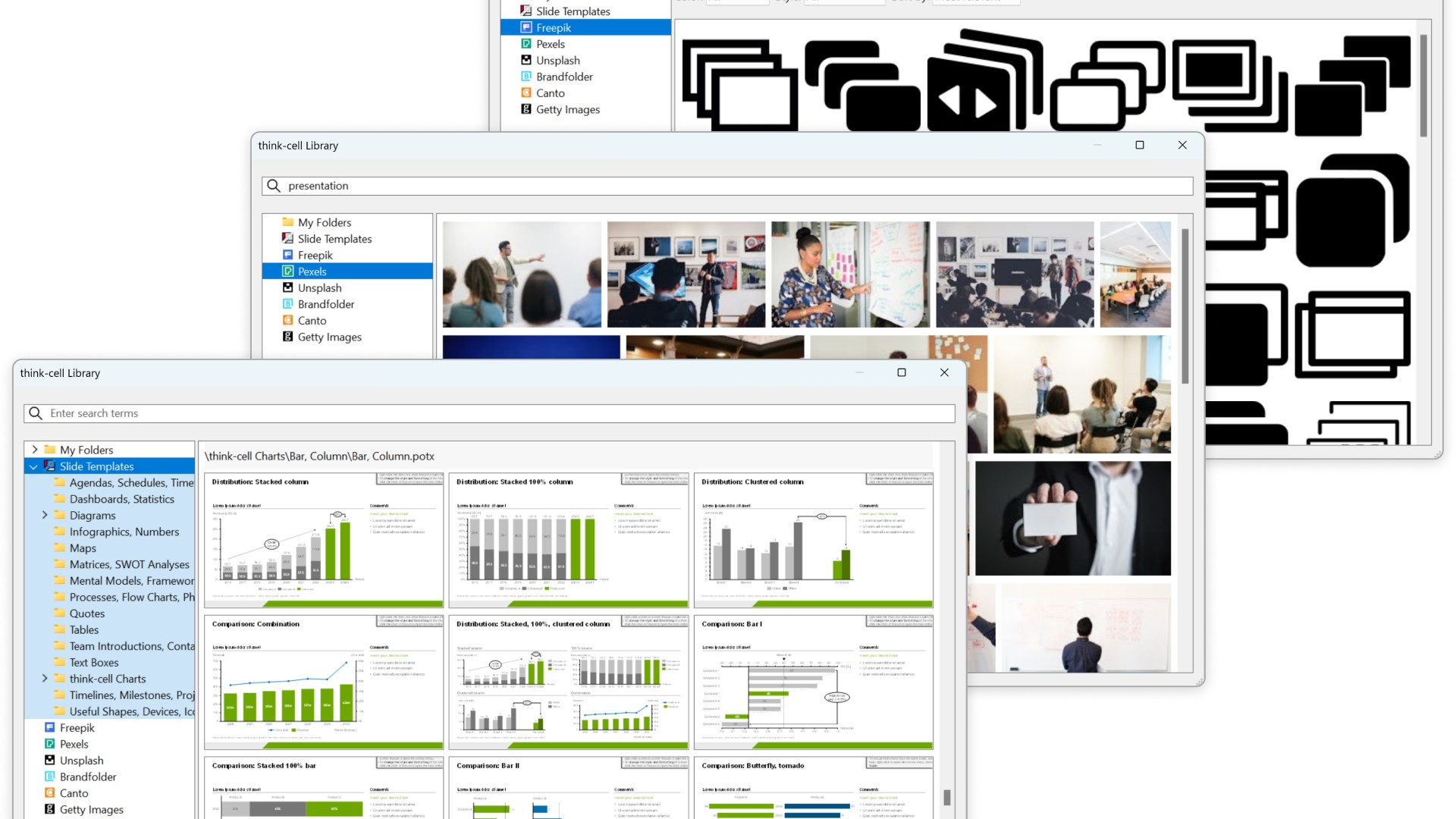
think-cell Library for the assets you need
Start building faster with the perfect foundation for your business presentations.
- Quickly access all your favorite slides, images and presentation resources.
- Draw on over 250 business templates so you never start from a blank slide.
- Find exactly what you need with slide-level search and powerful filters.
Automated Mekko charts
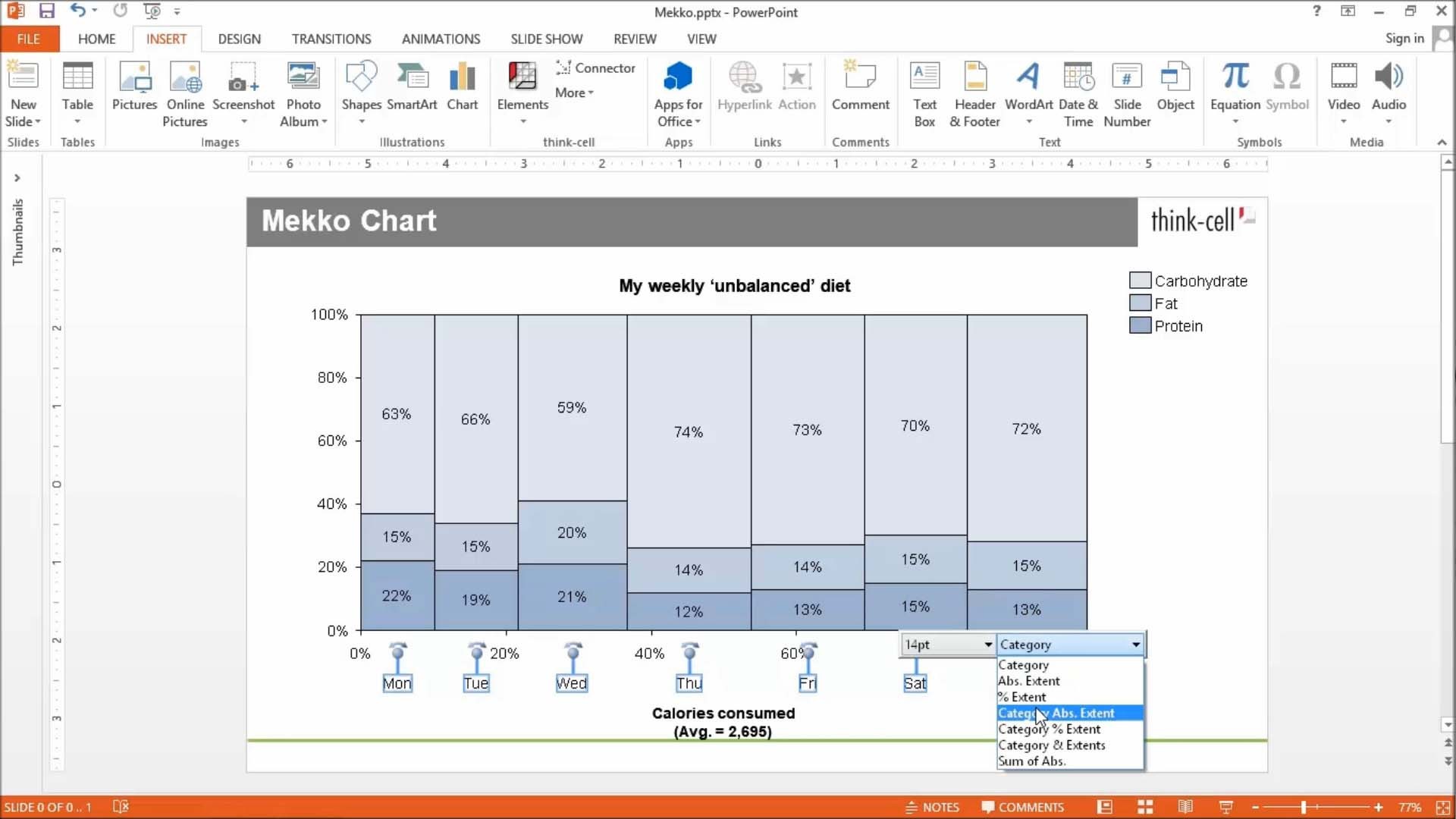
Build Mekko charts to show data in two dimensions, using column width for total category sizes and height for proportions.
- Choose from unit axis or percentage axis.
- Avoid manual workarounds as column widths are calculated automatically.
- Combine smaller segments to ‘Other’ to reduce noise.
Smart text boxes for professional layouts
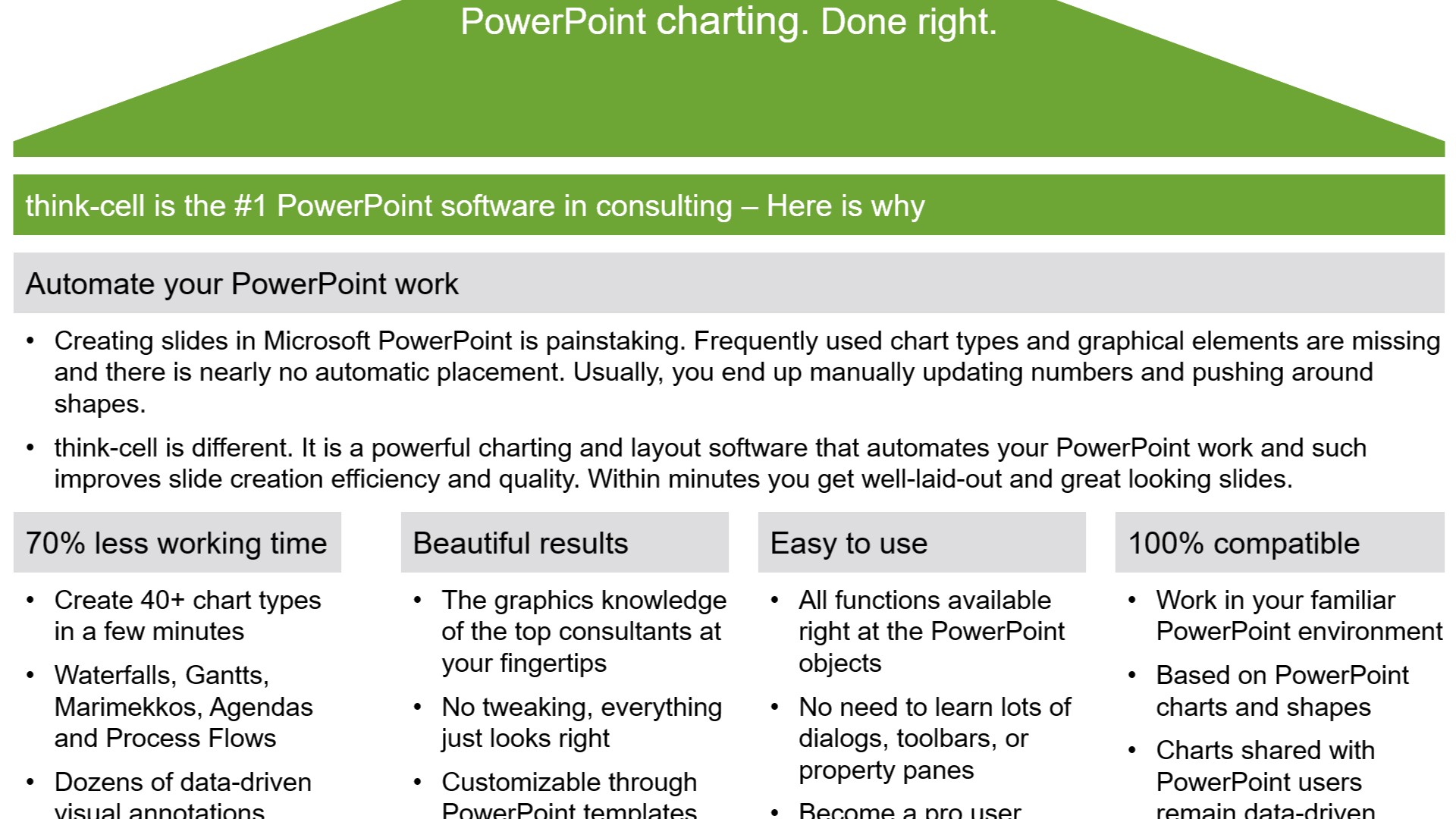
Use smart text boxes that automatically form optimized layouts so you can stop worrying about the size and alignment of your slide elements.
- Focus on writing content rather than arranging objects.
- Combine smart text boxes to quickly create tabular structures.
- Make edits and add elements without breaking your slide.
Data automation that gives you full control
Link any content from a cell in Excel to charts or any other object in your PowerPoint presentation.
- Choose between automatic and on-demand updates to stay in control and maintain full data consistency.
- Move, rename or email your Excel files and the links to your presentation will stay intact.
- Integrate data from other sources like Tableau or populate templates with think-cell’s API.
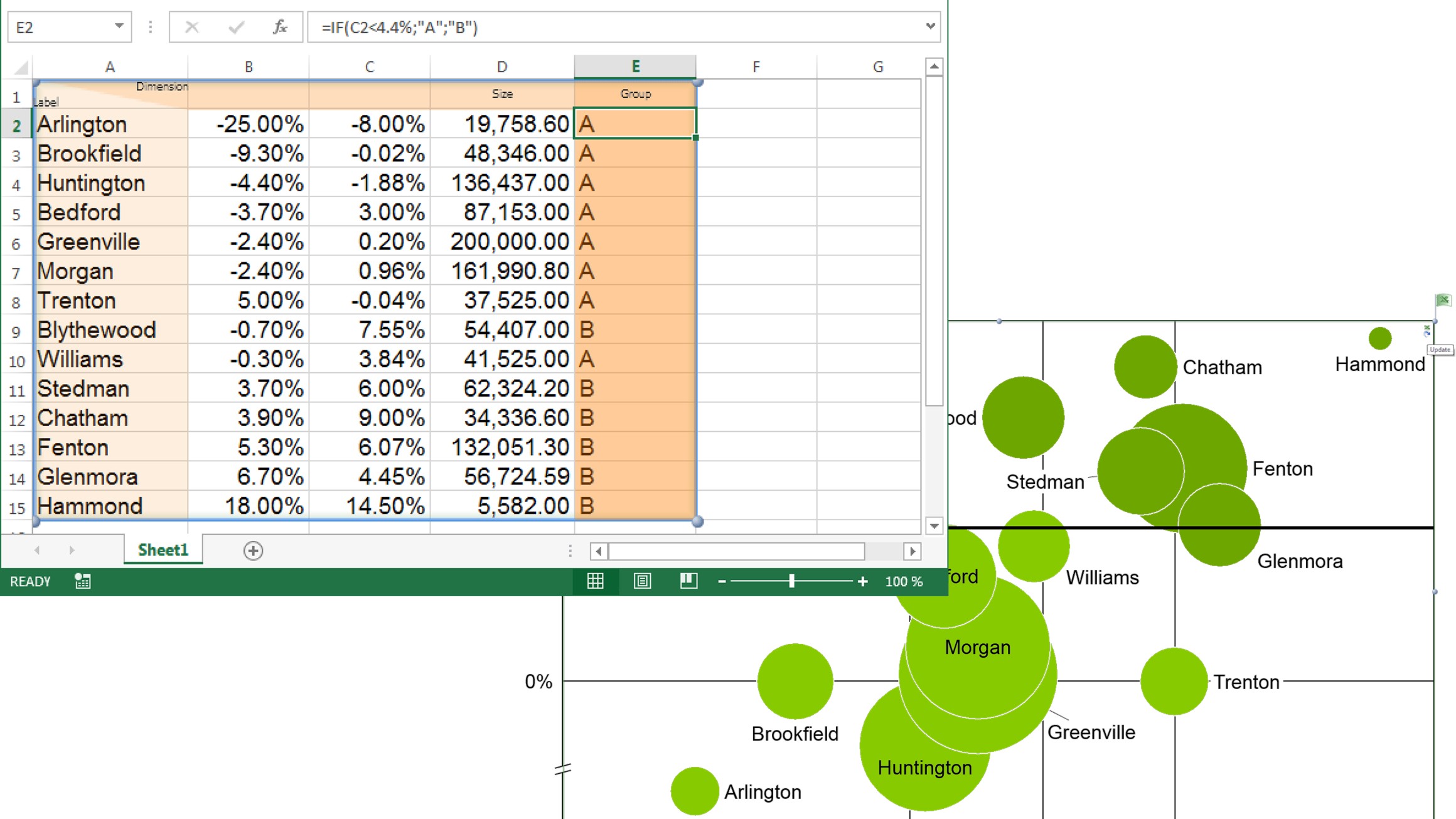
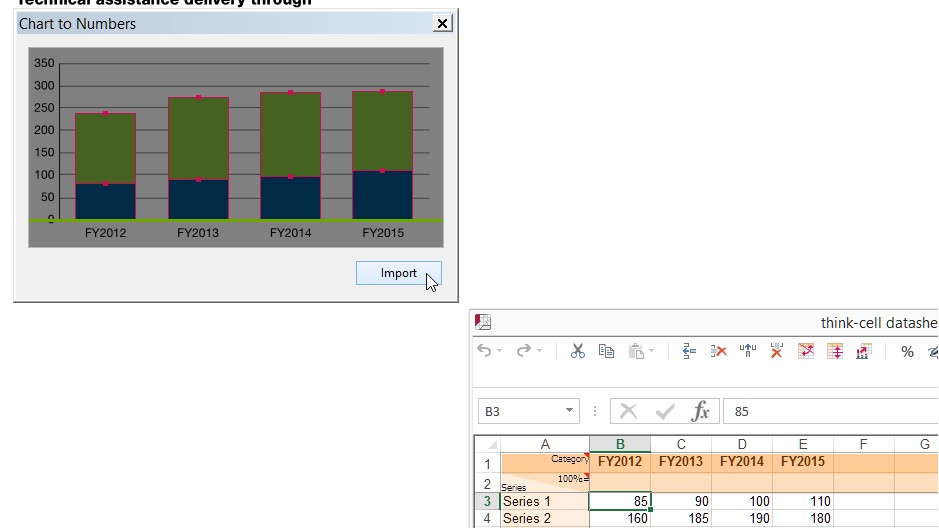
Chart scanner to pull data from images
Instantly convert flat images into fully-functional, data-driven think-cell charts.
- Take a column or bar chart from any source and replicate it in your presentation.
- Capture all chart values and category labels.
- Edit, annotate, and adjust styling as you can with any other think-cell chart.
Access all the presentation resources you need
The think-cell Library lets you add your favorite presentations, slides, templates, images and icons, putting everything right where you need it.
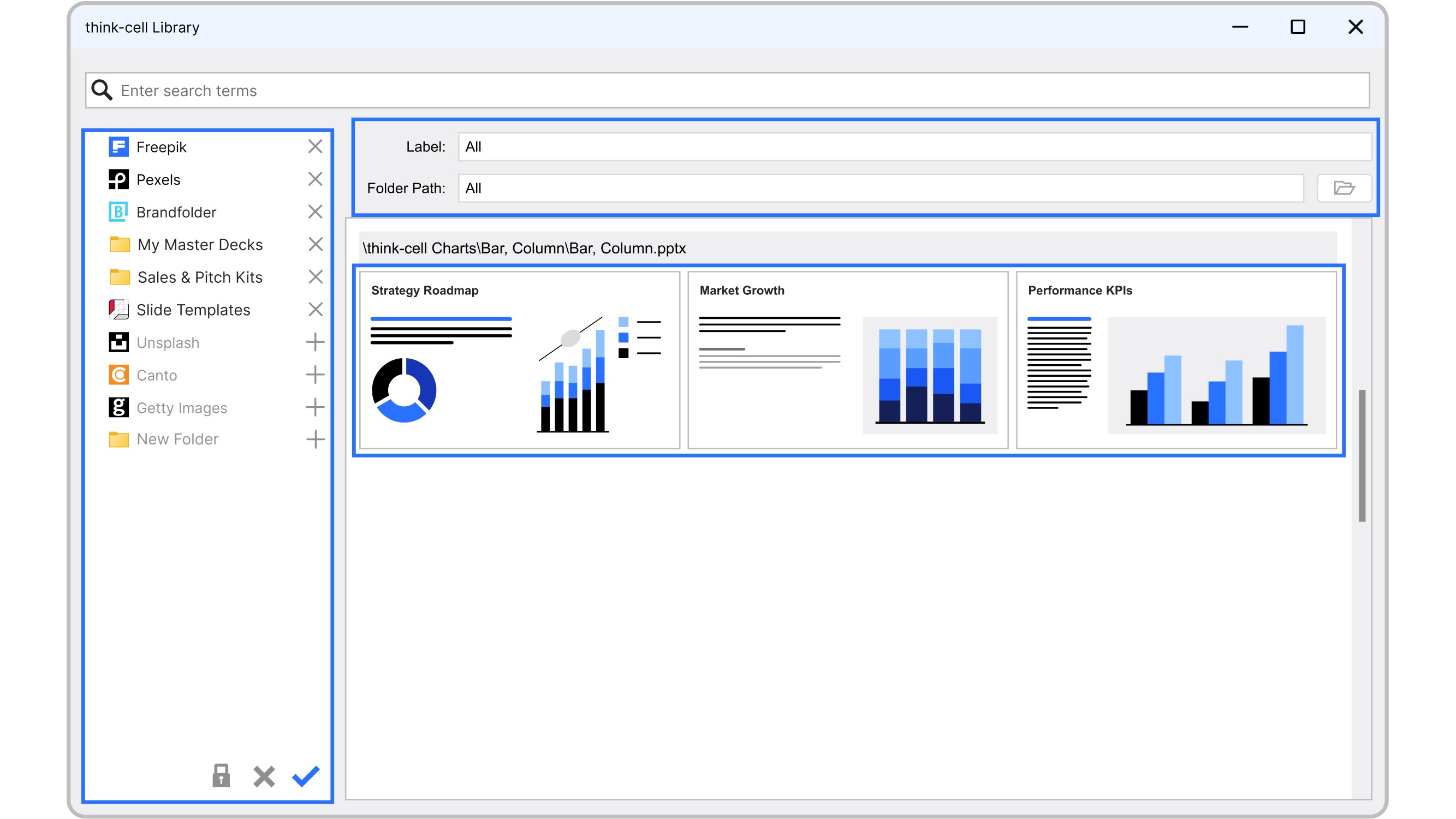
Templates and external databases are pre-installed. Customization is quick.
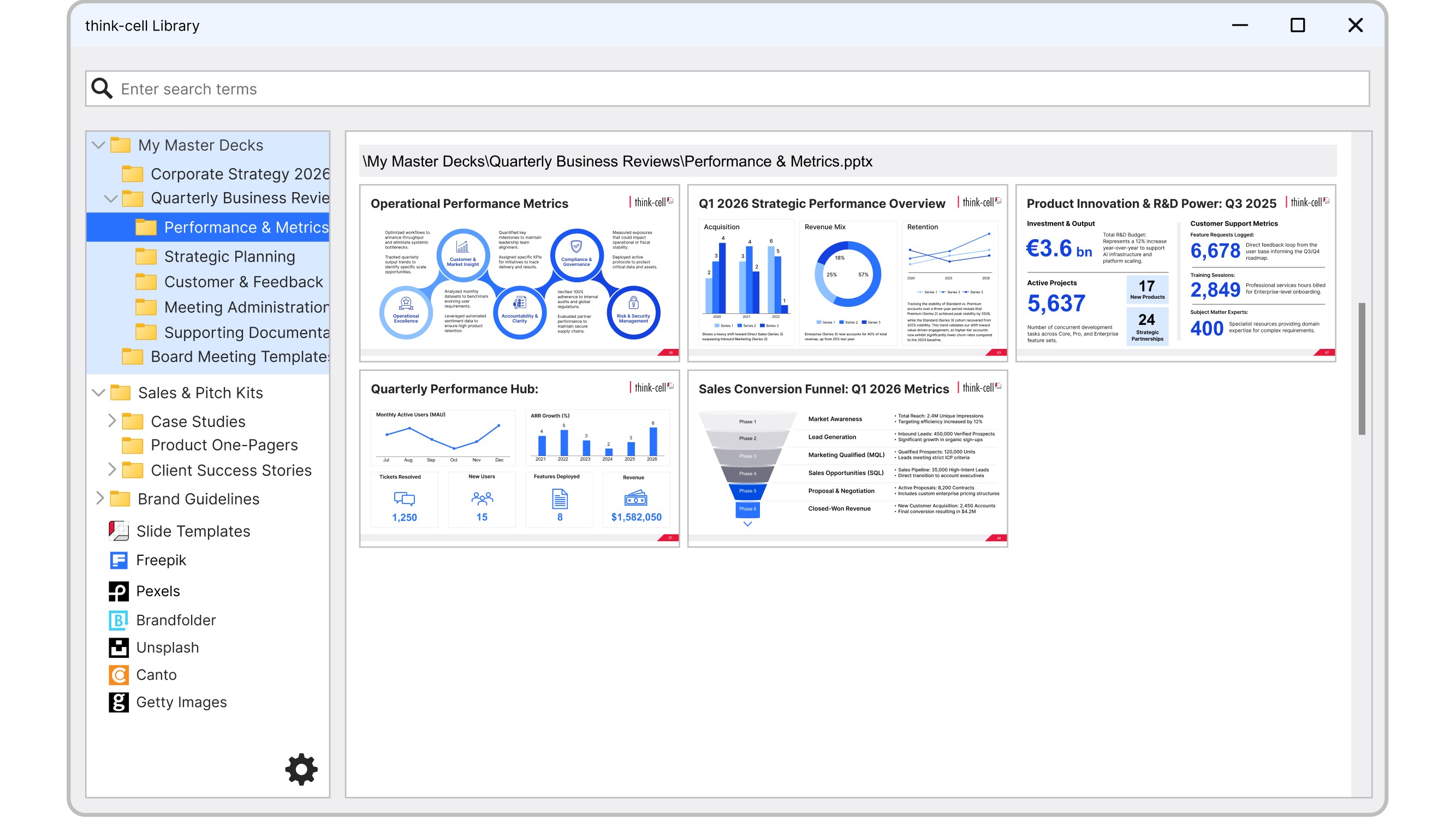
The library can connect to everything you can access on your computer or network.
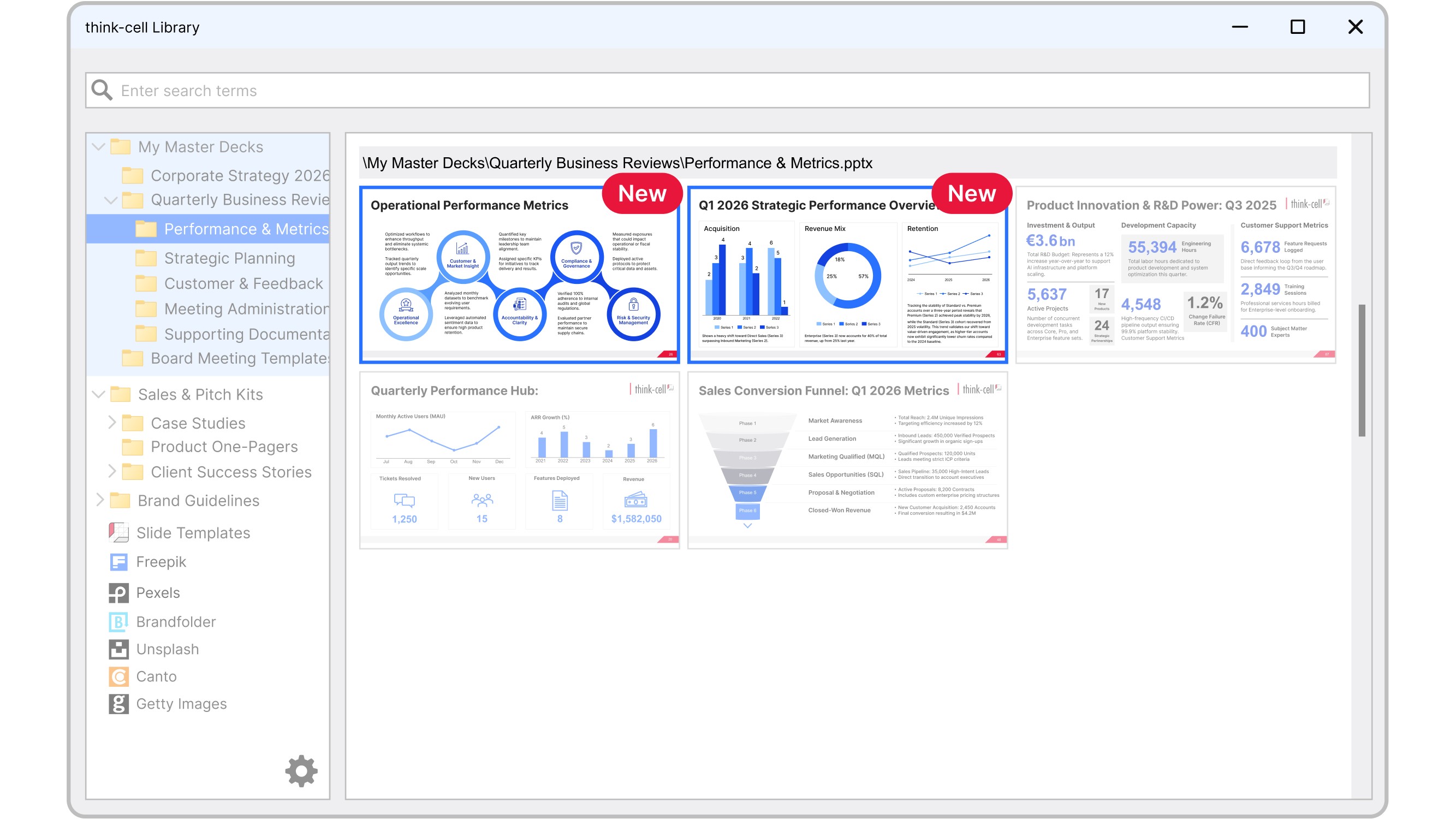
Your library refreshes automatically when a file is edited or added to a folder.
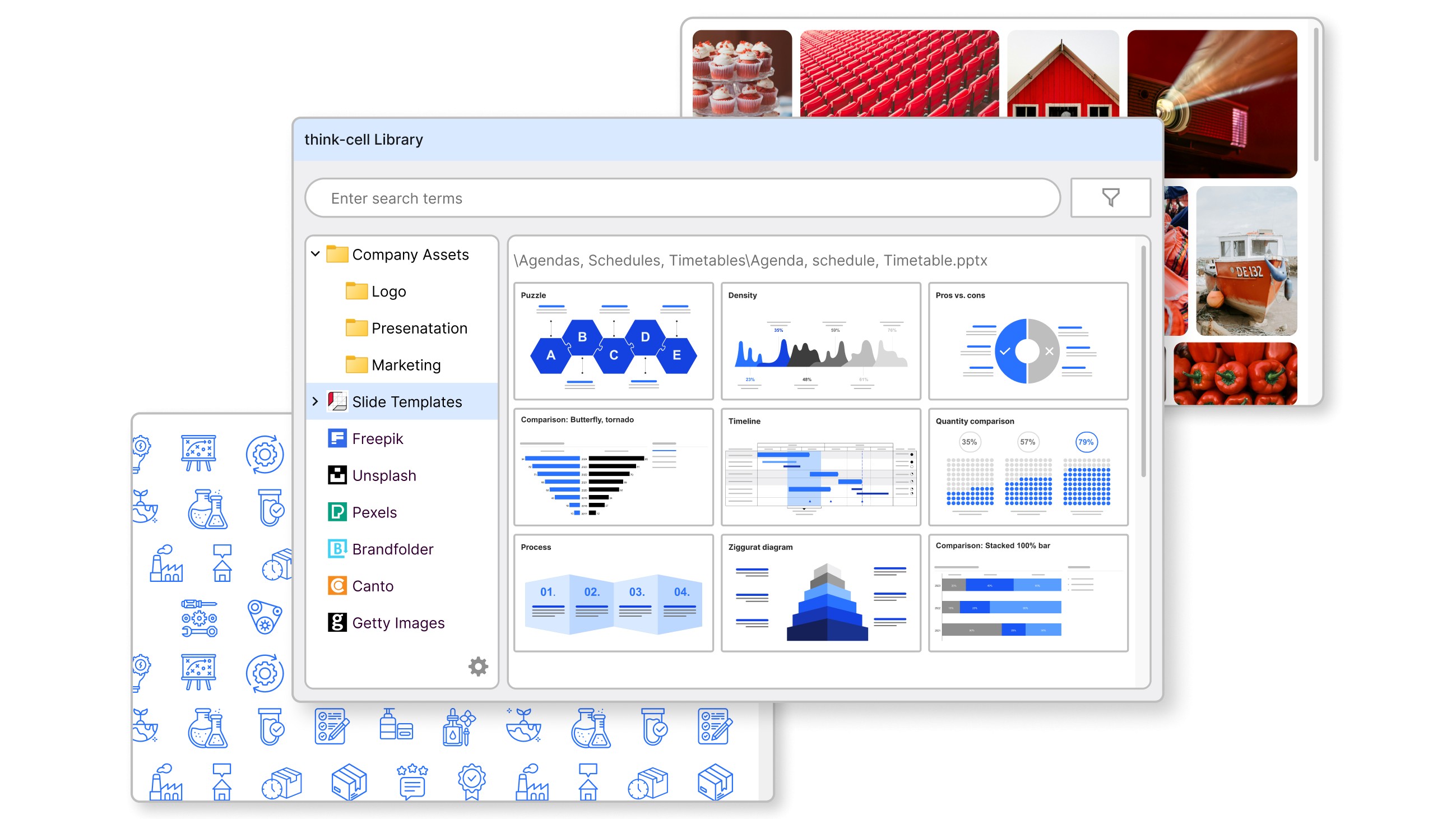
All PowerPoint-compatible files and standard image formats are included.
Free think-cell trial for Datasite users
- No credit card or payment details needed
- Unlimited access to all think-cell Suite features
- Automatically expires after 30 days, no cancellation necessary